
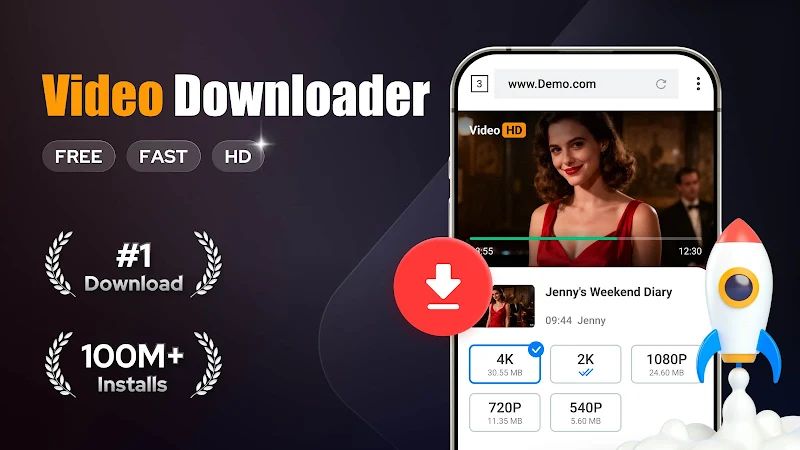
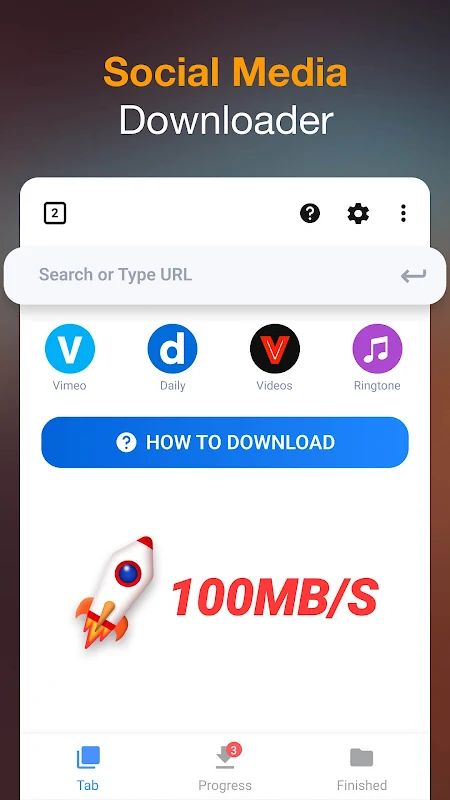
Video Downloader MOD APK is an Android app for saving videos, music, and other files from the internet to your phone. It has its own browser, so you can visit a website and let the app detect videos that are available to download. Once you find something you want to keep, just tap the download button and choose the file. You can also download several files at once, play saved videos offline, and keep downloads running in the background. If you often save online content to watch later, this app gives you a simple way to handle it all in one place.
Introduction to Video Downloader
The useful thing about Video Downloader is that you don’t need to open a separate browser and then switch to another app every time you want to save a video. You can browse websites directly inside the app, preview a video, and download it when you’re ready. It supports a range of formats, including MP4, M4V, MOV, AVI, MP3, M4A, PDF, TXT, and other document types. So, besides videos, you can also use it to save music, pictures, and files you may need later. The interface is straightforward, making it easy to find the main download tools without spending much time figuring things out.
Download Videos with One Tap
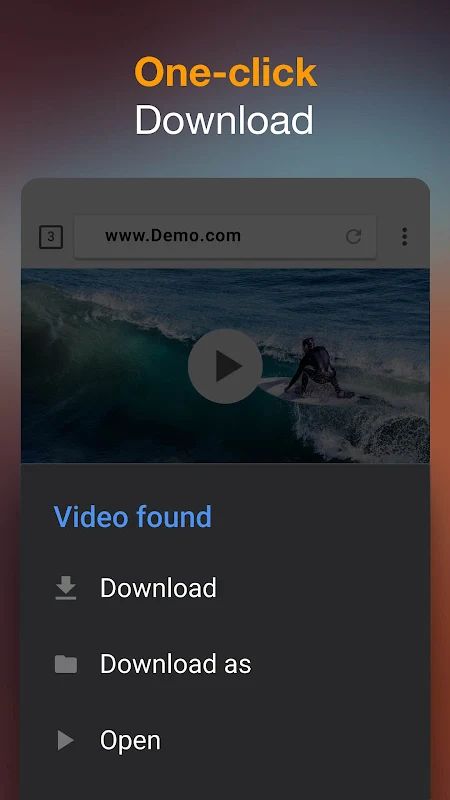
Downloading a video doesn’t take many steps. Open the built-in browser, visit the website you want, and wait for the app to detect available videos. You can then tap the download button and select the video you want to save. Before downloading, you can preview the content to make sure you’ve chosen the right file. The app also supports HD video downloads and large files, which is handy when you want to keep a longer video on your device. Once the download finishes, you can find the file on your phone and watch it whenever you like.
Manage Downloads Your Way
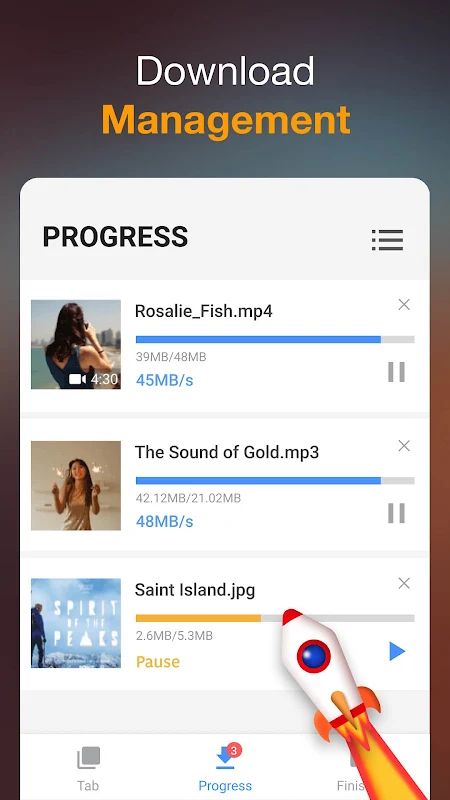
If you download files often, you’ll probably appreciate having more control over them. Video Downloader lets you pause a download, resume it later, or remove it if you no longer need the file. It can also download multiple files at the same time, and you can check their progress in the download bar. If a download fails or your internet connection drops, the app supports resuming failed downloads, so you may not have to start again from the beginning. Background downloading is another useful option because you can leave your files downloading while doing something else on your phone.
Watch Videos Offline and Save Different File Types
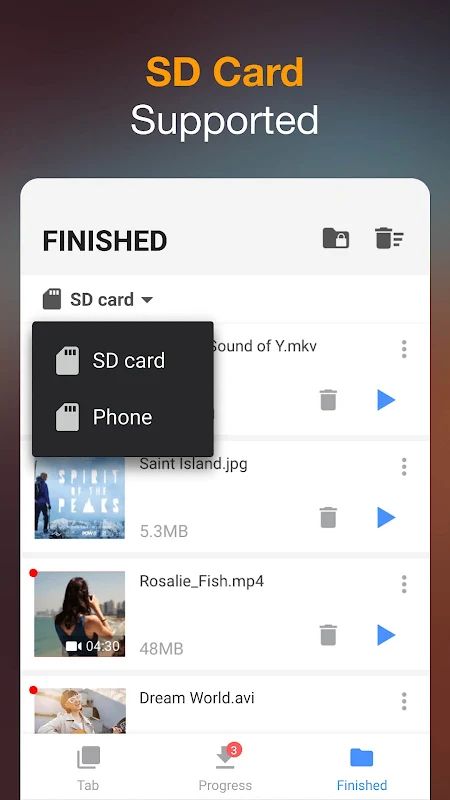
Once you’ve downloaded a video, you can play it with the built-in player without needing an internet connection. This is convenient when you’re travelling or somewhere with a weak connection and want to watch something you’ve already saved. The app can also download music and pictures, along with documents in supported formats. If your phone has an SD card, you can save downloads there instead of using all your internal storage. This gives you more flexibility when keeping larger videos or a collection of files on your device.
Protect Files and Bookmark Websites
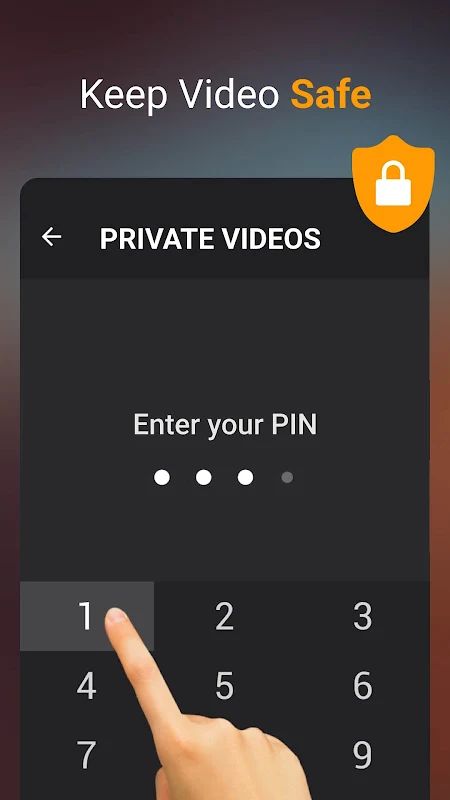
Not every downloaded file needs to sit alongside your other videos. Video Downloader includes a password-protected folder where you can keep selected files separate from your regular downloads. It also lets you bookmark websites, so you can return to pages you visit frequently without having to search for them again. These are simple additions, but they make the app more convenient if you use it regularly for browsing and saving online content.
MOD APK Version of Video Downloader
The Premium Unlocked version gives you access to the app’s premium features. You can browse websites, download supported videos and other files, manage your downloads, and watch saved videos offline. If you use Video Downloader regularly, the unlocked version lets you make use of its premium functionality while keeping your downloads organized in one place.
MOD Feature
Premium Unlocked
Download Video Downloader MOD APK for Android
If you often save online videos or music to your phone, Video Downloader is worth trying. Its built-in browser detects available videos, while the download manager lets you pause, resume, and manage several files at once. You can also play videos offline, save files to an SD card, and keep selected downloads in a password-protected folder. Download Video Downloader MOD APK for Android and use the Premium Unlocked features to make downloading and managing files more convenient.