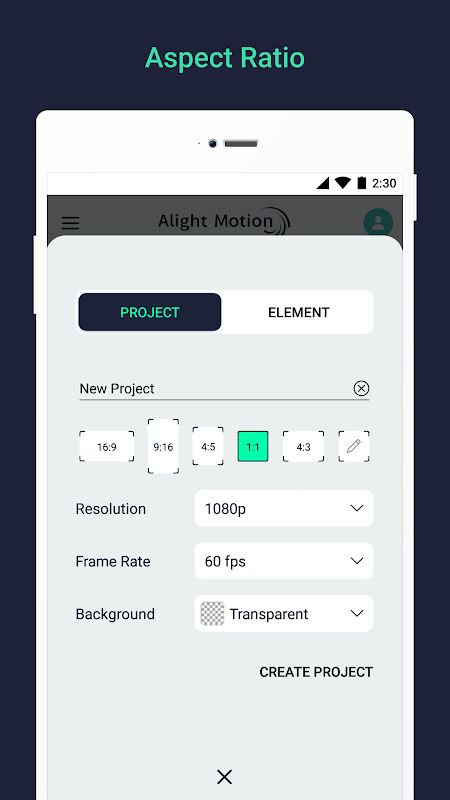
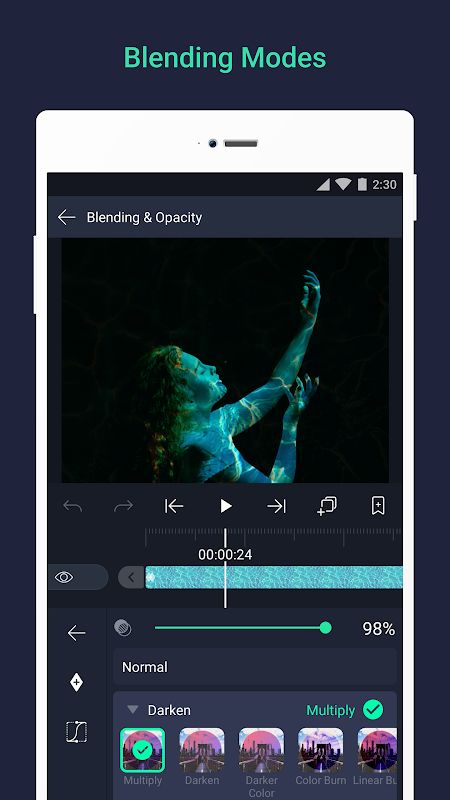
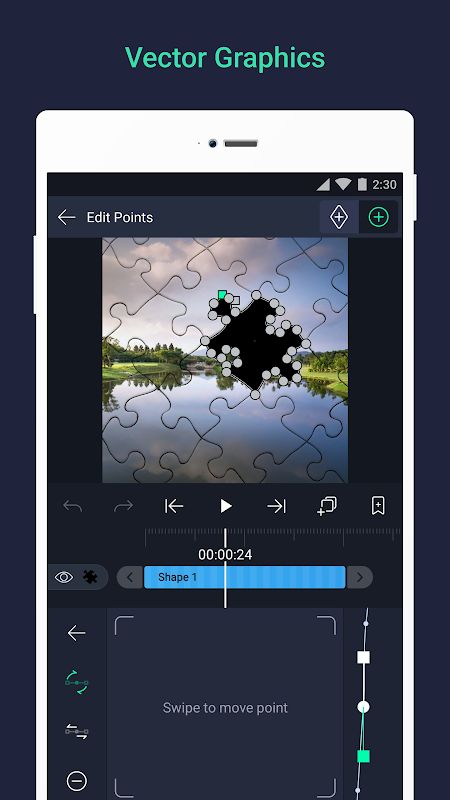
Alight Motion MOD APK is a professional motion design and video editing app that lets you create animations, motion graphics, visual effects, and video compositions directly on your phone. The app supports multiple layers of graphics, video, and audio, while tools such as keyframes, masks, cameras, color controls, motion blur, and animation easing give you much more control over the final result. You can also export videos, GIFs, PNG sequences, and still images, making Alight Motion suitable for many different types of creative projects.
Introduction to Alight Motion
Alight Motion focuses on combining video editing with motion graphics and animation tools. Instead of only cutting clips and adding simple filters, you can work with multiple layers and animate different settings to create more detailed results.
One of the main highlights is the layer-based workflow. You can add graphics, videos, and audio to the same project, then arrange them independently. Vector and bitmap graphics are both supported, and vector elements can be edited directly on your phone.
The app also supports parent and child layers, which can be used to connect objects together and rig character joints. This gives you more control when creating animations where several parts need to move together.
Keyframe Animation and Motion Effects
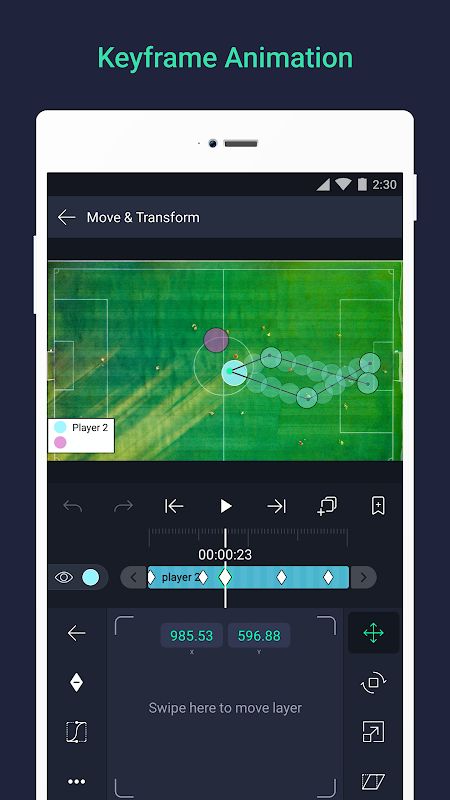
Keyframe animation is available for all settings, so you can create movement by changing properties throughout the timeline. This can be used for position, scale, rotation, color, and many other adjustments depending on the project.
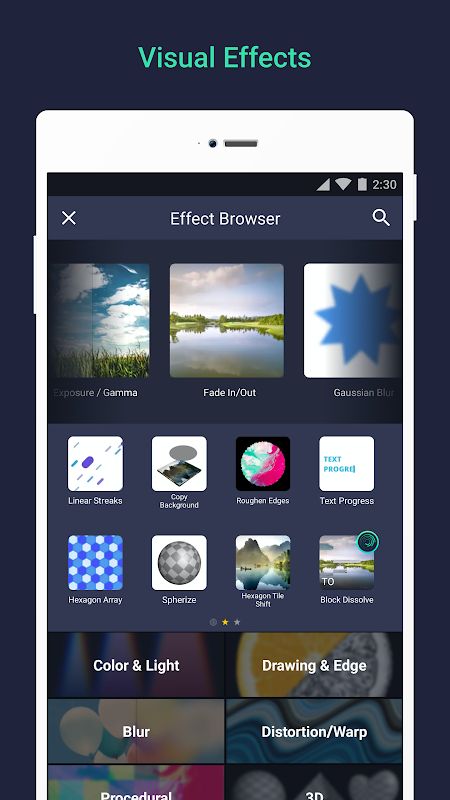
Alight Motion also provides more than 160 basic effect building blocks that can be combined to create more advanced visual effects. Instead of using one fixed effect, you can combine different elements and adjust them to achieve the style you want.
Animation easing makes movement smoother by changing how an animation accelerates and slows down. You can choose from existing presets or create your own timing curves when the default options are not enough.
The more carefully you adjust keyframes and easing, the more natural the movement can become. This is especially useful for motion graphics, character animation, and other projects where timing is important.
Cameras, Masks, and Color Controls
Alight Motion includes virtual camera tools that can pan and zoom around your composition. The cameras also support effects such as focus blur and fog, giving you more ways to create depth and movement inside a project.
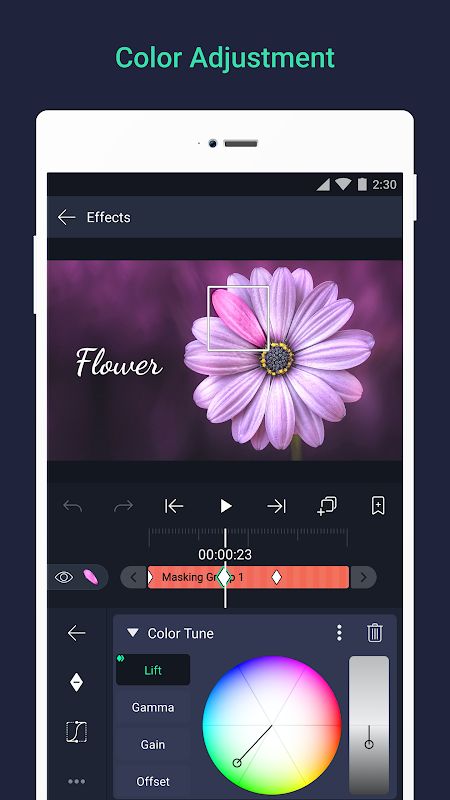
Layers can be grouped together, while masks allow you to control which parts of a layer remain visible. This makes it easier to create more complex compositions without permanently changing the original elements.
Color controls are also available for adjusting the appearance of your project. You can change colors, use solid or gradient fills, and add effects to borders, shadows, and strokes.
Another useful feature is motion blur based on velocity. When objects move quickly, the effect can make the animation look smoother and more natural instead of appearing too sharp between frames.
Text, Reusable Elements, and Project Sharing
Alight Motion provides custom font support for adding text to videos and motion graphics. You can also copy and paste complete layers or only their styles, making it easier to reuse the same design across different parts of a project.
Bookmarks can be added to the timeline to help you remember important positions while editing. Favorite elements can also be saved for later use, which is useful when you repeatedly use the same graphics or design components.
The app supports project package sharing as well. You can save your work as a project package and share it with other people, allowing them to continue working with the project instead of receiving only the final exported video.
The more projects you create, the more useful these reusable elements become. You can keep favorite assets, styles, and editing components ready for future work instead of rebuilding everything from the beginning.
Export Your Creative Projects
When the editing is finished, Alight Motion provides several export options. You can export an MP4 video, GIF animation, PNG sequence, or individual still images depending on what you need.
The free version includes basic features but places a watermark on exported videos. Paid membership removes the watermark and provides access to an updated collection of premium effects and features.
Alight Motion requires at least 1.5GB of RAM to install and run effectively. Because the app can handle multiple layers, animations, and visual effects, the available hardware can have an effect on how smoothly larger projects work.
MOD APK Version of Alight Motion
MOD Feature
Premium Unlocked
Download Alight Motion MOD APK for Android
Alight Motion is a powerful motion design and video editing application that combines animation, visual effects, compositing, and layer-based editing in one place. You can work with graphics, video, and audio layers, use vector and bitmap elements, create keyframe animations, build masks, control virtual cameras, adjust colors, add motion blur, and combine more than 160 effect building blocks. The app also supports custom fonts, reusable elements, project packages, and exports in MP4, GIF, PNG sequence, and still image formats. Premium removes the watermark and unlocks premium effects and features. Download Alight Motion MOD APK for Android and create detailed animations, motion graphics, and edited videos directly on your device.