Watching movies and enjoying entertainment programs have become indispensable parts of daily life. With the convenience of smartphones, users no longer need to wait for their favorite programs on TV. You can watch movies and videos whenever you have free time, as long as they are available on your device. However, to enjoy these videos comfortably, you also need a good media player with useful playback controls and subtitle support.
If you are looking for an application that helps you play different video files and adjust the viewing experience to your needs, MX Player is worth trying. It comes with hardware acceleration, multi-core decoding, subtitle gestures, and other useful features. The Premium Unlocked version also gives you access to premium features.
Introduction to MX Player
What is MX Player?
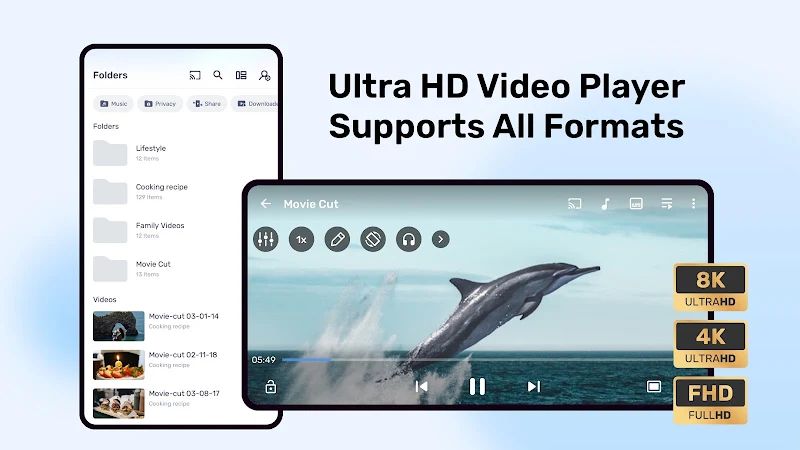
MX Player is a video and music player for Android devices. Basically, it allows you to open and play media files stored on your phone. You can watch your favorite movies, TV shows, and other videos without needing to use a different player for each file. It also supports external subtitles, which means you can download subtitle files separately and load them into the application.
One of the plus points of MX Player is that it provides many options for adjusting videos during playback. Sometimes a video does not play smoothly, or the subtitles are too small to read. With this application, you can change the decoder, adjust the subtitle size, and move the text to another position. These features are quite useful when you watch different kinds of video files on your phone.
Hardware acceleration decoder
Equipped with HW+, HW, and SW decoders, MX Player provides several ways to handle video playback. The HW+ decoder can use hardware acceleration on supported devices, helping the phone process compatible videos more efficiently. As a result, some videos may play more smoothly, although the actual performance also depends on your device and the video format.
If you encounter problems such as jerky playback or sound that does not work properly, you can try another decoder. Different files may work better with different settings, so choosing the appropriate decoder can help improve your viewing experience.
Equipped with multi-core decoding
Nowadays, most smartphones have multiple processor cores to handle different tasks. MX Player takes advantage of this through multi-core decoding, allowing the application to use multiple cores when processing video files.
This feature can improve performance on supported devices, especially when playing files that require more processing power. However, the difference depends on your phone and the video you are watching. For videos that already play smoothly, you may not notice much change, but having this option is still useful when you need it.
Zoom and pan controls
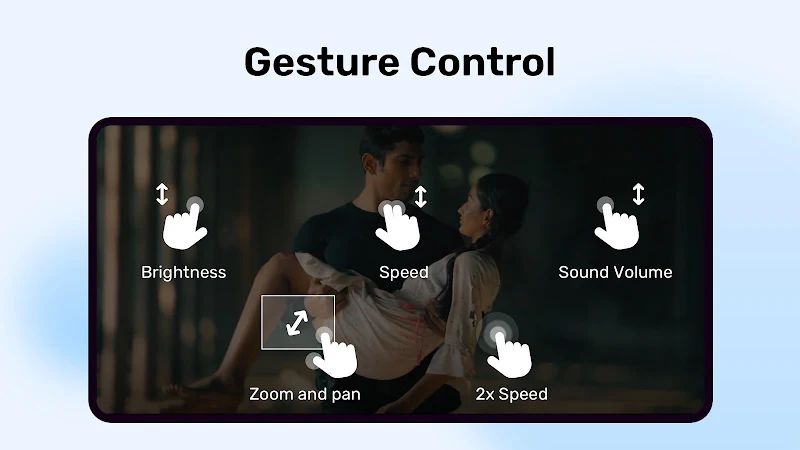
One of the convenient features of MX Player is the ability to adjust the picture directly on the screen. You can pinch to zoom in or out, then swipe across the picture to move around after zooming in. This is useful when you want to see a particular part of a video more clearly or change the way it fits your phone screen.
You do not need to leave the player to make these adjustments. Just use your fingers to change the view while the video is playing. However, if you zoom in too much, some parts of the picture may disappear from the screen.
A child lock feature
If you are worried about giving your phone to your children to watch cartoons, MX Player has a Kids Lock feature to help prevent accidental touches. Children sometimes press the screen while watching and end up closing the video or opening another application.
You just need to enable the lock before letting them use the phone. This helps keep the video playing without unwanted interruptions. It is a simple feature, but it can be quite useful for parents who often let their children watch videos on a smartphone.
Subtitles
MX Player supports many subtitle formats, including SRT, SSA/ASS, SMI, SUB, and VTT. You can download an external subtitle file for your favorite movie and load it into the player. This allows you to watch movies in other languages without having to find a version with subtitles already included.
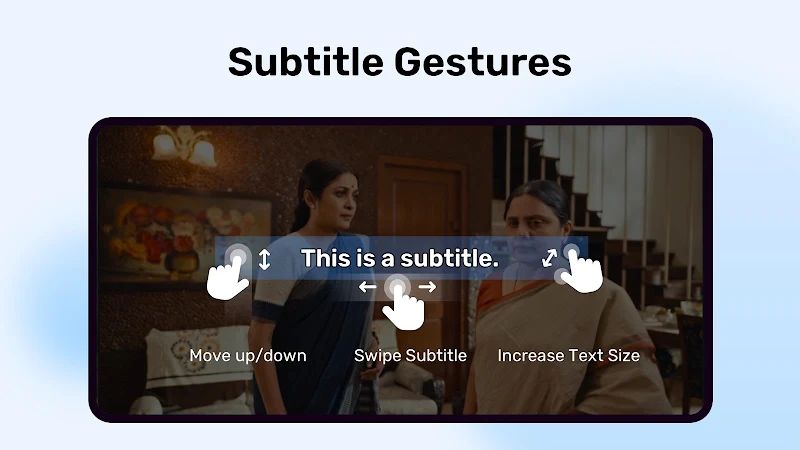
In addition, you can resize the subtitles and move them up or down on the screen. If the text is too small or covers an important part of the picture, you can adjust it to make watching more comfortable. The subtitle gestures also let you change the text position and size without repeatedly opening the settings menu.
Privacy Folder
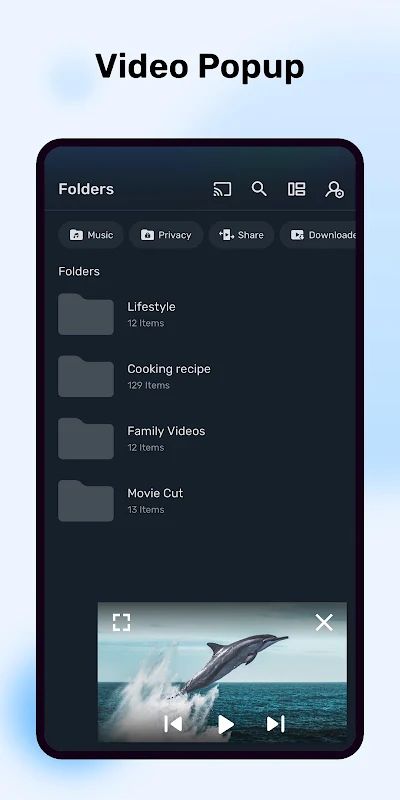
MX Player also provides a Privacy Folder for users who want to hide selected videos from their regular media list. Instead of having all your videos appear together, you can keep certain files separate from the movies and clips you normally watch.
This feature is useful if you sometimes share your phone with other people and do not want personal videos showing up in the usual list. However, hiding videos in the application does not replace the security features of your device, so you should still protect your phone if the files are sensitive.
MOD APK Version of MX Player
MOD Features
Gold/Vip Unlocked, AC3/DTS
Download MX Player MOD APK for Android
With its different decoding options, subtitle support, and convenient playback controls, MX Player provides many useful features for watching videos on Android. You can adjust the picture, load external subtitles, and change playback settings when necessary. The Kids Lock and Privacy Folder are also helpful additions for everyday use. Download MX Player MOD APK for Android to try the Premium Unlocked version.