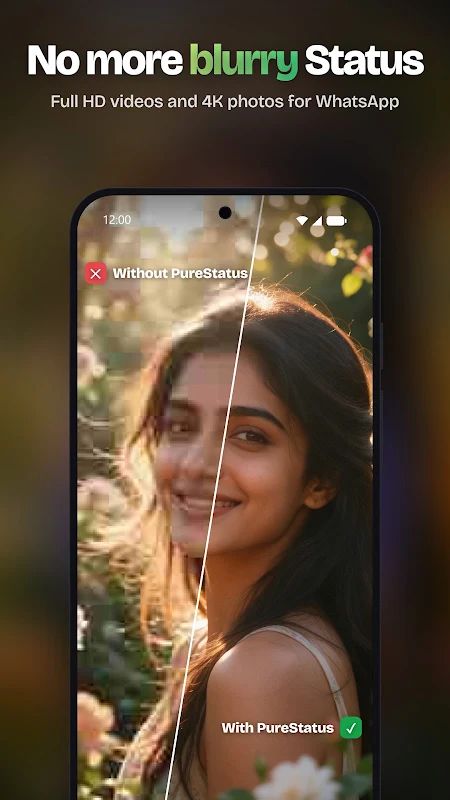
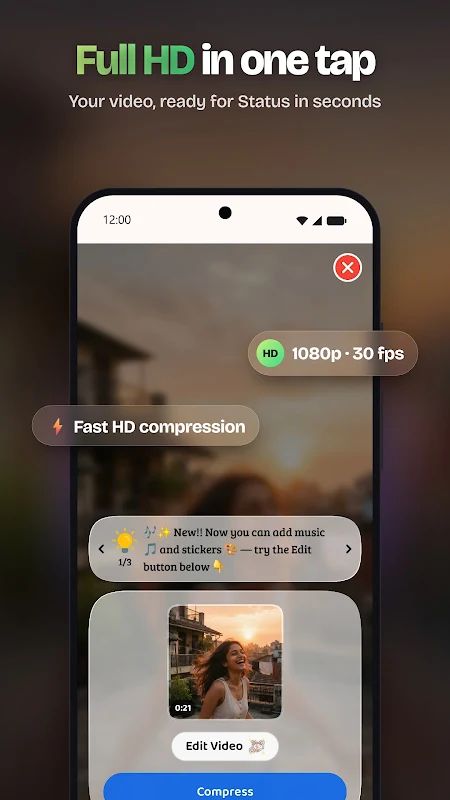
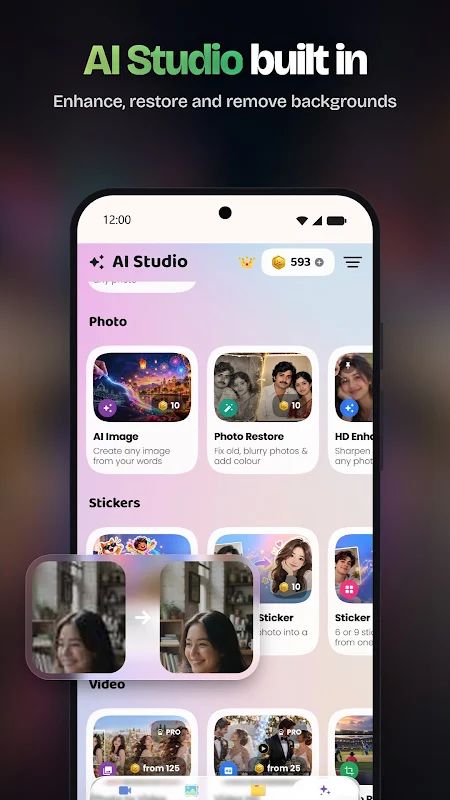
PureStatus MOD APK is an app that helps you share clearer photos and videos on WhatsApp Status. WhatsApp can compress media when you upload it, which may make your original HD photos and videos look blurry. PureStatus reduces the file size before you share your content, helping preserve its original quality as much as possible. It also includes a video editor, a status splitter, text and sticker tools, and background music, so you can prepare your status without switching between different apps.
Introduction to PureStatus
Using PureStatus is quite simple. You just need to open the app, select a video or photo, compress it, and share it to WhatsApp Status. The app is designed to reduce file size before uploading rather than trying to improve a video that is already blurry. For this reason, it is best to start with an original photo or video that already has good quality.
The app is especially useful if you often share HD videos but do not want them to look noticeably worse after uploading. However, PureStatus does not upscale or enhance the original quality of your media. It aims to preserve as much detail as possible during preparation, so the final result can still depend on the original file and WhatsApp’s own processing.
Compress Videos and Photos for WhatsApp Status
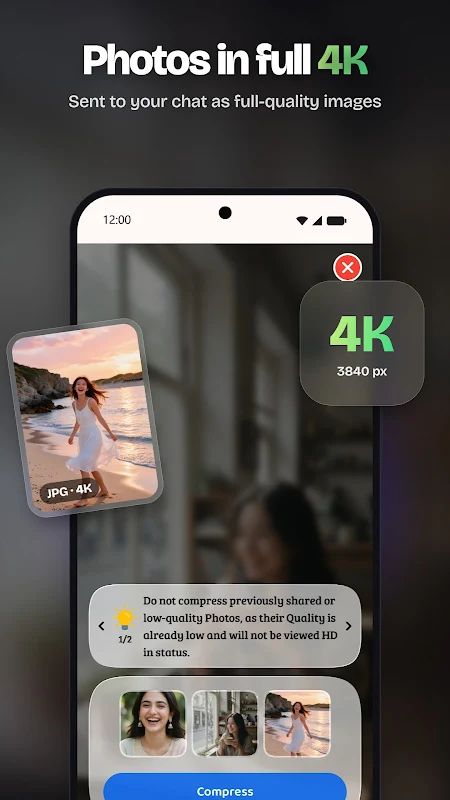
PureStatus includes an HD video compressor that reduces video file size before you upload it to WhatsApp Status. This helps you prepare your clips for sharing while trying to keep them sharp and clear. The photo function is designed for HD status uploads as well, allowing you to prepare photos without relying on the usual upload process alone.
For the best results, use original HD files instead of videos that have already been compressed or shared several times. You should also avoid editing or cropping a video again after compression, since doing so may affect its quality. Vertical photos and videos are recommended because they fit the phone screen better when people view your status.
Split Long Videos into Status Parts
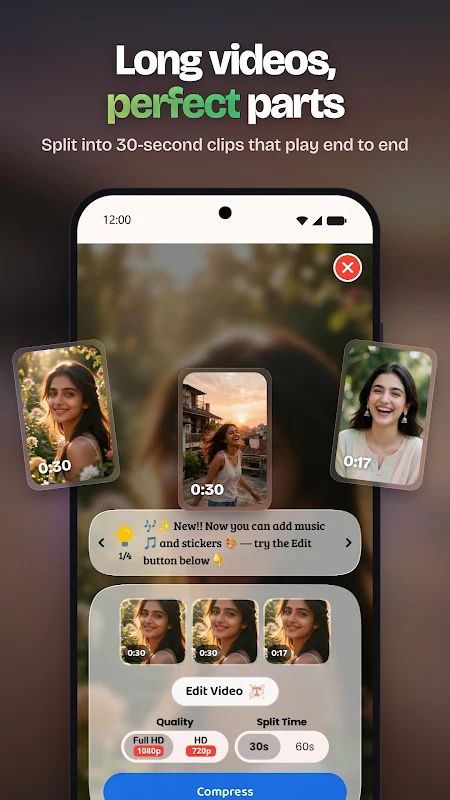
WhatsApp Status has a limit on the length of each video segment, so sharing a longer clip can require you to divide it into smaller parts. PureStatus includes a Video Status Splitter that automatically splits long videos into 30-second sections. This saves you from having to cut the video manually and makes it easier to share the complete clip through several status updates.
Keep in mind that this feature is intended for status uploads. If you use the splitter for videos sent in WhatsApp chats, the result will also be divided into separate 30-second parts rather than one continuous video.
Edit Videos with Text, Stickers, and Music
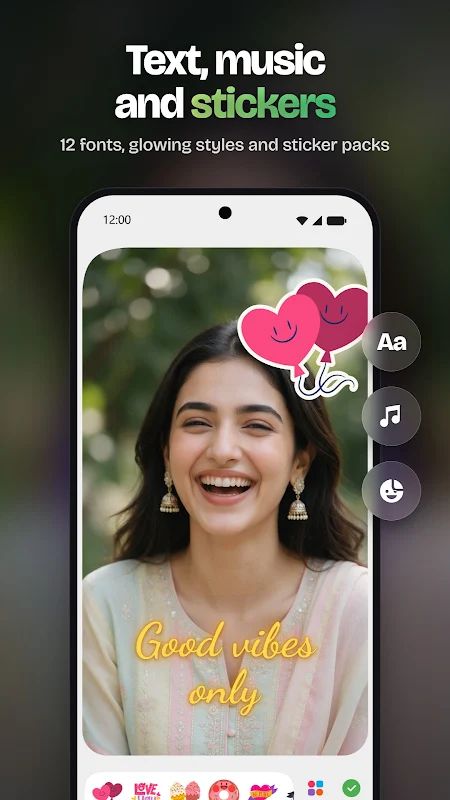
PureStatus also works as a basic video editor. You can add text overlays using 12 fonts, bold templates, neon glow, borders, and shadow effects. These options help you highlight a message or add captions to your video before sharing it. If you want to decorate your content, you can place stickers on the video and use alignment guides to position them more neatly.
The trimming tool lets you cut away unwanted parts and keep only the section you want to post. You can also add background music from the app’s library or your own files. Another option is to extract audio from an existing video and use it in your edit. With these tools, you can prepare a status that fits your preferred style before compressing and sharing it.
Get Help with the AI Support Assistant
If you have trouble using a feature or need help with a problem, PureStatus includes a built-in AI support assistant. It can guide you through the app, answer questions, and help troubleshoot common issues. The app also provides a way to connect with human support when further assistance is needed.
PureStatus is available in 60 languages, including English, Hindi, Spanish, French, German, Japanese, Korean, and Chinese. This makes the interface more accessible to users who prefer using an app in their own language.
MOD APK Version of PureStatus
The Premium Unlocked version provides access to the app’s premium features. According to the app description, the premium version removes watermarks, allowing you to share your edited content without an added watermark. This is useful when you want your status to keep its original appearance after editing.
MOD Feature
Premium Unlocked
The Premium Unlocked feature gives you access to premium functionality, including watermark-free exports as described by the app. You can edit your videos, add text and music, compress your media, and prepare content for WhatsApp Status without an unwanted watermark appearing on your finished work.
Download PureStatus MOD APK for Android
If you often share photos and videos on WhatsApp Status, PureStatus gives you a simple way to compress media, split longer clips, and make basic edits before uploading. You can add text, stickers, and music, then prepare your content for sharing in just a few steps. The Premium Unlocked version is intended for users who want access to premium features such as watermark-free exports. Before installing a modified APK, choose a source you trust and remember that unofficial versions may pose security risks or may not work exactly as expected.