

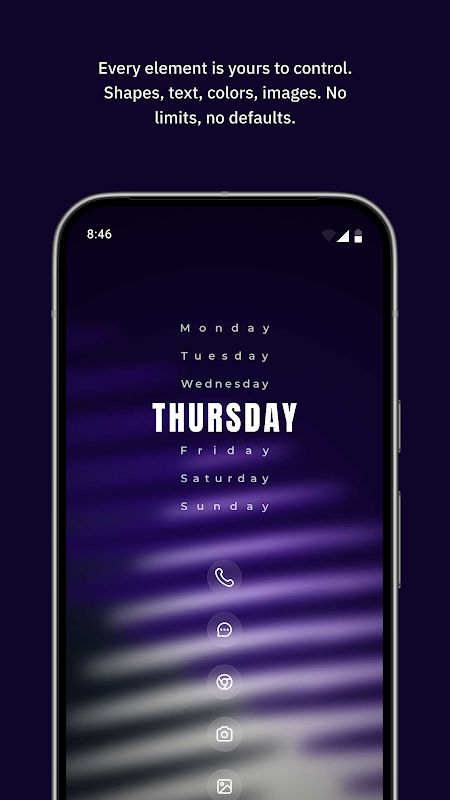
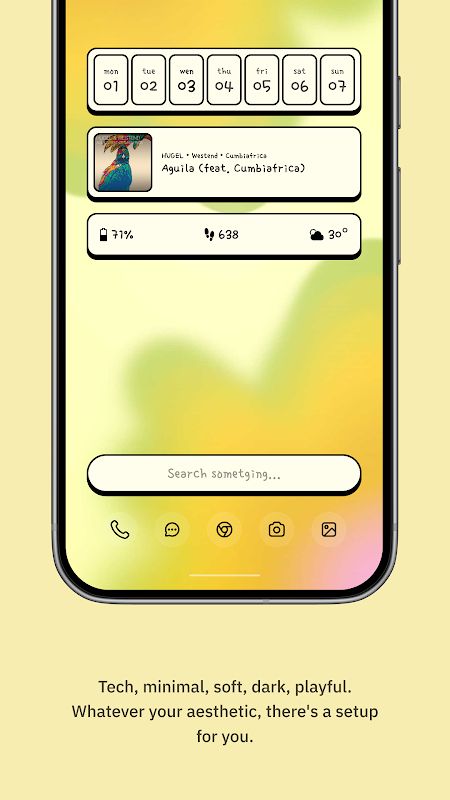
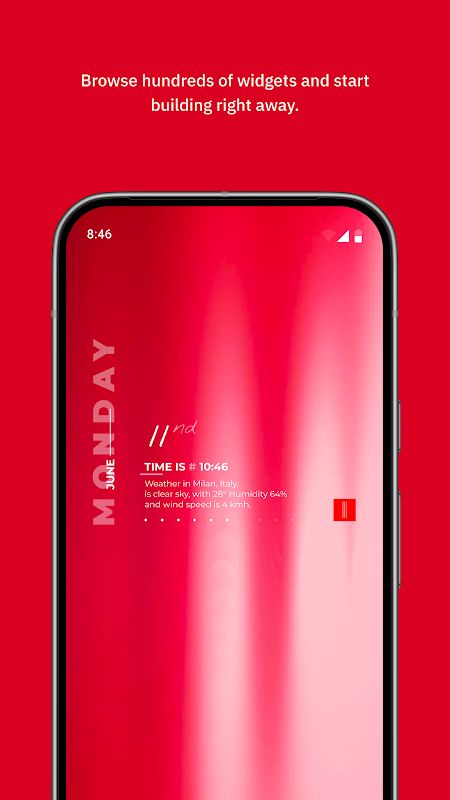
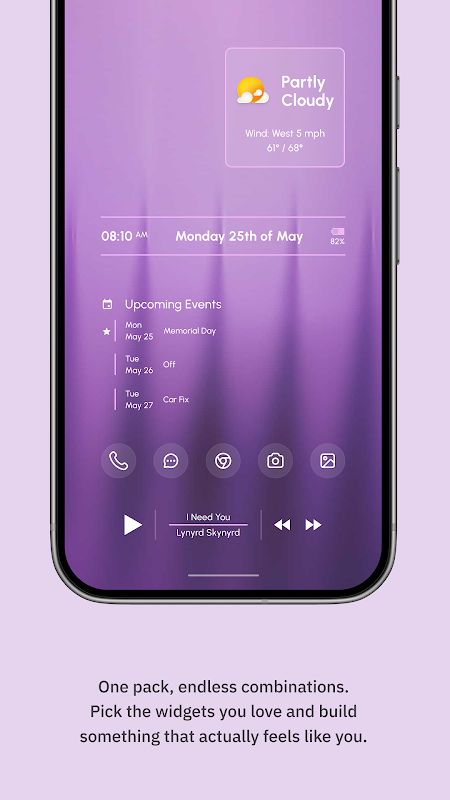
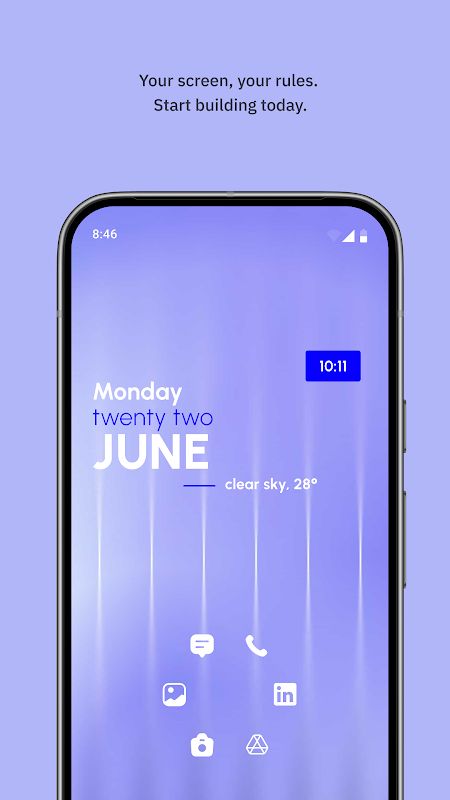
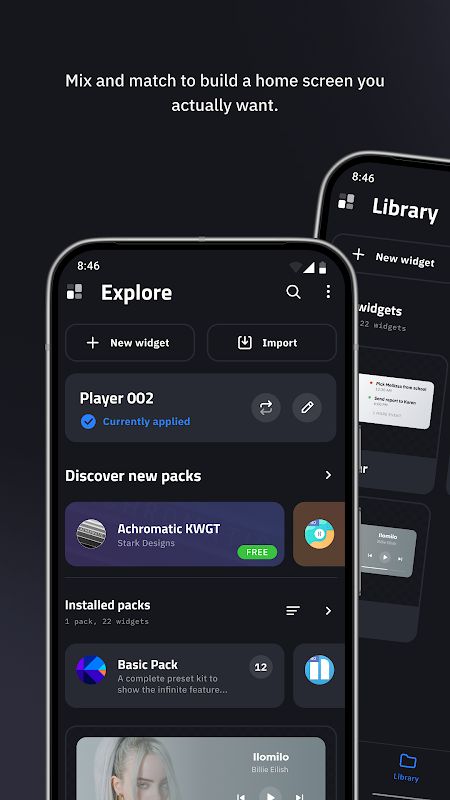
KWGT Kustom Widget Maker MOD APK lets you design your own Android widgets instead of relying on the ones that come with your phone. You can make clocks, weather displays, music players, photo widgets, battery monitors, and much more. The editor gives you control over fonts, colors, images, shapes, and layouts, so you can make a widget that matches your wallpaper or shows exactly the information you need. If you enjoy customizing your phone, there’s a lot to play with here.
Introduction to KWGT Kustom Widget Maker
Some widget apps only let you choose from a few ready-made designs. KWGT is different because you can build your own. Start with a blank widget or use a starter design, then change the elements until you’re happy with the result.
You don’t have to make something complicated, either. A simple clock with a date and battery percentage is a good place to start. Later, you can try adding weather information, music details, or other things you want to see on your home screen. It may take a little time to get used to the editor, but you have much more freedom than you would with a fixed collection of widgets.
Create Widgets Your Way
The editor is where you’ll spend most of your time in KWGT. You can add text, change fonts and sizes, pick colors, and use shadows or 3D effects. There are also shapes such as circles, rectangles, and triangles, along with support for your own PNG, JPG, WEBP, and SVG images.
You can place these elements wherever you want and layer them to create a particular look. For example, you could make a large digital clock, put the date underneath it, and add a small battery indicator in the corner. If you prefer something more visual, use images and shapes to build a design around your wallpaper. You decide how the final widget looks.
Make Your Own Clocks, Weather Widgets, and Music Players
KWGT can be used for all kinds of widgets. You can create digital or analog clocks, world clocks, weather displays, and designs that show sunrise or sunset times. If you prefer to see your phone’s status at a glance, you can build battery, memory, and CPU monitors too.
Music widgets are another useful option. You can display the current song title, album name, and cover art as part of your own layout. Photo widgets work in a similar way, letting you create a gallery or a simple image display that fits the rest of your home screen.
The advantage is that you don’t need to use a different widget app for every purpose. You can build several different designs in KWGT and make them look like they belong together.
Add Touch Actions and Dynamic Information
Your widgets don’t have to be static displays. KWGT lets you add touch actions that can open apps, toggle settings, or trigger other actions. This means you can create a widget that not only shows information but also gives you a way to interact with your phone.
There are more advanced tools as well, including functions, conditional logic, and global variables. These can make a widget change depending on certain information or conditions. You can also work with live data from sources such as HTTP downloads, RSS feeds, and XML. You probably won’t need all of this for a basic clock, but it’s useful when you want to build something more complex.
Track Health and Fitness Information
KWGT can also display health and fitness information through Health Connect. You can create widgets showing your daily steps, distance traveled, floors climbed, and elevation. It can also display active calories, total calories, sleep duration, and workout information when the relevant data is available.
For example, you could put your step count and calories on your home screen so you can check them without opening a separate fitness app. Health Connect provides the data used for these features, and KWGT processes that information locally on your device. The available information depends on the data shared with Health Connect.
Use Presets and Tasker Integration
You don’t always have to start with an empty canvas. KWGT includes starter designs that you can use as a base and then change to suit your preferences. This saves time if you like a particular layout but want different colors, fonts, or information.
For more advanced customization, KWGT also supports Tasker integration. You can use Tasker to load presets or change variables automatically, making it possible to set up widgets that behave differently depending on your routines. It’s a useful feature for people who already enjoy automating tasks on their Android phones.
MOD APK Version of KWGT Kustom Widget Maker
KWGT Kustom Widget Maker MOD APK comes with Pro Unlocked, giving you access to the app’s paid features. You can remove ads, import presets from your SD card or external skins, and recover presets. This makes it easier to work with custom widget designs and use presets you’ve collected instead of having to create everything from scratch.
MOD Features
Pro Unlocked
Download KWGT Kustom Widget Maker MOD APK for Android
KWGT Kustom Widget Maker MOD APK is worth trying if the standard widgets on your phone feel too limited. You can build your own clocks, weather displays, music players, photo layouts, system monitors, and fitness widgets, then adjust the details to match your style. With Pro unlocked, you can also import external presets and use the extra tools included in the paid version. Whether you only want a simple clock or plan to create a more advanced home screen setup, KWGT gives you plenty of room to experiment.


