

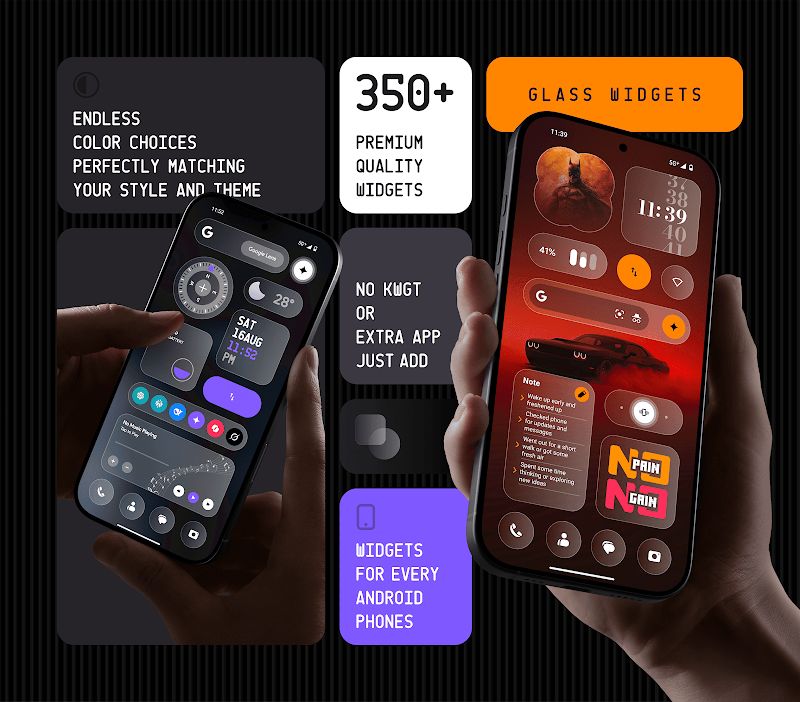
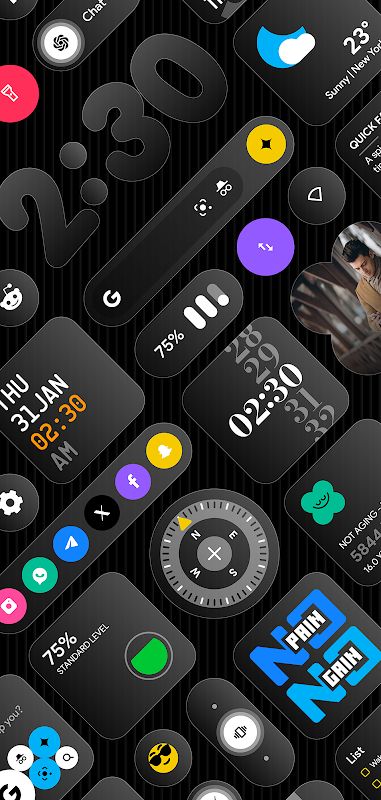
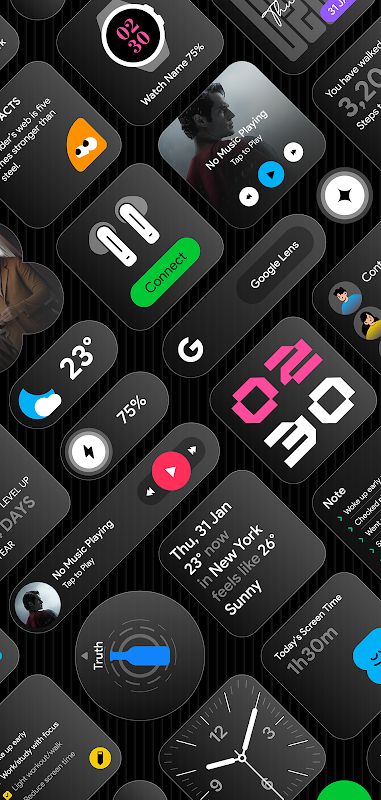
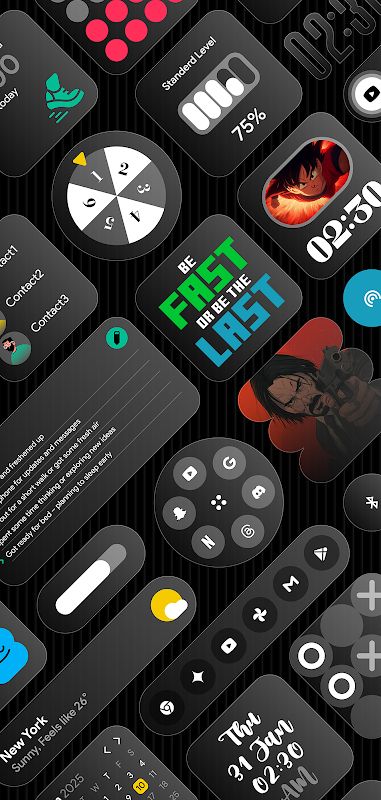
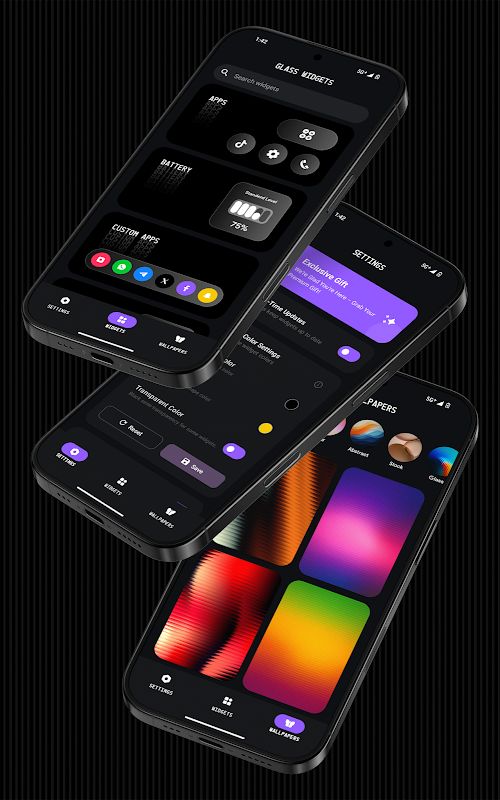
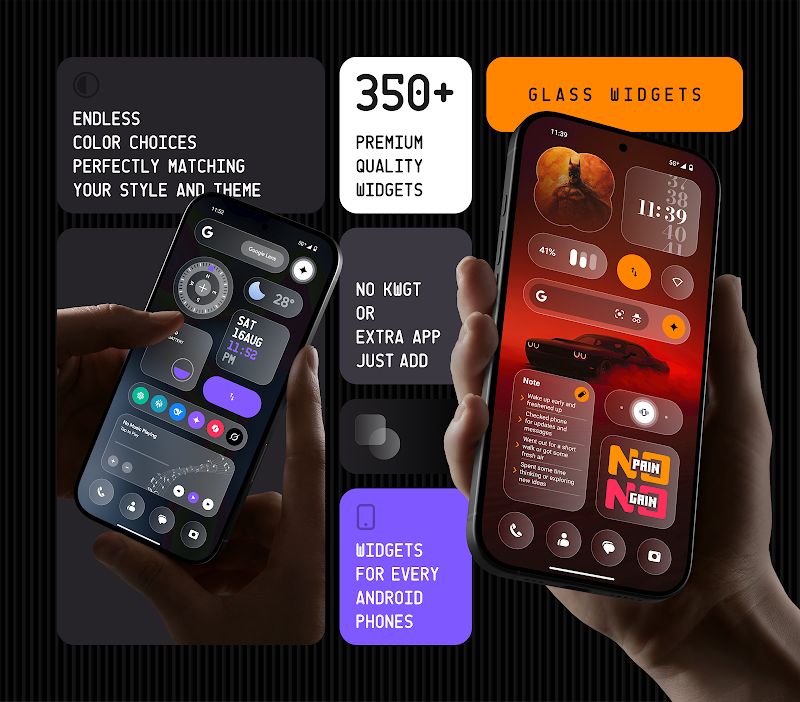
Glass Widgets is an Android app for anyone who wants a nicer-looking home screen without spending hours customizing every little thing. It comes with more than 350 widgets with a transparent glass-style design, including clocks, weather, calendars, battery indicators, photos, music controls, and more. You can change their colors to match your wallpaper, then arrange them on your home screen or lock screen. The best part is that you don’t need KWGT or another widget app to get started.
Introduction to Glass Widgets
Sometimes changing your wallpaper isn’t enough to make your phone look the way you want. The widgets can still look out of place, especially when their colors and backgrounds don’t match the rest of the screen. Glass Widgets gives you another way to bring everything together.
The app has lots of widget designs to choose from, so you can start with something simple or try a more noticeable layout. You don’t have to build a widget from scratch, either. Just pick a design, adjust its color, and add it to your screen. If you like keeping your phone’s appearance consistent, having so many styles in one place is quite useful.
More Than 350 Widgets to Choose From
There are plenty of widgets here, and they aren’t all clocks with slightly different designs. You can find weather forecasts, calendars, battery information, step counters, quotes, compasses, photos, notes, and music controls. There are also widgets for contacts, apps, device information, screen time, and quick settings.
For example, you could put a clock and weather widget at the top of your home screen, then add a calendar and battery indicator underneath. Or you might prefer a photo widget with a simple clock and nothing else. You have quite a few options, so you can choose the information you want to see without filling the entire screen with widgets.
Give Your Home Screen a Glass Look
The main thing that makes Glass Widgets different is its transparent glass-style design. The widgets have a clean, modern appearance that works well with many types of wallpaper. You can go for a minimal layout or use several widgets to make your home screen more personal.
Colors are customizable, too. If your wallpaper has cool colors, for example, you can choose widget colors that fit the same look instead of leaving everything with its default appearance. Small changes like this can make the whole screen feel more put together.
Customize Widgets Without Another App
You don’t need KWGT or another widget customization tool to use Glass Widgets. Everything is included in the app, which makes things easier if you don’t want to learn how another customization app works.
You can browse the available designs, choose the ones you like, and adjust their colors. It’s a straightforward approach, especially for people who want a personalized home screen but don’t want to spend too much time setting it up. You can start with just one widget and add more later when you find a design you like.
Use Widgets on Your Lock Screen
Glass Widgets supports both home screen and lock screen widgets, so you can personalize more than just the main screen of your phone. Depending on your Android device and its lock screen features, you can use supported widgets to make important information easier to see.
This is handy if you like checking certain details without unlocking your phone. You can also keep the design consistent between your home screen and lock screen rather than having two completely different styles.
Wallpapers to Match Your Widgets
Glass Widgets also includes glass-effect wallpapers to go with its widgets. This gives you an easier way to create a matching look instead of searching for a wallpaper separately and hoping it works with your chosen design.
You can try different combinations of wallpapers and widgets until you find something that suits your phone. Some people prefer a simple background with only a few widgets, while others enjoy a more detailed layout. Either way, having wallpapers and widgets designed around a similar style makes customization a little easier.
Real-Time Updates and New Designs
Widgets are more useful when their information stays up to date. Glass Widgets uses a background service to keep supported widgets refreshed, including widgets that rely on scheduled updates. This is particularly helpful for things like weather, calendars, and other information you may check throughout the day.
The app also receives updates with new widget designs, so the available selection can grow over time. You don’t have to keep using the same layout forever. When you feel like changing the appearance of your phone, you can try another design or rearrange the widgets you already have.
Download Glass Widgets for Android
Glass Widgets is worth trying if you’re tired of the standard widgets on your phone and want something a little more personal. With more than 350 designs, customizable colors, glass-style wallpapers, and support for home screen and lock screen widgets, there are plenty of ways to change your layout. You can keep things simple with a clock and weather widget or build a setup with photos, calendars, music controls, and other useful information. Since you don’t need an extra widget app, getting started is easy.


