

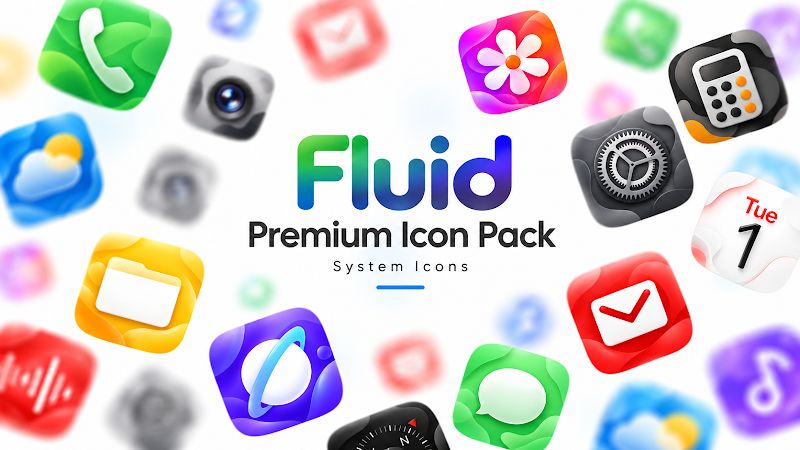
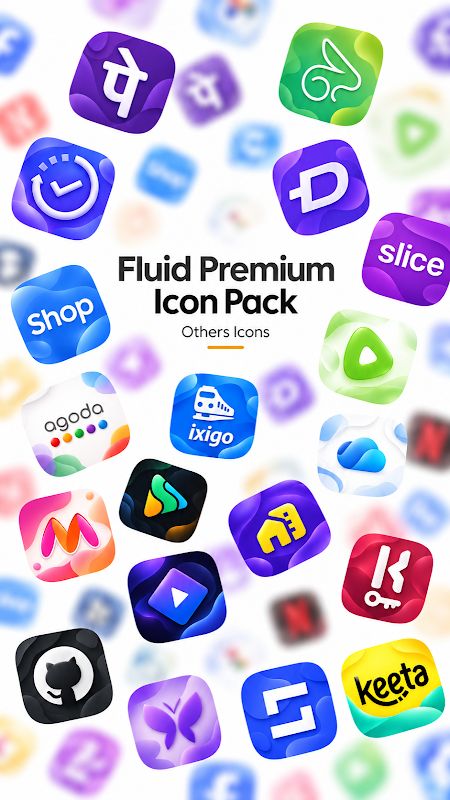
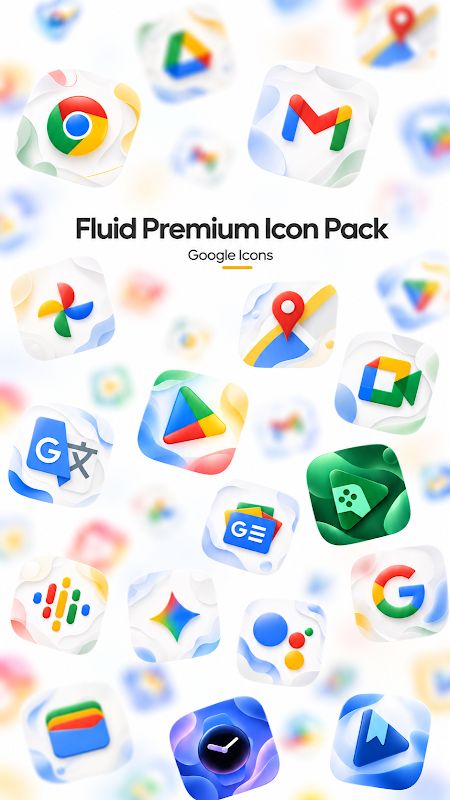
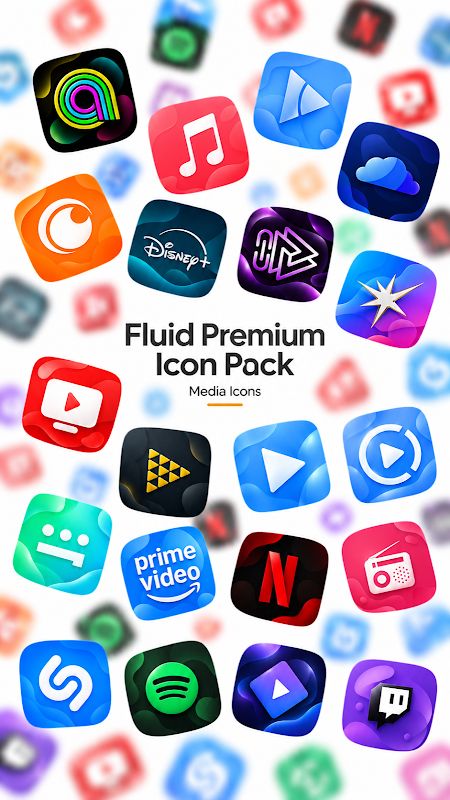
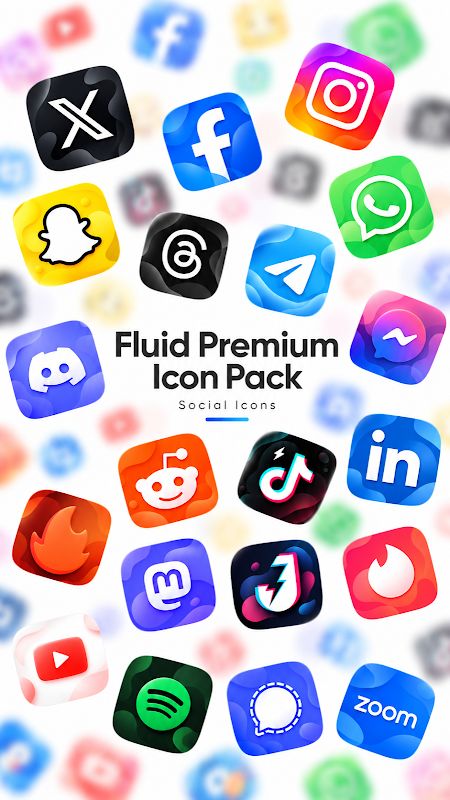
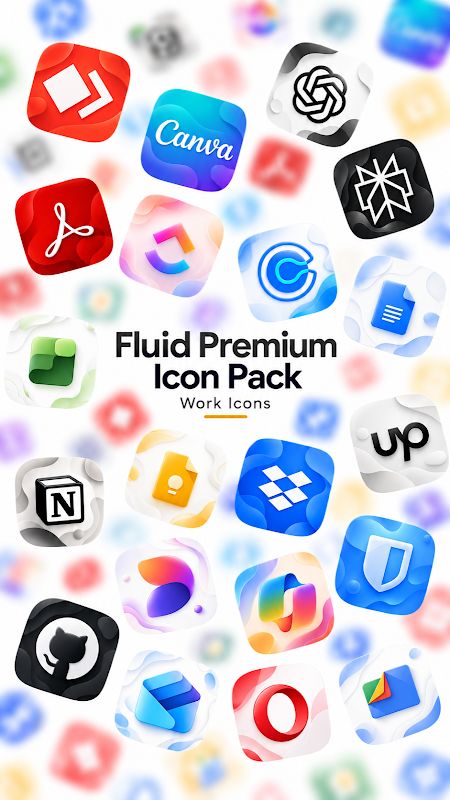
Fluid Premium Icon Pack APK is made for Android users who want a different look for their app icons. It comes with more than 1,000 custom icons featuring glossy 3D effects, colorful gradients, and liquid wave backgrounds. You also get 20 matching wallpapers, along with regular icon updates and a tool for requesting icons that are not included yet.
Introduction to Fluid Premium Icon Pack
Fluid Premium uses soft squircle shapes and flowing colors to give your home screen a consistent style. The icons still look like the apps they represent, so you can recognize them without having to remember a completely new set of designs.
This is an icon pack, not a launcher. You need a compatible launcher to apply the icons. Once it is set up, you can change the appearance of supported apps without changing how they work.
Enjoy Glossy 3D Icons
Fluid Premium includes more than 1,000 custom icons for popular apps and games. The designs use liquid waves, smooth gradients, and a glossy finish to create a 3D look. The colors stand out on the home screen, while the clear symbols make it easier to tell one app from another.
The icons follow the same general design, so your home screen looks more organized when you use them together. You can keep your usual app layout and simply change the icons to get a different appearance.
Use Matching Fluid Wallpapers
The pack includes 20 abstract wallpapers designed to match its liquid icon style. You can open the Wallpapers section, preview the available backgrounds, and apply one that fits your home screen.
Using a matching wallpaper helps bring the colors and icons together. You can try different backgrounds until you find one you like, or keep your current wallpaper and use only the custom icons.
Request Icons for Missing Apps
You may have some apps that are not covered by the current icon collection. Fluid Premium has a Request section where you can select those apps and submit an icon request.
New icons are added in future updates based on user requests. There is also a premium request option, which gives your requests priority over regular ones. This is useful when you want a particular app icon designed sooner.
Apply Fluid Premium to Your Launcher
Fluid Premium supports several popular Android launchers, including Nova, Action, ADW, Apex, Atom, Flick, GO, Lucid, Niagara, Smart, Solo, and Total Launcher. You can apply the icon pack through a compatible launcher’s settings.
Some default launchers do not support third-party icon packs. If yours does not work with Fluid Premium, you may need to use another supported launcher or the icon customization options available on your device.
Download Fluid Premium Icon Pack APK for Android
Fluid Premium Icon Pack gives your Android home screen glossy liquid icons, colorful gradients, and 20 matching wallpapers. It also includes more than 1,000 custom icons, regular updates, and options to request missing designs. Download Fluid Premium Icon Pack for Android to give your apps a smooth 3D look.


