
HiPaint MOD APK is a drawing app for anyone who wants to sketch, paint, design illustrations, or try making animations on a phone or tablet. It has a large collection of brushes, a layer system, and plenty of tools for working on the small details of a drawing. You can start with a simple pencil sketch, build up the colors and shadows, then keep refining the image until it looks the way you want. There are also tools for editing pictures and adding effects, so you’re not limited to drawing from a blank canvas. This MOD version comes with Premium Unlocked for users who want to access the app’s premium features.
Introduction to HiPaint
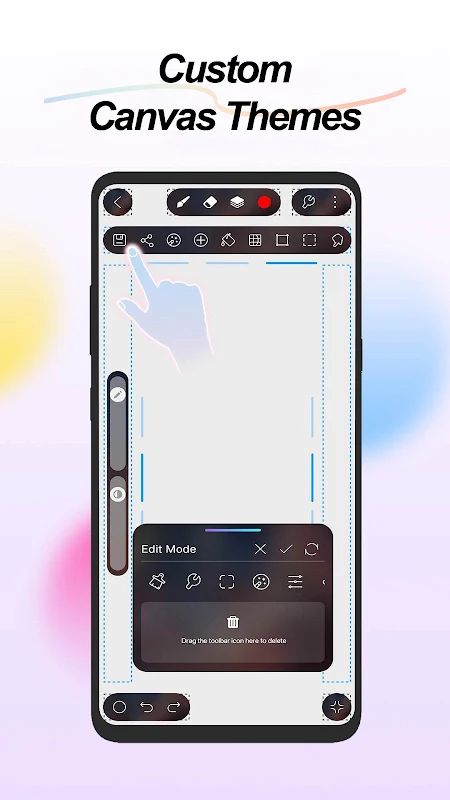
The first thing that matters in a drawing app is whether you can get to work without fighting the interface. HiPaint keeps its workspace focused on the canvas, with tools available when you need them. You can use it for quick sketches, detailed digital paintings, character illustrations, or other artwork that takes more time to finish.
It also gives you room to grow as you get more comfortable with digital art. Beginners can start with basic brushes and simple shapes, while more experienced artists can work with layers, masks, blend modes, and color adjustments. You don’t have to use every tool in the app. Pick the ones that fit your way of drawing and explore the others when you need them.
Find the Right Brush for Your Drawing
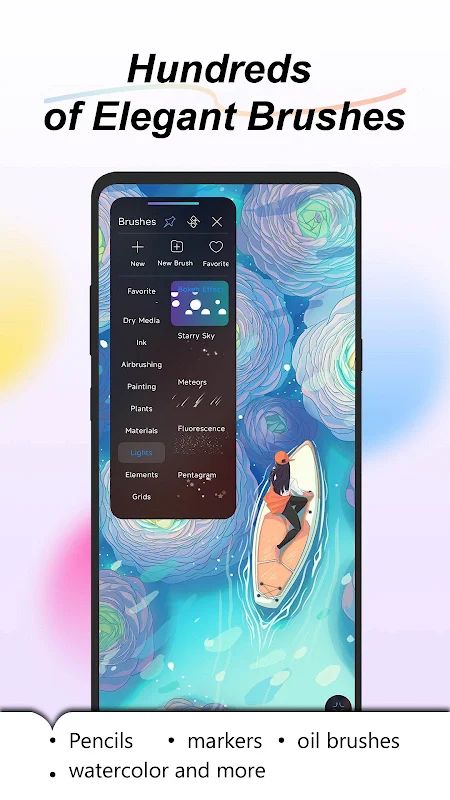
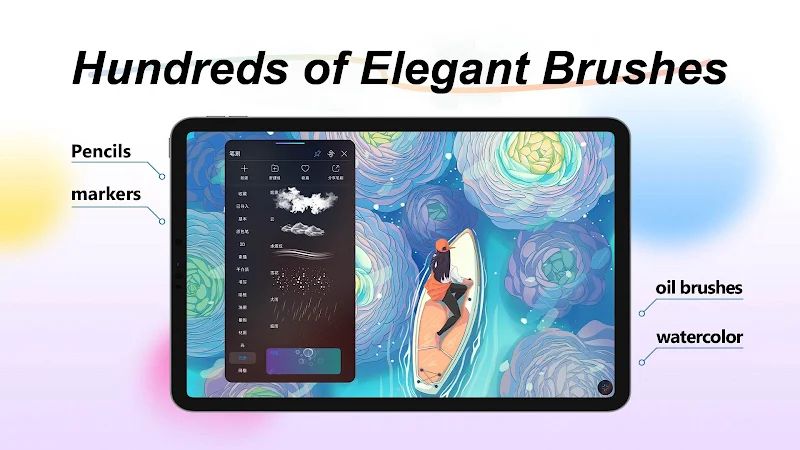
A brush can change the whole feel of a picture. A pencil brush works well for rough sketches, while a marker can give you stronger, cleaner strokes. If you’re painting a landscape or adding soft shadows to a character, an airbrush or blending brush may be more useful. HiPaint includes over 100 brush types, covering options such as pencils, charcoal, crayons, oil brushes, markers, and smudge brushes.
If the built-in brushes aren’t quite right, you can make your own. Brush Studio has more than 90 settings to adjust, letting you change how a brush behaves instead of settling for its default appearance. You can also import and export custom brushes and brush sets, which is handy if you’ve already built a collection you like or want to move brushes between compatible setups.
The app supports pressure and tilt controls as well, when used with compatible hardware. These controls can make a stroke look different depending on how firmly or at what angle you draw. If you’re using a supported stylus, they give you more control over line weight and brush effects.
Use Layers to Build Your Artwork
Working on separate layers makes it easier to change a drawing without affecting everything else. For example, you can keep the sketch on one layer, the line art on another, and the colors on a separate layer. If you decide to change the background later, you won’t need to redraw the character just to make that adjustment.
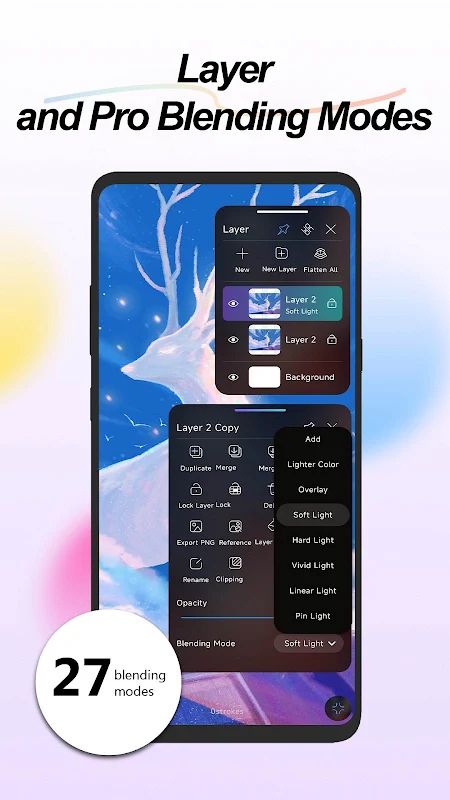
HiPaint lets you duplicate, merge, and rasterize layers, as well as group and rename them. These options become useful when a project gets complicated and you need to keep track of different parts of the image. You can also use 28 layer blend modes to combine colors and create effects such as darker shadows or brighter highlights.
You may not need many layers for a quick doodle, but for a detailed illustration, keeping things separate can save a lot of trouble. It gives you more freedom to experiment because you can adjust one part of the artwork without having to start over.
Edit Images with More Advanced Tools
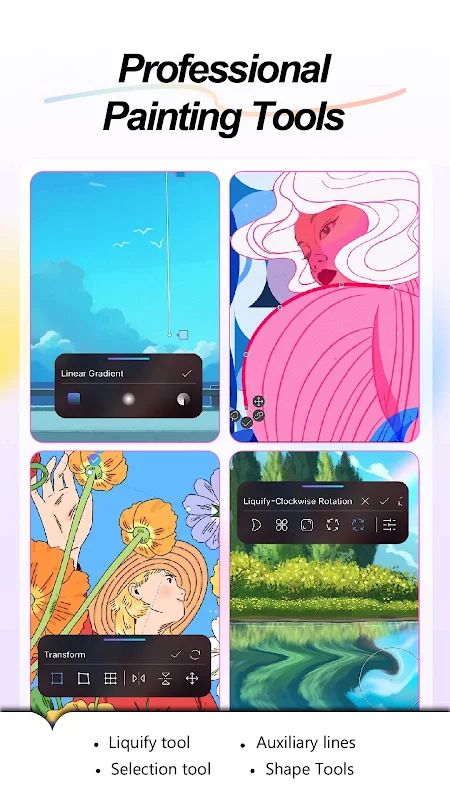
HiPaint isn’t only for drawing from scratch. It includes several tools for changing existing images and adjusting specific parts of your artwork. The selection tool helps you isolate an area, while clipping masks let you control where colors or other edits appear. You can also use the liquify tool to reshape parts of an image.
There are shape tools for creating and transforming basic forms, along with linear and radial gradients for smoother transitions between colors. The symmetry tool is useful when you’re drawing mirrored designs, patterns, or characters with balanced features. If you want to add movement or soften a busy background, Gaussian blur and motion blur provide a couple of options.
Text tools and font importing are available too, so you can add lettering to posters, illustrations, or other designs. These features make HiPaint useful for more than traditional painting, especially if you like combining hand-drawn elements with graphic design.
Get Better Control over Lines and Colors
Drawing clean lines on a touchscreen can take some practice. Your hand may shake slightly, or a long curve might not come out the way you intended. HiPaint includes stroke stabilization to help smooth your lines, which can be particularly useful for line art, outlines, and detailed shapes.
The app also provides perspective, isometric, 2D, and symmetry guides. These can help when you’re drawing buildings, objects, or scenes that need a consistent sense of direction. If you’re practicing from a reference image, you can add that image to your workspace and use it as a guide while you draw.
Color adjustments give you another way to refine a finished piece. HiPaint supports tools such as Color Balance, Curves, HSB adjustments, and Gradient Map, along with RGB, HSV, and CMYK color modes. You can use these to change the mood of an illustration, correct colors, or experiment with different palettes. If you’re preparing artwork for a particular purpose, having several color options is useful.
Create Simple Animations Frame by Frame
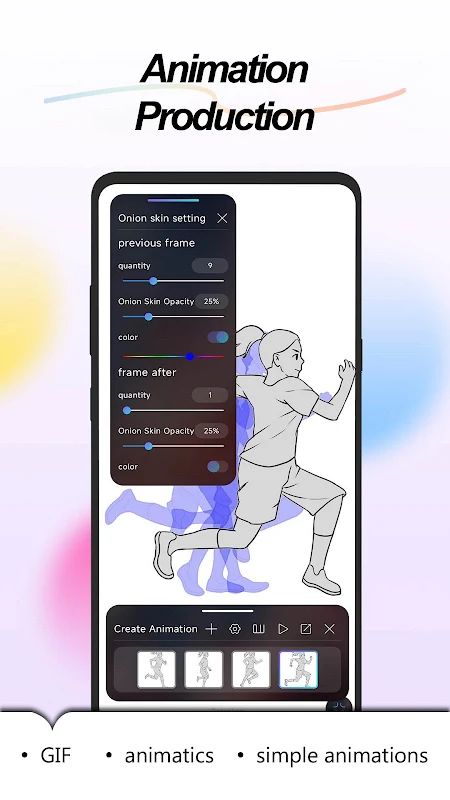
HiPaint also includes Animation Assist, so you can do more than create still images. You can draw a sequence of frames and use onion skinning to see previous or upcoming frames while working on the current one. This makes it easier to keep a character or object in roughly the right position as it moves.
You can use the animation tools to make simple GIFs, storyboards, animatics, or short frame-by-frame sequences. For example, you might draw a character blinking, a ball bouncing, or a small movement that you want to test before turning it into a longer animation.
When you’re finished, you can export the animation at the full resolution of your canvas. It’s not a replacement for every specialized animation program, but it’s convenient if you want to experiment with movement inside the same app you use for drawing.
Replay and Share Your Creative Process
Sometimes the finished picture is only part of the fun. HiPaint can record the painting process and play it back, allowing you to watch the artwork develop from the first sketch to the final details. You can also export and share this process as an MP4 video.
For the finished artwork, the app supports formats such as JPG, PNG, PSD, and HSD. Different formats are useful for different situations: PNG can be convenient for sharing images, while PSD can help when you need to continue editing a compatible layered project in another application. The available options make it easier to choose a format based on what you plan to do with the artwork afterward.
HiPaint MOD APK Features
HiPaint MOD APK comes with Premium Unlocked, giving you access to the app’s premium version through this modified release. This can be useful if you want to explore more of HiPaint’s drawing and editing tools while working on your own projects.
Whether you’re sketching a character, experimenting with brush settings, arranging layers, or making a short animation, you can use the app as a workspace for different types of digital art.
MOD Features
Premium Unlocked
Download HiPaint MOD APK for Android
If you enjoy drawing on your phone or tablet, HiPaint has plenty of tools to experiment with, from its large brush collection to layers, color adjustments, and frame-by-frame animation. You can keep things simple with a quick sketch or spend more time refining a detailed illustration. The customizable brushes and workspace are especially useful when you want the app to suit your own way of working. HiPaint MOD APK with Premium Unlocked is an option for Android users who want to explore the app’s premium features while creating their next piece of artwork.


