
Draw Anime MOD APK is an Android drawing app for anyone who wants to draw anime characters on paper but doesn’t know where to start. Instead of drawing everything from memory, you can use your phone’s camera to trace a character’s outline onto a sheet of paper. Pick a template, set up your phone, and follow the lines with a pencil. You can then add colors and details to finish the picture. This MOD version comes with Premium Unlocked.
Introduction to Draw Anime
Drawing anime characters can be difficult when you’re just starting out. Getting the eyes right, keeping the face in proportion, and drawing the hair can take a lot of practice. Draw Anime gives you a guide to follow, so you don’t have to work out every shape on your own.
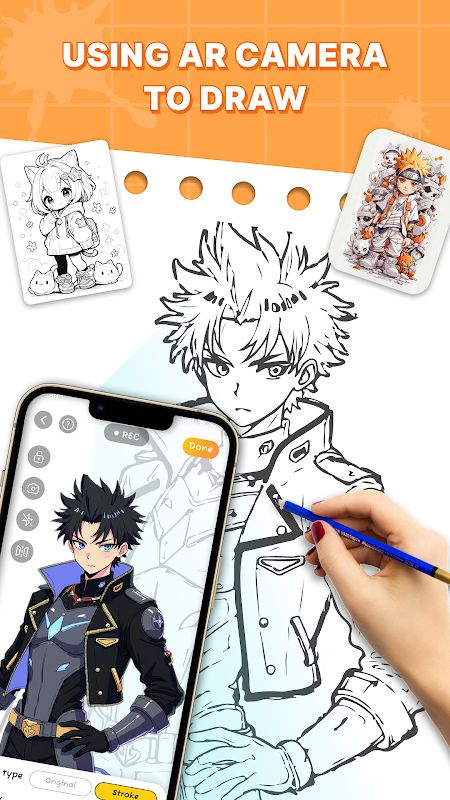
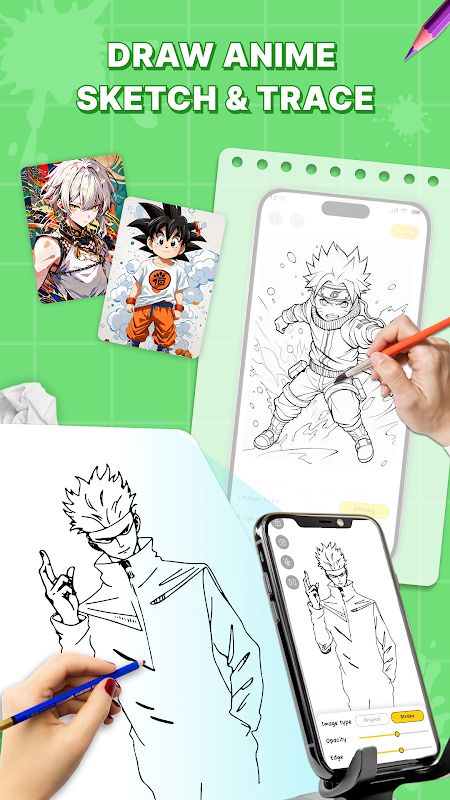
The app uses AR tracing to display an image through your phone’s camera while you draw on paper. Place your phone above the drawing surface, choose a picture, and follow its outlines. Your phone acts as a visual guide, while the actual drawing is still done with a pencil or pen.
It’s worth remembering that this is a tracing tool rather than a regular digital drawing app. You’re using the screen to help you draw on a real surface, which makes the experience quite different from drawing directly with your finger or a stylus.
Choose from More Than 1,000 Drawing Templates
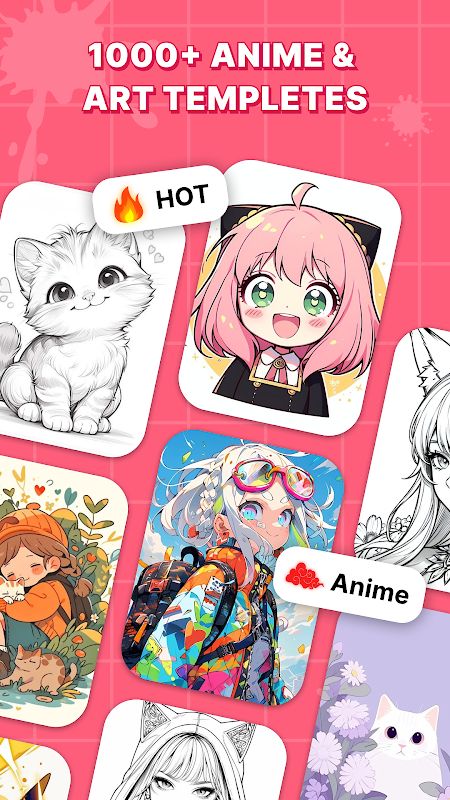
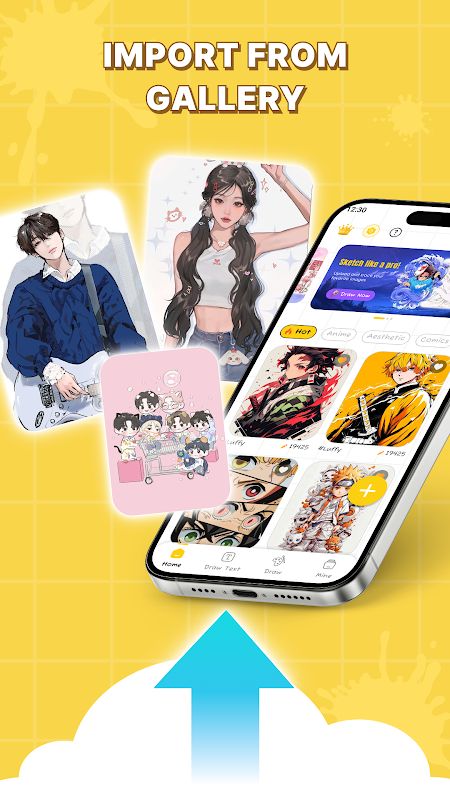
Draw Anime includes a library of more than 1,000 templates. You can find anime and manga characters, chibi drawings, cartoons, aesthetic designs, and K-pop-related images. This gives you plenty of starting points, whether you want to draw a cute character or work on a more detailed design.
You don’t need to find a reference image and figure out how to transfer it to paper by yourself. Choose a template from the available collection and use it as your guide. New trending anime templates are also added regularly, so the selection can change over time.
For beginners, starting with a simpler outline may be easier than choosing a picture full of tiny details. Once you get used to following the image, you can try more complicated characters and add your own finishing touches.
Draw with Your Phone’s Camera
The AR camera feature is the main part of Draw Anime. After selecting an image, position your phone so the template appears over your paper. You can then look at the screen and follow the displayed lines as you sketch.
Keeping your phone steady is important. If it moves while you’re drawing, the guide may no longer line up with your paper, making the outlines harder to follow. A phone stand or another stable support can help keep the image in place while you work.
You still need to control your pencil, decide how much pressure to use, and add the details yourself. The app helps you follow the shape of a character, but your finished drawing depends on how carefully you trace and complete it.
Learn Anime Drawing Step by Step
If you’re new to drawing, it can be hard to know where to begin. Draw Anime provides step-by-step AR guidance to help you follow proportions and poses. Instead of staring at a blank page, you have an image to work from.
This can be useful when practising the basic shapes of a face, the outline of a hairstyle, or the pose of a character. You can repeat the process with different templates and gradually become more comfortable using a pencil. Tracing alone won’t teach you every drawing skill, but it gives you a practical way to start practising without needing to create a character entirely from scratch.
Make Your Own Text Art
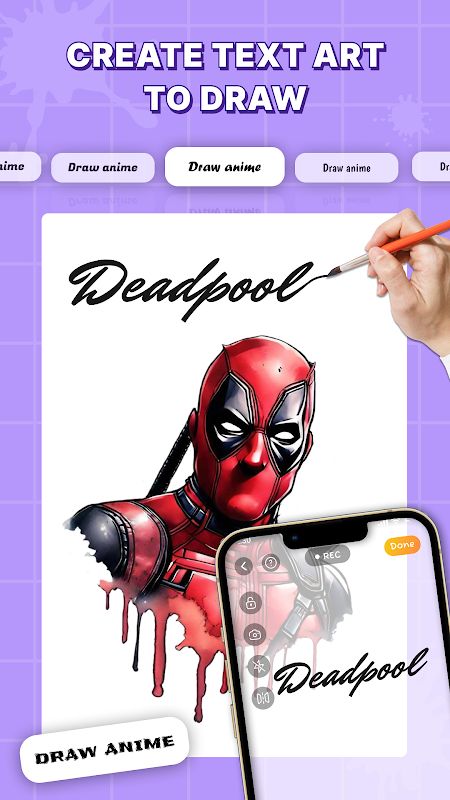
Draw Anime also lets you create artwork using text and stylish fonts. You could write a favourite quote, a character’s name, or a fan chant and use it as part of your design.
This is a little different from tracing a character. It gives you another way to make something personal, especially if you want to combine lettering with anime-inspired artwork. You can experiment with different text styles and put together a design that feels more like your own creation.
Record and Share Your Drawing Process
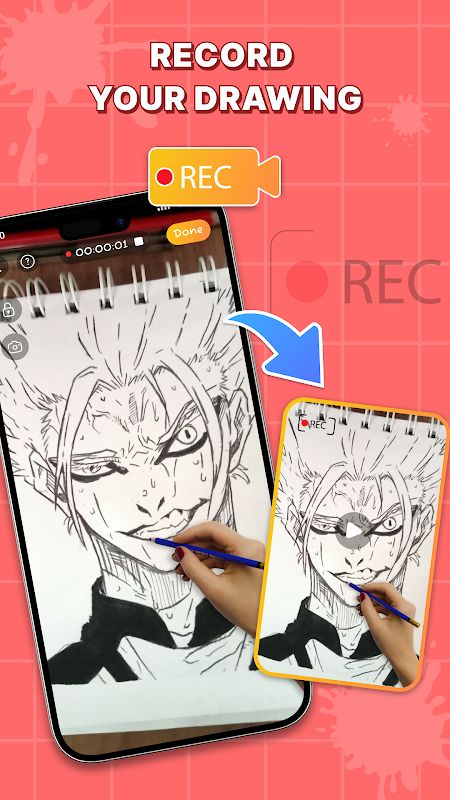
Sometimes the process of drawing is just as interesting as the finished picture. Draw Anime can record your drawing session as a video, allowing you to save the process and share it with friends or followers on social media.
You can use this to show how a blank sheet of paper gradually becomes a finished character. It may also be helpful if you want to keep a record of your practice and compare your progress as you work with different templates.
Draw Even in Low Light
The flashlight mode helps when the area where you’re drawing isn’t bright enough. This can be handy if you’re sketching in the evening or working somewhere with limited lighting.
You’ll still need to position your phone properly and make sure you can see both the guide on the screen and the lines you’re drawing on the paper. Good lighting makes it easier to follow small details, particularly when a template has complicated hair, eyes, or clothing.
Draw Anime MOD APK Features
MOD Features
Premium Unlocked
Download Draw Anime MOD APK for Android
Draw Anime is designed for people who enjoy anime and want some help putting their favourite styles on paper. Its AR tracing feature provides outlines to follow, while the large template library gives you different characters and designs to practise with. You can also make text-based artwork and record your drawing process to share later. If you want to start drawing anime without having to create every shape from memory, download Draw Anime MOD APK for Android and explore its drawing tools with Premium Unlocked.


