

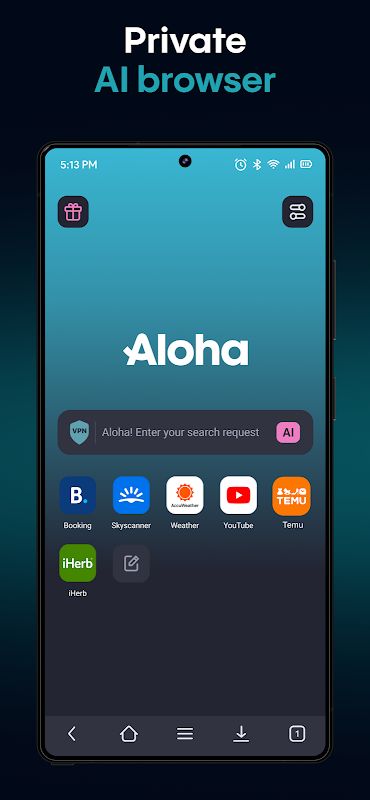
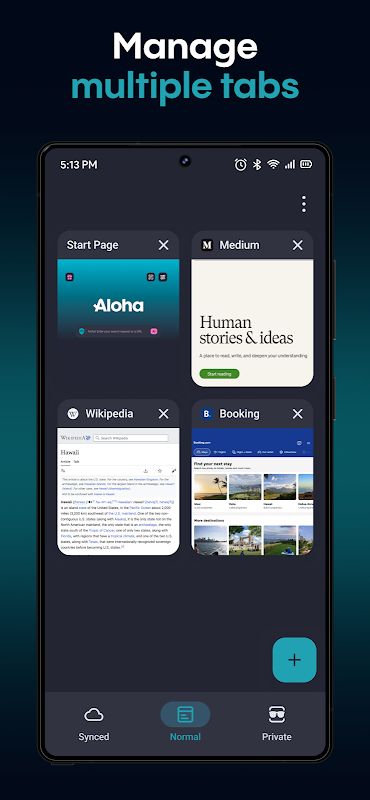
Aloha Browser is an application that carries many useful features for browsing the internet. It may look like a normal browser, but it contains several tools that can make your daily online activities much easier. From blocking annoying ads to using a built-in VPN, everything is designed to give users a more comfortable browsing experience. Besides, it can also become a useful companion when you want to download files, watch videos or keep your personal content in a safer place!
FAST BROWSING AND PRIVATE CONNECTION
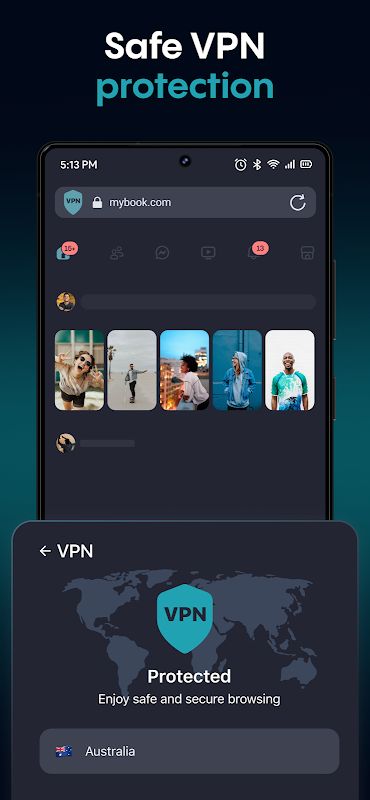
True to its main job, Aloha Browser allows users to visit websites and search for information easily. The interesting thing is that it also includes a VPN, helping users browse with an additional layer of privacy. Instead of installing several different applications, you can access these features directly from the browser.
- Fast Web Browsing: Users can open websites, read articles and search for information through a simple browsing interface. It helps make everyday internet use more convenient.
- Built-in VPN: The application provides VPN access without requiring a separate VPN app. It can help protect your connection, although it does not make all online activities completely anonymous.
- Access to Restricted Content: Connecting through another location may help users access certain restricted websites, depending on the VPN connection and the website itself.
BLOCK ADS AND PROTECT PRIVACY
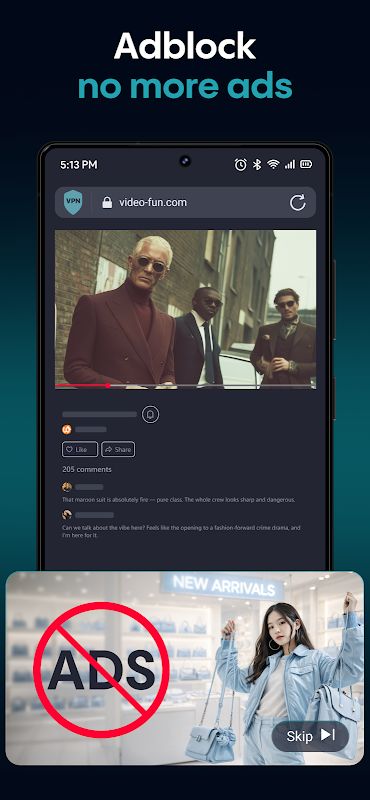
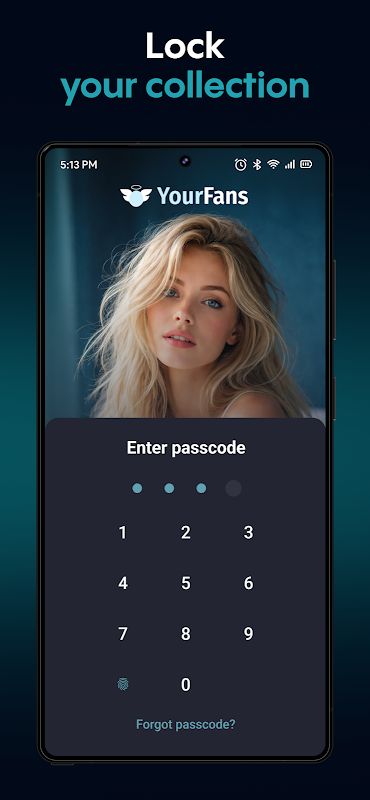
Sometimes, browsing the internet becomes annoying because advertisements appear everywhere. Aloha Browser includes an ad blocker to reduce these distractions and make websites easier to use. Besides, private tabs and the secure vault give users more options for keeping their browsing sessions and personal files separate.
- Ad Blocking: The built-in ad blocker helps remove supported advertisements, allowing users to focus more on the content they want to see.
- Private Tabs: Users can browse in separate private sessions without mixing them with their regular browser history. However, this does not hide all activity from websites or network providers.
- Secure Vault: This feature provides a protected place for supported personal files, helping users keep certain content away from casual viewing.
DOWNLOAD AND MANAGE FILES
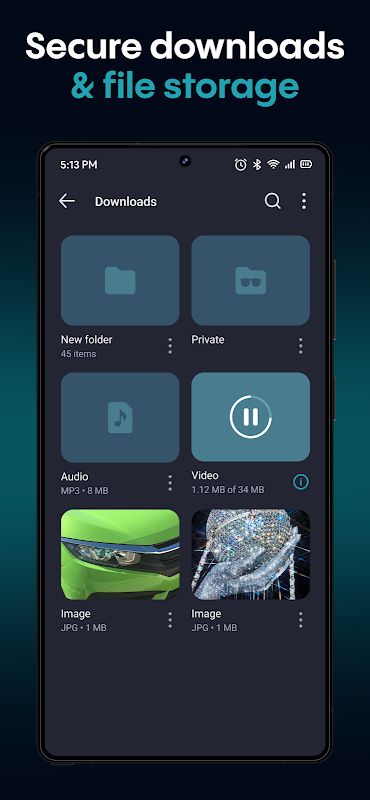
For people who regularly download content, Aloha Browser also provides useful tools for managing files. You can save supported videos, music and other files, then access them later without searching through too many different folders. It also includes a media player, making offline entertainment more convenient.
- Download Manager: Users can download supported files and manage them directly inside the application. This saves time when you need to find something you downloaded earlier.
- Video and Music Player: The built-in player allows users to enjoy compatible videos and audio files without always opening another application.
- Wi-Fi File Sharing: You can transfer supported files between compatible devices through a local Wi-Fi connection, making file sharing easier in everyday situations.


