

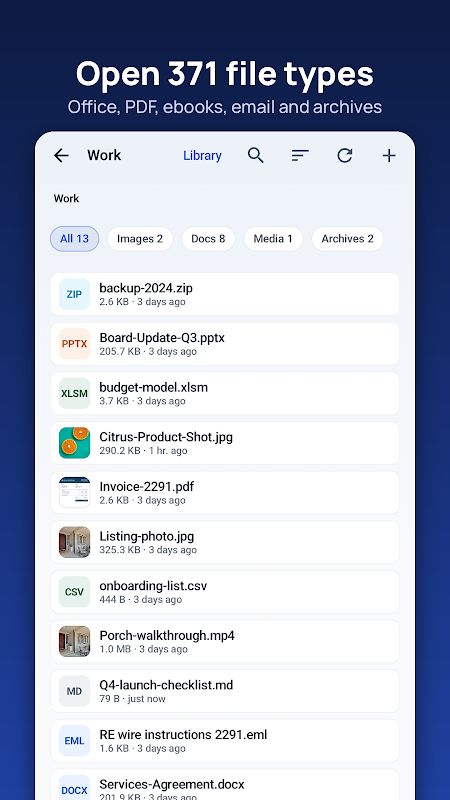
Universal File Opener & Editor MOD APK is a useful app if you often work with different files on your phone. It supports 371 file types and lets you open documents, edit PDFs and Office files, convert images, trim videos, and manage compressed files. You can also use it to find hidden information in documents and photos. Many tools are free to use, while the Pro version is needed to save certain edits.
Introduction to Universal File Opener & Editor
You may receive a file that your phone cannot open, or need to make a small change without using a computer. Universal File Opener & Editor brings different file tools together in one app, so you do not need a separate app for every format.
You can search for a task by name on the Home screen. For example, type “Merge PDF” or “HEIC to JPG” and the app will open the tool you need. It also tells you whether saving the result is free or requires Pro before you start working.
Open and Read 371 File Types
The app supports 371 file types, including PDF, Word, Excel, PowerPoint, EPUB, MOBI, images, audio, video, email, code, databases, fonts, and certificates. You can open and inspect these files directly on your phone. Other useful options include searching for text, copying content, and using read-aloud.
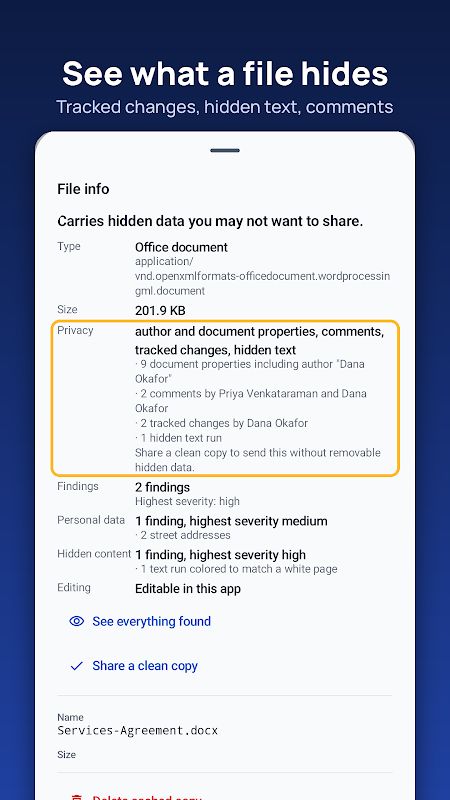
It can also show information that may not be visible when you simply open a file. For example, you can check tracked changes, hidden text, hidden spreadsheet sheets, macros, author details, and photo location data. This is useful when you want to inspect a document before sharing it with someone else.
Edit PDFs and Office Documents
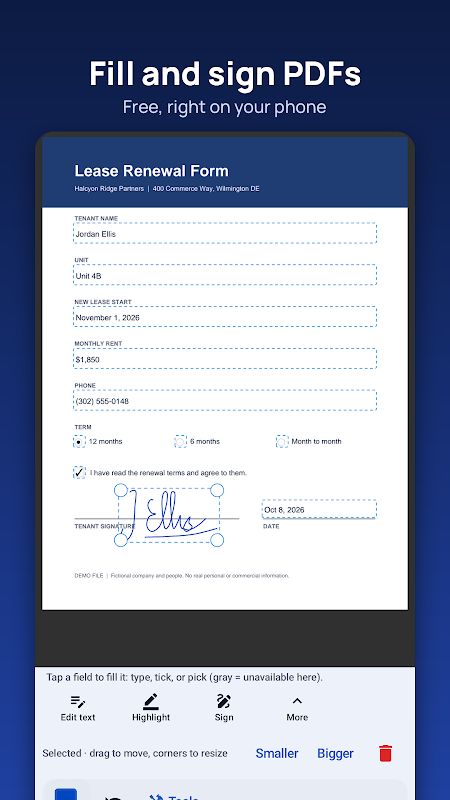
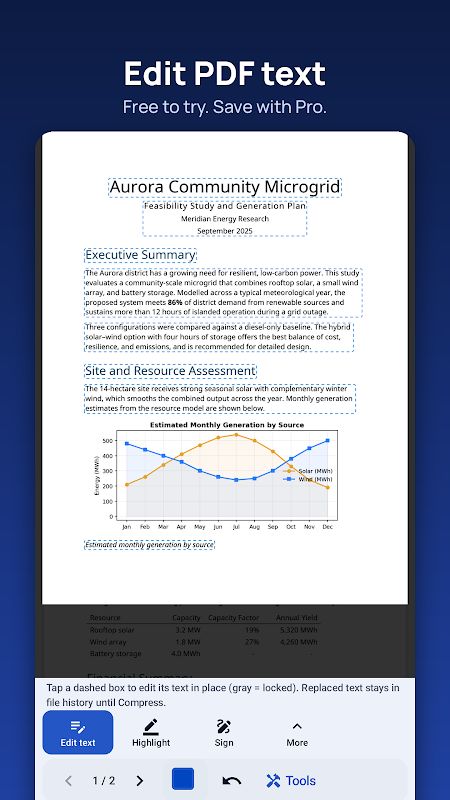
Universal File Opener & Editor includes several tools for working with PDF files. You can fill out forms, add signatures, highlight text, draw, insert notes, and add text boxes. It can also run OCR to create a searchable copy of a scanned document. If you have paper documents or photos, you can scan them to PDF or combine several photos into one file.
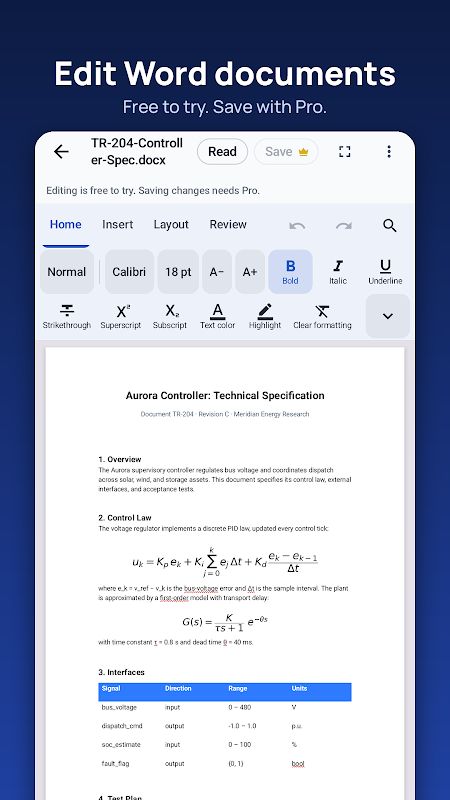
The app also supports Word, Excel, and PowerPoint files. You can export Office documents to PDF and spreadsheets to CSV. Pro is required to save edits to Word, Excel, and PowerPoint files, and it unlocks more PDF tools such as text editing, merging, splitting, reordering pages, compression, password protection, watermarks, and redaction.
Convert and Edit Photos
The photo tools cover both basic editing and file conversion. You can convert HEIC, WebP, or PNG images to JPG, resize pictures, compress them, and remove metadata. The app also has a background remover. It can remove plain backgrounds automatically, while more complicated backgrounds need to be handled by hand.
These tools are handy when an image is too large to share, uses the wrong format, or contains details you do not want to keep in the file. You can make these changes on your phone without opening a separate photo editor for every task.
Trim Videos and Edit Audio
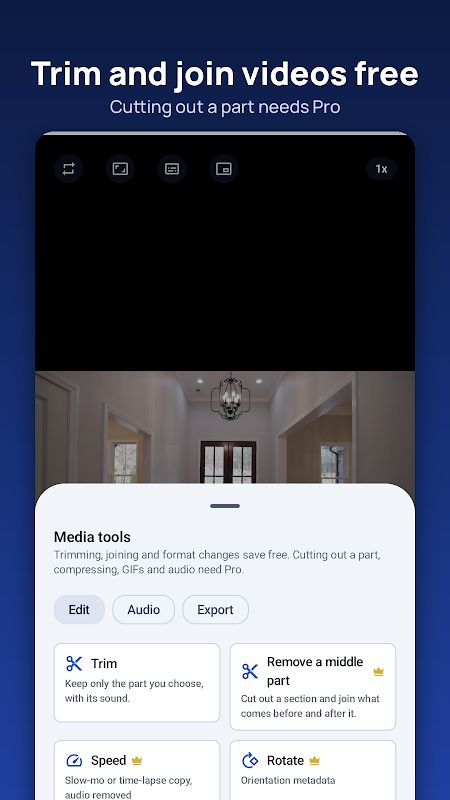
You can use the video tools to trim clips, join videos, convert MOV or MKV files to MP4, and save a frame from a video. Pro adds more options, including cutting out a specific part, compressing videos, making GIFs, and extracting audio.
The audio tools let you trim files and edit their tags. This gives you a few basic ways to manage media files without needing a full video or audio editing app.
Manage ZIP, RAR, and Other Archives
The app can create, extract, and edit ZIP, 7Z, and TAR archives, including password-protected files. It can also open and extract RAR4 and RAR5 archives. This is useful when you download a compressed file and need to check its contents or extract documents on your phone.
There are some format limitations. Multi-volume archives are not supported, and CAB, DMG, LHA, and LZH files can be identified but not opened. DRM-protected ebooks are not supported either.
Create Text Files and Work with Data
Universal File Opener & Editor can create, edit, and save text files, code, Markdown, and CSV files. It can also export SQLite tables to CSV. For people who sometimes work with code or structured data on a phone, these options make it easier to handle simple tasks without moving to a computer.
There are a few differences between older and newer document formats. Legacy XLS files open in read-only mode, while DOC and PPT files are converted into editable copies. PDF-to-Word conversion keeps the text but not the original layout. PDF-to-Excel works with one table at a time, and PDF-to-PowerPoint turns each page into a picture slide.
MOD APK Version of Universal File Opener & Editor
The MOD version lists Pro Unlocked, giving access to the Pro tools for editing and converting files. These include saving Office edits, advanced PDF operations, additional video tools, batch processing, and other file utilities.
MOD Features
Pro Unlocked
Download Universal File Opener & Editor MOD APK for Android
Universal File Opener & Editor MOD APK brings document editing, image conversion, media tools, and archive management together in one app. It also works without INTERNET permission, so the app cannot upload your files through its own internet connection. Download Universal File Opener & Editor MOD APK for Android to use its Pro file tools on your phone.

