
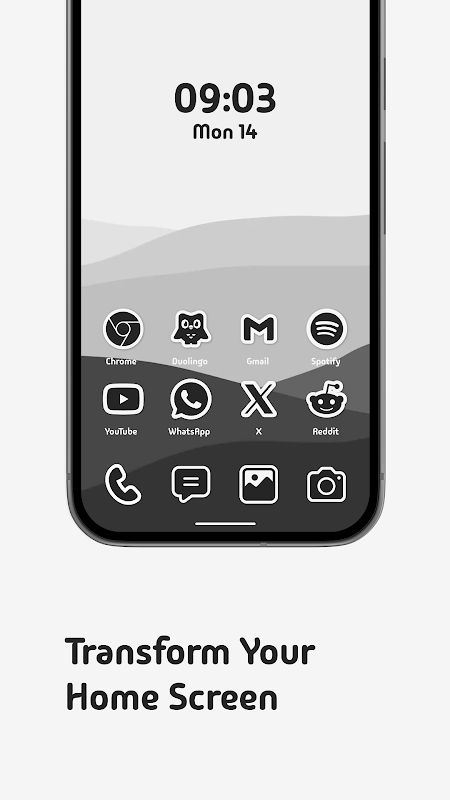
Do you ever feel like your phone home screen looks a little too normal? Sometimes, changing the wallpaper isn’t enough to make it look different. The app icons are also an important part, and this is where Sticlo Icons – Mono Icons comes in. It gives your favorite apps a black and white sticker look, with thick white outlines and soft shadows that make them stand out more. The style is quite simple, but it has something special that makes the whole home screen feel cleaner and more interesting. If you like minimalist setups but still want something different, this icon pack is worth taking a look at.
UNIQUE STICKER ICON STYLE
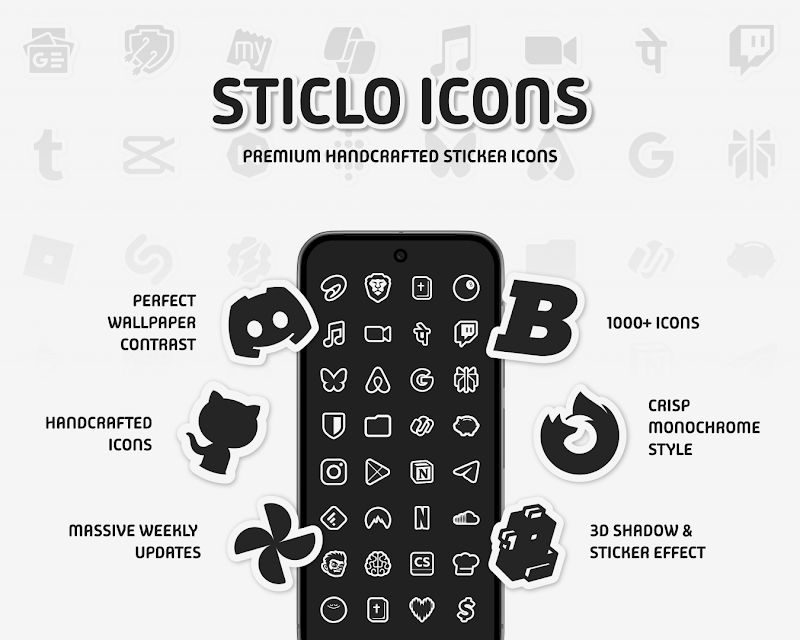
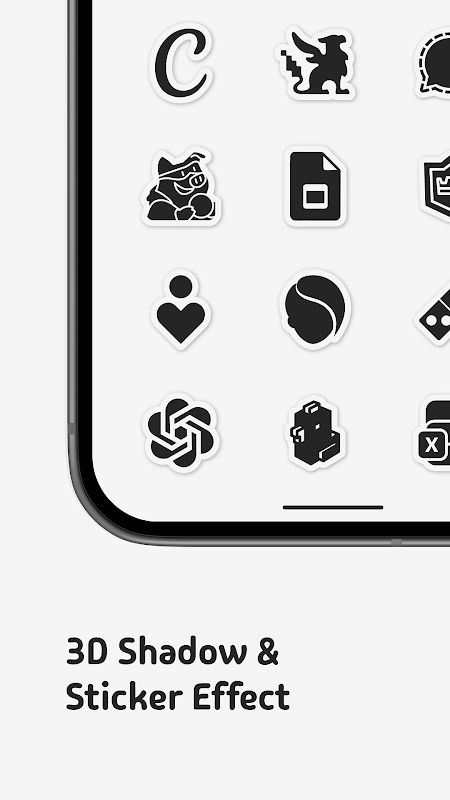
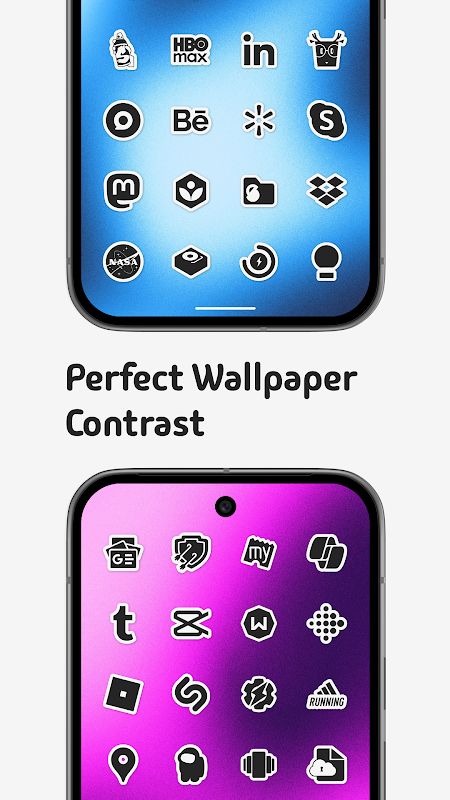
From the first look, Sticlo Icons brings a different feeling compared to many regular icon packs. Instead of using too many colors or complicated details, it focuses on monochrome designs with a sticker-like appearance. Each icon has its own white border and a soft 3D shadow, making it look like a small sticker placed on your screen. This style also works with many different wallpapers, so you don’t have to spend too much time finding the perfect background.
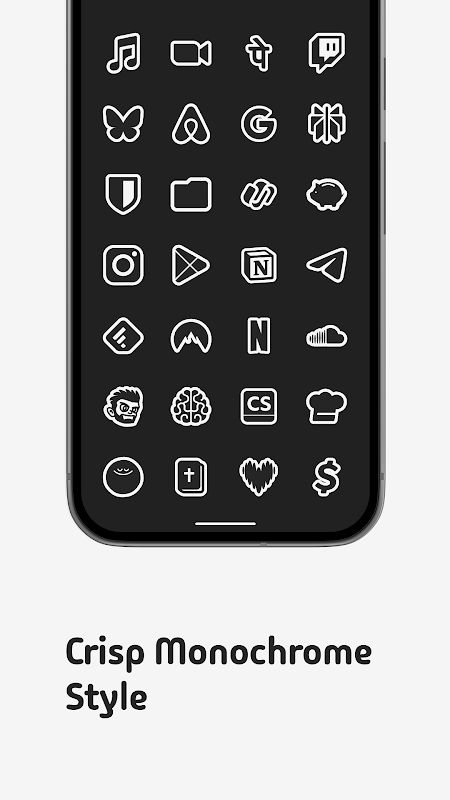
- Clean Monochrome Design: All icons follow a black and white style, which makes the home screen look more organized without losing its own personality.
- Sticker Effect: The thick white outline gives every icon a clear shape, while the shadow adds a little depth instead of making everything look flat.
- Better Wallpaper Contrast: You can use different wallpapers and still keep the icons easy to recognize. It is a small detail, but it makes a noticeable difference to the overall setup.
A MORE CONSISTENT APP DRAWER
One thing that can make a customized home screen look strange is having a few apps that don’t match the rest. You may have a nice icon pack installed, but then some apps still keep their original colorful icons. Sticlo Icons tries to solve this with icon masking. Apps that don’t have a custom icon yet can receive a matching black and white appearance, helping the whole app drawer look more consistent.
- Automatic Icon Masking: Unsupported apps can be given a themed appearance instead of leaving their original icons looking completely different.
- Uniform Home Screen: The matching style helps reduce the messy feeling that comes from mixing too many icon designs together.
- Simple Customization: You can keep your setup looking clean without having to change every single app icon manually.
MORE ICONS AND FREE REQUESTS
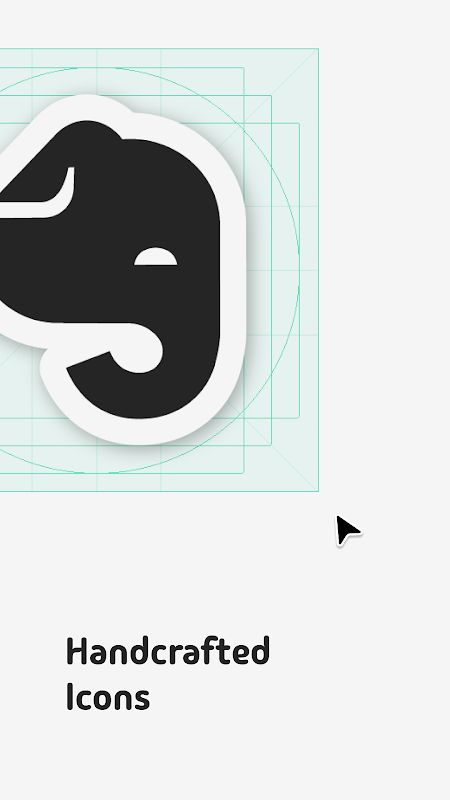
Sticlo Icons already comes with more than 1,000 handcrafted icons, so there are plenty of apps to start with. Of course, not every application will be included, especially if you use some less popular apps. The good thing is that the developer provides an icon request tool inside the app. You can send requests for missing icons without a limit on the number of requests, and those icons may be included in future updates.
- 1000+ Custom Icons: A large collection gives you more options to theme your favorite apps and build a matching setup.
- Unlimited Icon Requests: If an app is missing, you can submit a request directly through the built-in tool without worrying about a request limit.
- Regular Updates: The collection is updated frequently, with new icons added over time. This is useful for users who like to keep their home screen updated with their current apps.
WORKS WITH MANY ANDROID LAUNCHERS
And of course, an icon pack is only useful when you can actually apply it to your phone. Sticlo Icons supports many popular Android launchers, including Nova Launcher, Lawnchair, Smart Launcher, Niagara Launcher, Action Launcher and Apex Launcher. Some devices and launchers may have their own limitations, so it is still a good idea to check compatibility before setting everything up.
- Wide Launcher Support: It works with many third-party launchers that support external icon packs, giving users more freedom to customize their home screen.
- Personal Setup: You can combine the icons with your preferred launcher, widgets and wallpaper to create a look that feels more like your own.
- Standalone Icon Pack: Keep in mind that Sticlo Icons is not a launcher by itself. You need a compatible Android launcher to apply the icons to your home screen.
IS STICLO ICONS WORTH TRYING?
Sticlo Icons – Mono Icons is a nice option for anyone who likes black and white designs but doesn’t want a home screen that looks too plain. The sticker outlines and soft shadows give the icons a little more character, while the icon masking feature helps keep everything looking consistent. Having more than 1,000 icons and the option to request missing ones is another useful point.
It may not be the right choice for users who prefer colorful icons or a more realistic design. But if you enjoy minimalist customization and want your Android home screen to look a bit different from the usual setup, Sticlo Icons is definitely worth trying. Just remember to install a compatible launcher first, since the icon pack cannot be applied on its own.


