

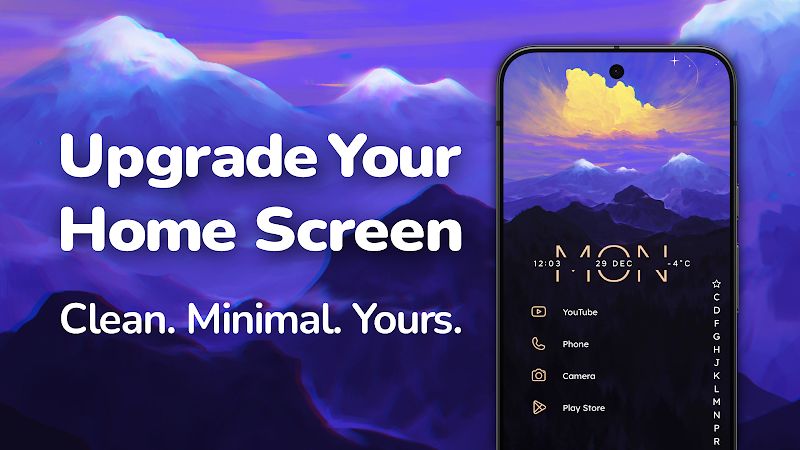
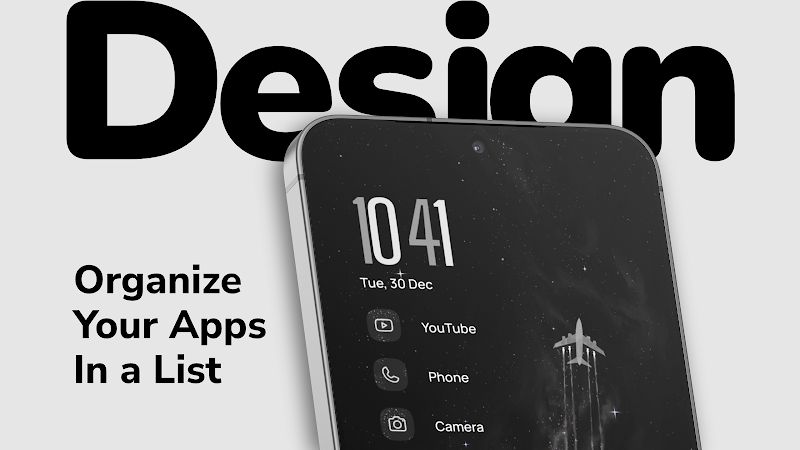
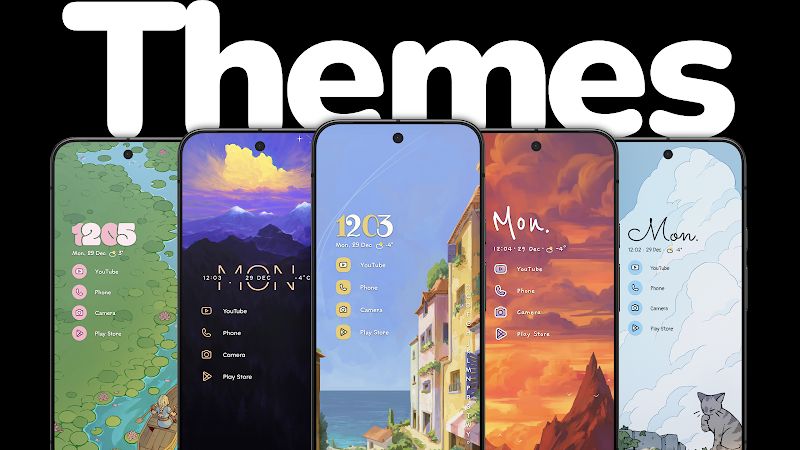
Niagara Launcher MOD APK is for people who find the usual Android home screen a bit messy. Instead of putting app icons all over the screen, it keeps them in a vertical list, with the apps you use most often easier to reach. You can still change the wallpaper, fonts, colors and icon sizes, so your phone doesn’t have to look like everyone else’s. The main difference is how you get around your apps. Once you get used to it, you may find that you don’t need several home screen pages anymore.
Introduction to Niagara Launcher
The first time you open Niagara Launcher, the layout might seem almost too simple. There’s no big grid of icons taking up the whole screen. Your favorite apps sit near the top, while the rest are arranged in a list that you can scroll through.
I think this setup makes the most sense for people who use a handful of apps every day and don’t want to keep rearranging their home screen. You can still find apps you rarely use, but they don’t need to take up space all the time. If you’ve ever spent a few minutes swiping through home screens just to find one app, this is a different way to handle that problem.
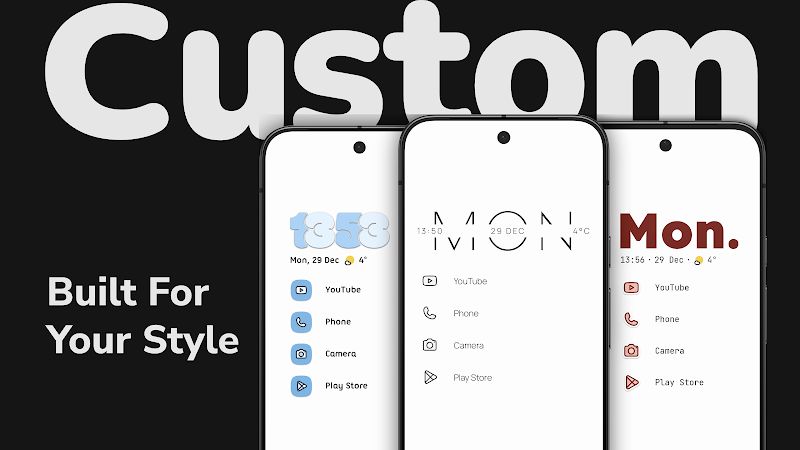
Make the Home Screen Look the Way You Want
Niagara Launcher doesn’t force you to keep the same appearance just because it uses a minimal layout. You can change the colors, fonts, icon sizes and wallpaper to suit your taste. If you prefer a dark background and a simple look, you can go with that. If you want brighter colors, that’s fine too.
The nice thing is that you don’t need to add lots of widgets and icons just to make your phone feel personal. Sometimes changing the font or choosing a wallpaper that you like is enough. You can also adjust the layout if the default settings don’t feel comfortable on your device.
Get to Your Favorite Apps Faster
Think about the apps you open every day. You probably check messages, browse social media, read emails or make calls much more often than you use some of the other apps installed on your phone. Niagara Launcher puts more attention on those everyday apps instead of treating every icon as equally important.
It can prioritize your frequently used apps and provide quick access to up to eight nearby apps. That means less scrolling when you’re trying to open something you use all the time. Your other apps are still there in the list, so you don’t have to delete anything or create a separate page just to keep things organized.
Find Apps with One Hand
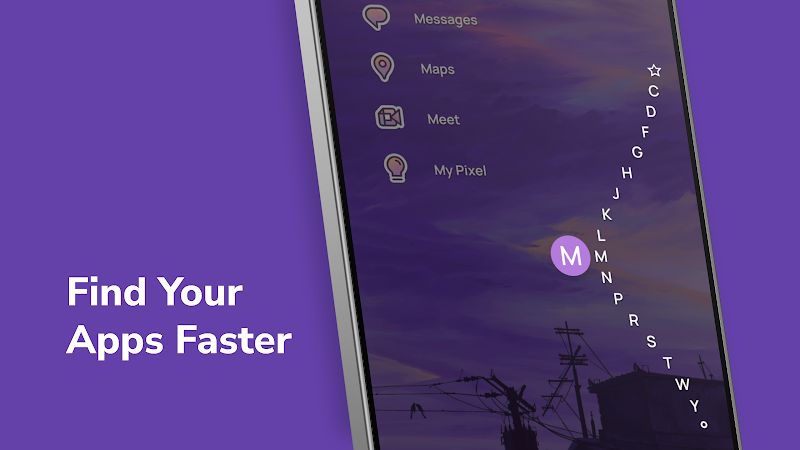
The vertical app list is also useful when you’re holding a phone with one hand. Apps are arranged alphabetically, and you can move through the list to find what you’re looking for. On a large phone, this can feel more comfortable than reaching for icons scattered across the screen.
It may take a little while to get used to if you’ve always used the standard Android layout. You won’t have the familiar grid of icons in front of you anymore. But after using the list for a while, finding an app becomes pretty straightforward, especially when you already know its name.
Niagara Launcher also supports folders and stacked widgets. These help you keep related apps and useful information together without filling every empty space on the screen. You can keep the layout simple and still have the things you need close by.
Keep an Eye on Your Day
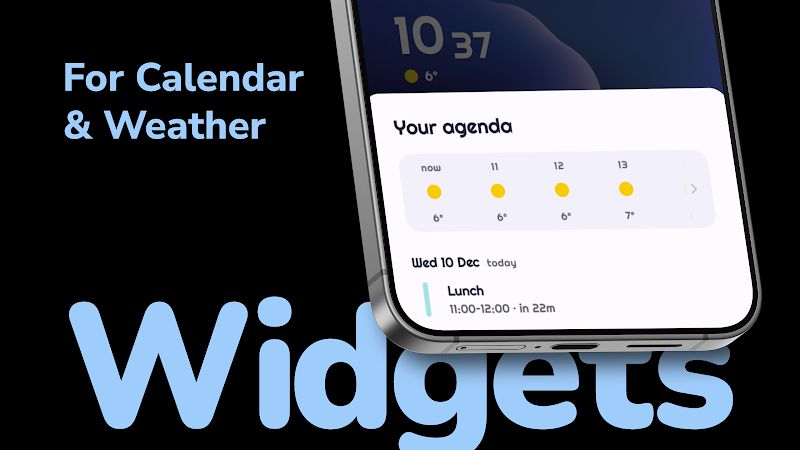
You don’t always need to open your calendar just to check what’s coming up, or launch a weather app to see the forecast. Niagara Launcher supports calendar and weather widgets, giving you a quick way to check that information from your home screen.
If you like using widgets but hate how quickly they can make a screen look crowded, stacking them is worth trying. You can keep useful information available without letting it take over the whole display. It’s a small change, but it fits the launcher’s simple design quite well.
No Ads Getting in the Way
Niagara Launcher’s free version doesn’t include ads, so you can use the home screen without banners appearing while you navigate. That’s a welcome detail for a launcher, since you interact with it every time you pick up your phone.
The app keeps its focus on your apps and the information you want to see. There’s no need to fill the screen with extra shortcuts just because there’s room for them. If you prefer a clean layout, the overall approach makes sense.
Niagara Launcher Pro MOD APK
The Pro version adds paid features for users who want more options than the basic launcher provides. With Niagara Launcher MOD APK, the Pro features are unlocked, so you can try the premium options without buying a separate upgrade.
You can keep using the same simple app list while exploring the additional features included in Pro. The main appeal is that you get more room to customize the launcher without giving up the uncluttered layout that makes it different from a standard Android home screen.
MOD Features
Pro Unlocked
Download Niagara Launcher MOD APK for Android
If you’re tired of home screens full of icons and folders, Niagara Launcher offers a different approach. Your favorite apps stay close, the rest are arranged in a list, and you can still change the appearance to suit your style. It won’t be everyone’s preferred way to use Android, especially if you like having lots of icons visible at once, but it’s worth a try if you want something simpler. Download Niagara Launcher MOD APK for Android and explore the Pro features for yourself.


