

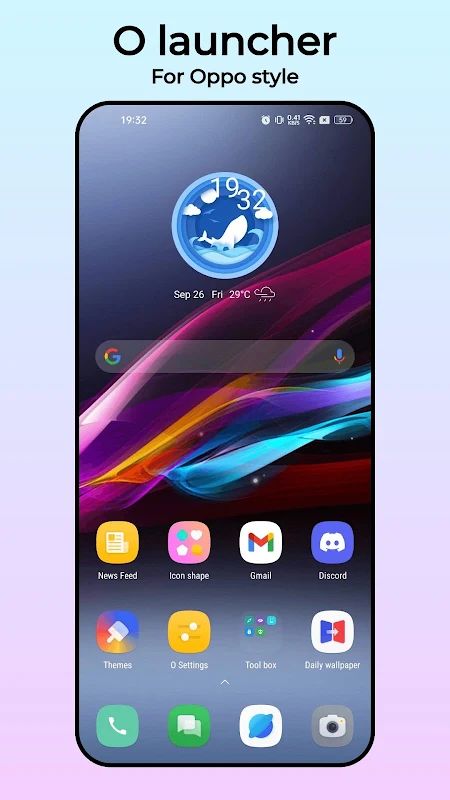
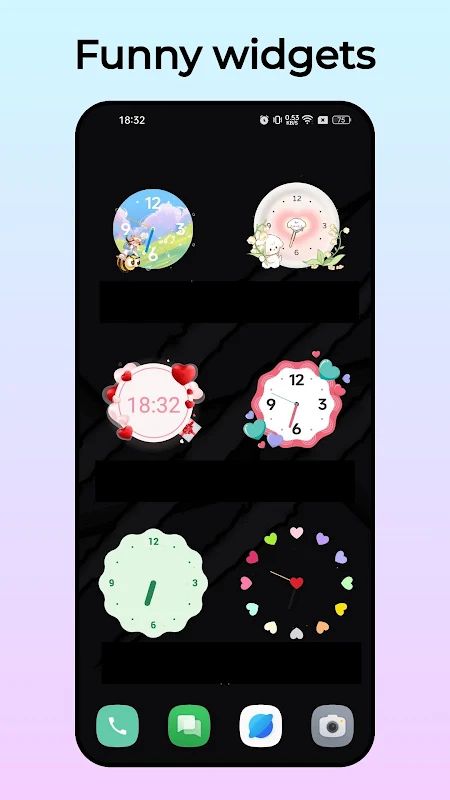
O Launcher MOD APK is a good option if you are getting tired of the default home screen on your Android phone. It gives you a round-style launcher with different themes, icon packs, wallpapers, and gesture controls. You can change the app grid, resize icons, hide apps, and even edit app names to make the home screen look the way you want. The Premium Unlocked version is aimed at users who want to explore additional launcher customization options without the usual payment restrictions.
Introduction to O Launcher
The launcher is one of the first things you see whenever you use your phone, so changing it can make the whole device feel different. O Launcher replaces the standard home screen with a customizable layout that supports Android 5.0 and newer. Its round-style design gives you another look without requiring you to buy a new phone or change the Android system itself.
You can start with the default layout and adjust it as you go. Change the icons, try a new wallpaper, or move your favorite apps to a more convenient place. There are quite a few settings to explore, but you do not have to change everything at once. Even a different icon pack can make your home screen look noticeably different.
Try Different Themes and Icon Packs
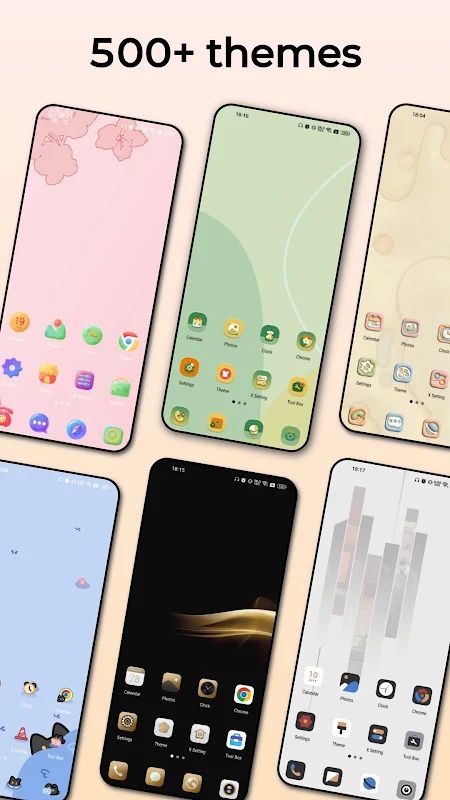
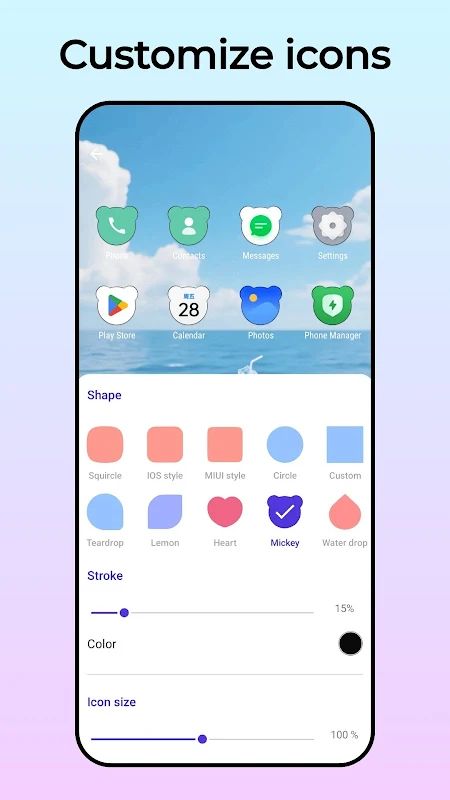
O Launcher supports more than 500 launcher themes, along with most third-party icon packs. This gives you plenty of choices if you want your apps to follow a particular style. You can go for a simple look with matching colors or try something more colorful. The launcher also includes its own round, square, and teardrop icon styles.
Wallpapers are available through the app as well, so you can change the background to match your chosen theme. If you like changing your phone’s appearance every now and then, you can try different combinations until you find one you want to keep. Keep in mind that third-party themes and icon packs may vary in how well they work with individual apps.
Organize Apps with the App Drawer
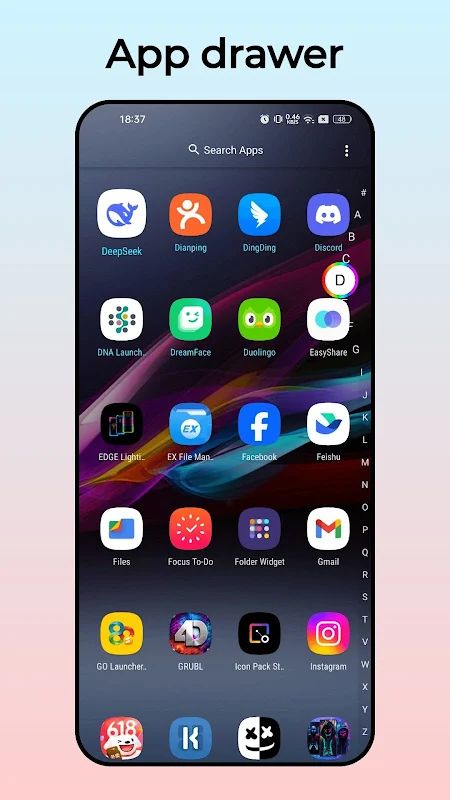
When you have lots of apps installed, finding the one you need can become a bit annoying. O Launcher uses a vertical app drawer with a section for your favorite applications, making frequently used apps easier to reach. Instead of searching through every icon on your home screen, you can keep the apps you use most in a more convenient spot.
You can also adjust the launcher grid to change how icons are arranged. If you prefer a cleaner home screen, you might want fewer icons in each row. If you have many apps and want to fit more on the screen, a different grid size may work better. It is a small setting, but it can make a difference in how you use your phone every day.
Use Gestures and Hide Private Apps
O Launcher includes nine gesture options, giving you another way to open features or perform actions without searching for an icon. Once you have set up the gestures you want, you can use them as shortcuts while navigating the home screen. It may take a little time to get used to them, but they can be useful if you prefer quick actions.
There is also a hidden apps feature. According to the app description, you can swipe up with two fingers to show the apps you have hidden. This gives you a way to keep certain icons out of the normal app view when you do not want them sitting on your home screen. However, hiding an icon is not the same as securing an app with a password, so do not treat it as a replacement for proper privacy protection.
Customize Icons, Labels, and the Dock
You do not have to accept the default appearance of every app icon. O Launcher lets you edit icons and app names individually, which is useful if you want a more consistent home screen or simply prefer a different label. You can also adjust icon size, label color, and other display settings to suit your screen.
The dock at the bottom of the home screen can be customized too. You can change its background and adjust the overall layout, while the desktop editing mode makes it easier to rearrange your launcher screens. There is also an option to lock the desktop layout once you are happy with it. This helps prevent accidental changes when you move icons around or use your phone in a hurry.
Explore the Side Screen and Notification Counters
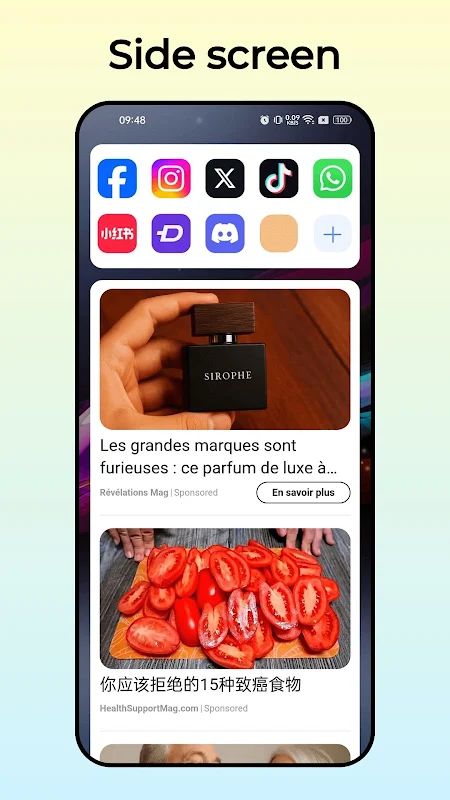
O Launcher includes a side screen with additional functions, giving you another area to access useful tools. The available options can depend on the launcher version, so it is worth opening the settings to see what is included in your build. You can also choose from more than ten search bar styles if you want the home screen to have a different look.
Another handy feature is the notification counter shown on app icons. It can display unread SMS messages, missed calls, and notifications from supported apps. This lets you check for new activity without opening each application. If you often miss messages because you have several apps running, having the counters visible may make it easier to notice them.
MOD APK Version of O Launcher
MOD Features
Premium Unlocked
Download O Launcher MOD APK for Android
If you want a different home screen without replacing your phone, O Launcher gives you plenty of ways to change its appearance and layout. Try a new theme, use a different icon pack, set up gestures, or organize your apps in a way that suits your daily routine. You can make a few small changes or spend more time adjusting the details until the launcher feels right. Download O Launcher MOD APK for Android if you want to give your home screen a fresh look.


