

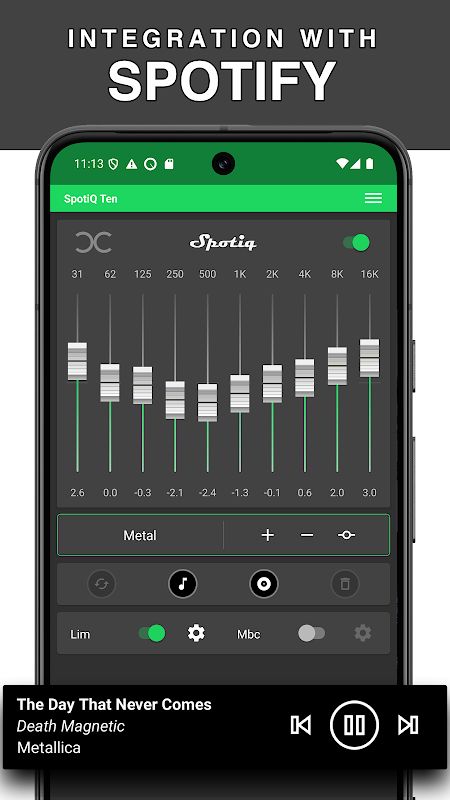
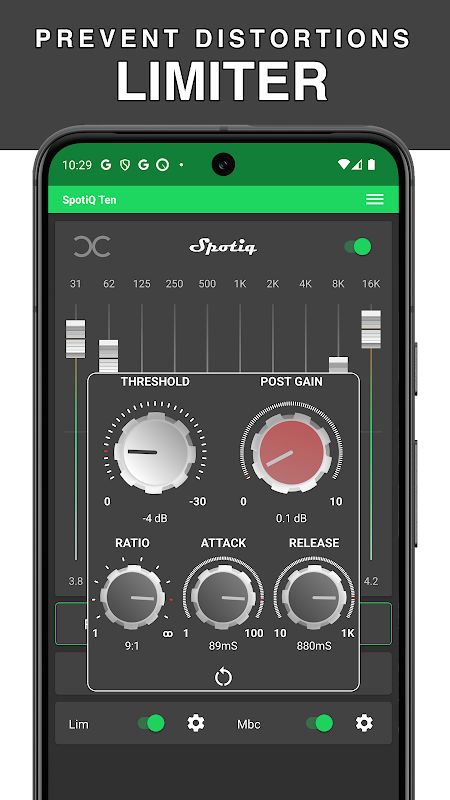
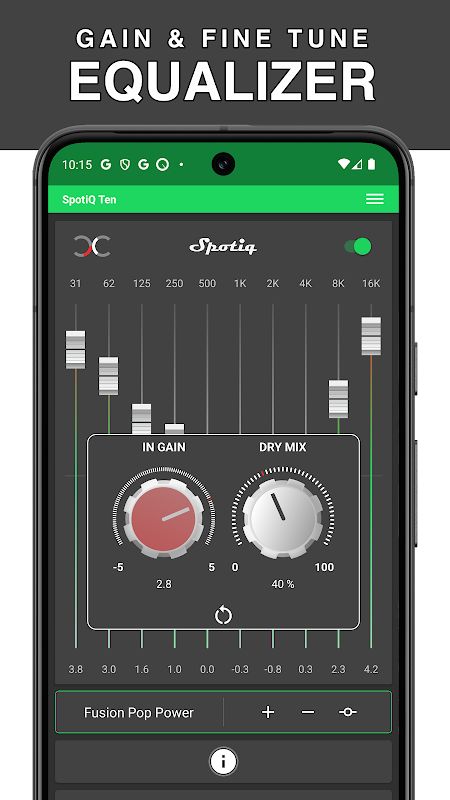
SpotiQ Ten MOD APK is an equalizer app for Android that lets you adjust how your music sounds, especially when listening to Spotify. Maybe the bass feels too weak, the vocals are hard to hear, or the overall sound just doesn’t feel right with your headphones. This app gives you more control over those details instead of making you stick with the default sound. It also works with compatible music and video players, so you can use it with different audio setups.
ADJUST YOUR SOUND WITH A 10-BAND EQUALIZER
The main feature of SpotiQ Ten is its 10-band graphic equalizer. You can move the sliders to adjust different frequency ranges, including bass, mids, and treble. It might take a little time to find the settings you like, but once you get them right, you can save them and use them again later.
- 10-Band Equalizer: Adjust individual frequency bands to make your music sound warmer, brighter, or more balanced. It is useful if you listen to different genres and don’t want every song to sound exactly the same.
- Bass Booster: If you enjoy music with deeper bass, the bass controls let you tune low frequencies and sub-bass. You can increase the impact of bass-heavy tracks without having to change your settings every time you open another playlist.
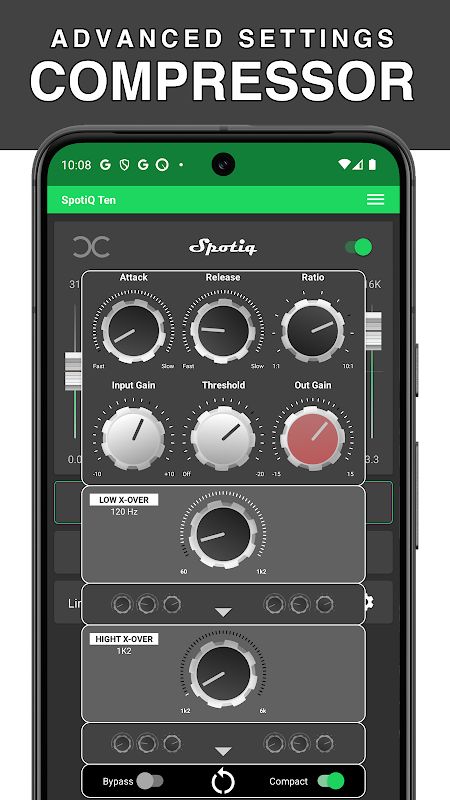
- Volume Amplifier: Some tracks sound quieter than others, which can be annoying when listening to a mixed playlist. SpotiQ Ten includes volume amplification and a professional compressor to help control the sound. The result will depend on your device and playback app, so it may take some adjustment.
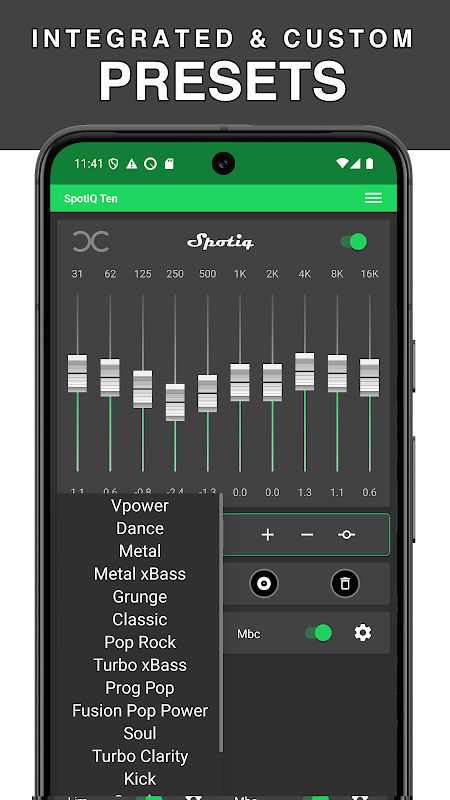
- Custom Sound Presets: You can save your own equalizer settings as presets for different listening situations. For example, you might prefer one profile for headphones and another for your car speakers.
SMART SPOTIFY PRESETS AND AUDIO CONTROLS
SpotiQ Ten is not only about moving sliders manually. It also includes features designed to make managing your sound settings easier, especially if you usually listen to Spotify and have different preferences for different songs.
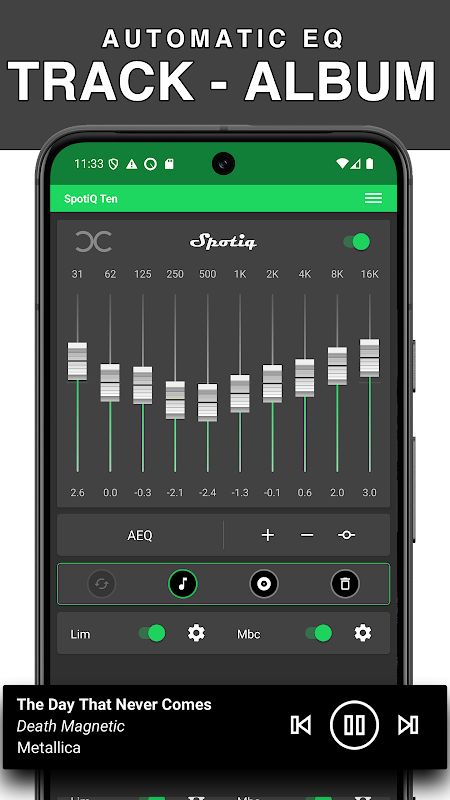
- One Song, One Equalizer: You can manage individual presets for individual songs. This is handy when one track needs more bass while another sounds better with clearer mids or less treble.
- Automatic Song Detection: The app can detect Spotify tracks and apply the associated equalizer preset automatically. Once your settings are organized, you won’t need to keep changing them by hand for every song.
- Headphones and Bluetooth Speakers: You can create profiles for headphones, Bluetooth speakers, Hi-Fi systems, and compatible car audio setups. This makes it easier to keep your preferred sound settings for each device.
- Google Drive Backups: Automatic backups help keep your saved presets organized, so your sound settings are easier to preserve.


