

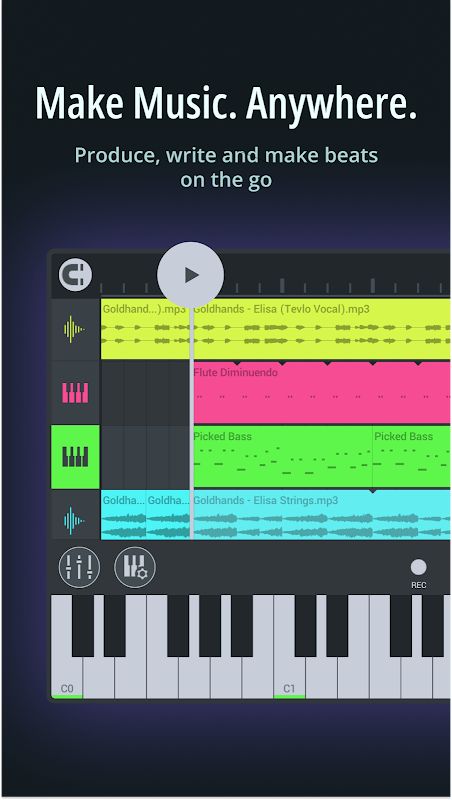
FL Studio Mobile MOD APK gives you a complete music production workspace that you can carry on your phone, tablet, or Chromebook. You can create beats, write melodies, record vocals or instruments, mix tracks, and export your projects without needing to sit in front of a desktop computer. With built-in sounds, instruments, effects, a full mixer, automation, MIDI support, and many audio tools, the app gives you plenty of options for creating music wherever you are.
Introduction to FL Studio Mobile
FL Studio Mobile is designed for making music directly on a mobile device. You can start with the included sound library, create a beat, arrange melodies, record audio, and then mix everything together. The app includes 8 instruments such as MiniSynth, DW Sampler, GMSynth, Transistor Bass, SuperSaw, Slicer, 3x Osc, and Drums.
There are also more than 1000 sounds covering basses, bells, keys, plucks, pads, leads, and other styles. This gives you a large starting library without having to build everything from an empty project. You can also download additional sound packs and presets when you want to expand your collection.
Create Beats and Melodies
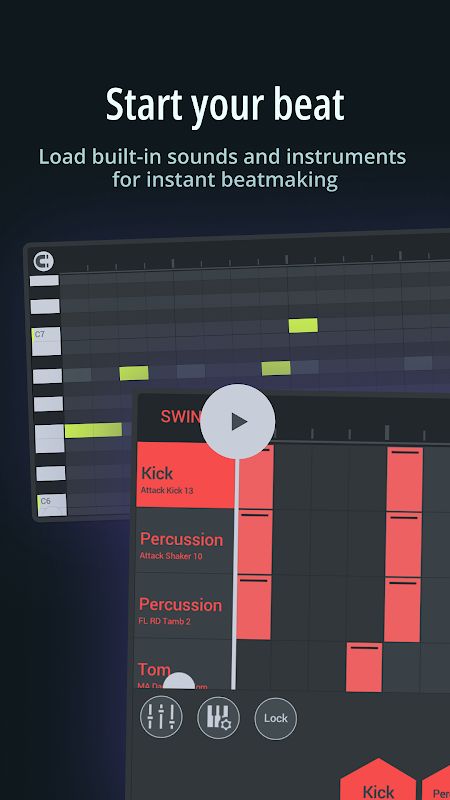
The Piano Roll is one of the main tools for composing music. You can tap notes directly onto the screen and control their pitch, length, and velocity. This lets you build melodies and patterns without needing a physical keyboard.
The app also includes virtual piano keys and drum pads, making it easier to play instruments directly from the touchscreen. The Chords Keyboard can help you create harmonies and chord progressions more easily when you are not sure which notes should work together.
Shape Your Sound With Effects
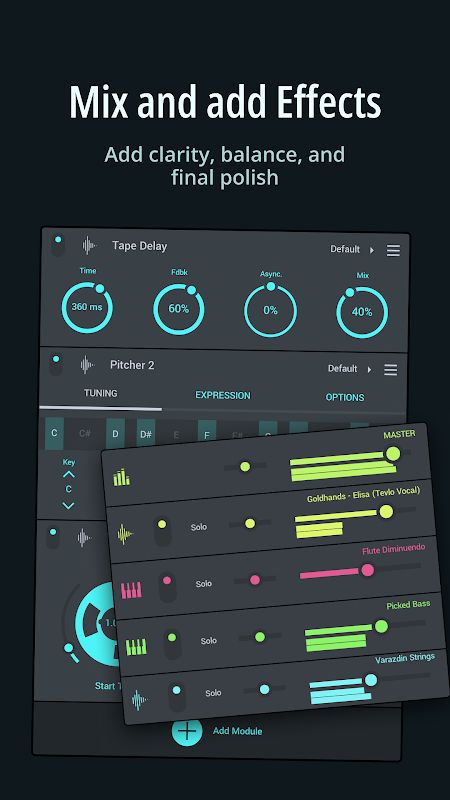
FL Studio Mobile includes more than 30 effects for changing and improving your tracks. You can use common tools such as Reverb, Tape Delay, Compressor, Limiter, Distortion, Chorus, Flanger, Phaser, Filter, and EQ.
There are also more creative effects such as Tape Stop, Wow & Flutter, Waveshaper, Autoduck, Tremolo, and Stereo Spreader. You can combine different effects to create the sound you want and give your music more character.
Record Vocals and Real Instruments
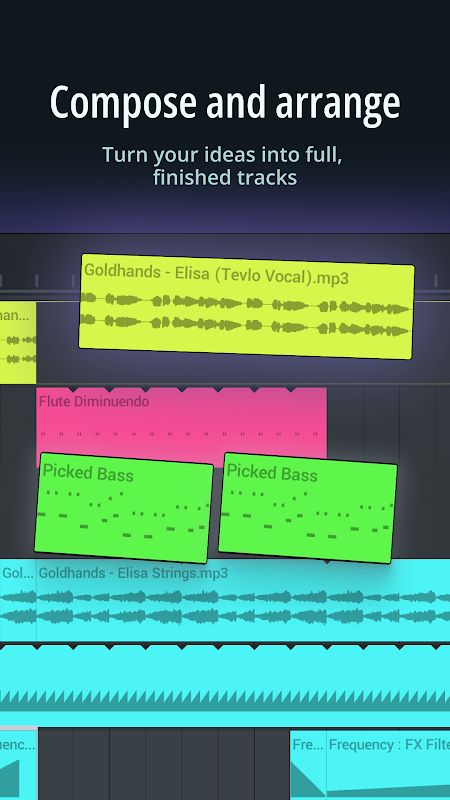
You can record vocals or real instruments directly into your project and arrange the recordings together with your other tracks. The app supports USB audio interfaces, allowing you to connect microphones or instruments and monitor the recording through speakers or headphones.
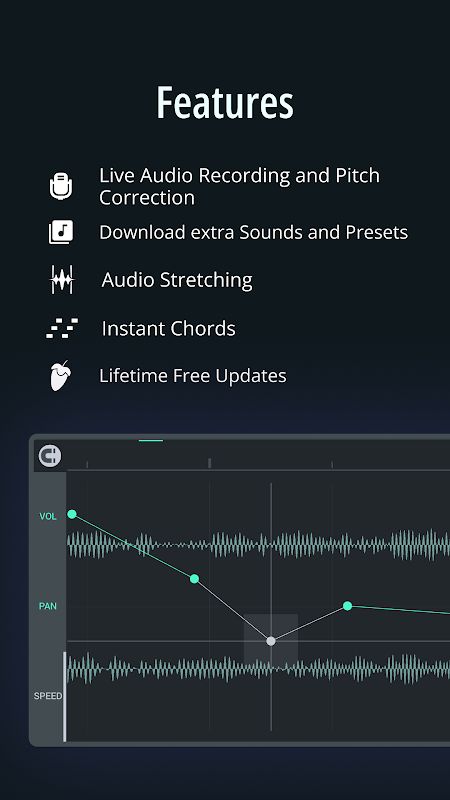
Pitcher 2 can also help keep vocals in tune or transform your voice in real time. Audio can be stretched and repitched with independent control over tempo and pitch, which gives you more freedom when working with recorded samples and vocals.
Mix and Automate Your Tracks
The advanced mixer gives you control over each track’s mute, solo, send level, panning, and volume. This is useful when you have many instruments and recordings in the same project and need to balance everything properly.
You can also record or draw automation for volume, panning, filters, and other parameters. This allows effects and settings to change during the song instead of staying fixed from beginning to end. Real-time tools such as Spectrum Analyzer, Oscilloscope, LUFS, and TruePeak can also help you check your mix more accurately.
Export and Continue Your Projects
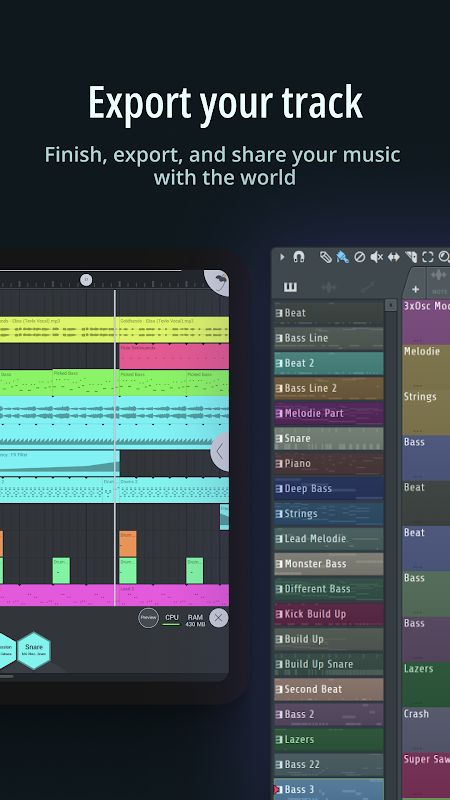
When your track is finished, you can export it in several formats including WAV, MP3, AAC, FLAC, and MIDI. You can also export mobile projects as .flp files and continue working on them in FL Studio Desktop.
Projects can be transferred between devices on the same network, so you can keep producing even when you move from one device to another. MIDI controllers are also supported through wired or wireless connections, giving you another way to control instruments and sounds.
MOD APK Version of FL Studio Mobile
MOD Feature
Premium Unlocked
Download FL Studio Mobile MOD APK for Android
FL Studio Mobile combines beat making, music composition, audio recording, sound design, and mixing in one mobile application. You can choose from thousands of sounds, build melodies with the Piano Roll, record vocals and instruments, use more than 30 effects, automate different controls, connect MIDI equipment, and analyze your audio with professional-style metering tools. With support for many export formats and .flp projects, FL Studio Mobile also makes it possible to start a track on your mobile device and continue working on it later in FL Studio Desktop.


