
Nova Launcher MOD APK is for anyone who wants more control over their Android home screen. The launcher that comes with your phone may be fine for everyday use, but it doesn’t always let you change everything you want. With Nova, you can change app icons, adjust the layout, organize folders, choose different themes, and set up shortcuts for actions you use often. You can keep your home screen clean and simple or spend time making it look completely different. The choice is yours, and you don’t need to change your phone or install a custom ROM to get started.
Introduction to Nova Launcher
Nova Launcher replaces your phone’s default home screen with one you can customize in much more detail. You can move apps around, resize icons, change label colors, and decide how the app drawer should look and behave. It also supports thousands of icon packs available on the Play Store, so it’s easy to find a style you like. You don’t have to adjust every setting just to make it useful. Start with a new icon pack or a different layout, then explore the other options whenever you feel like changing things again.
Change App Icons, Colors, and Themes
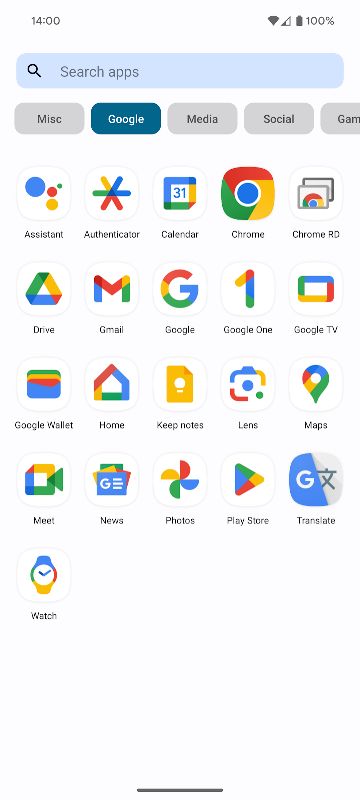
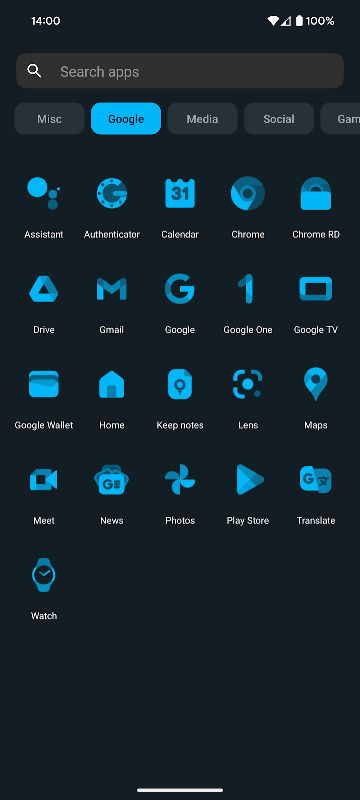
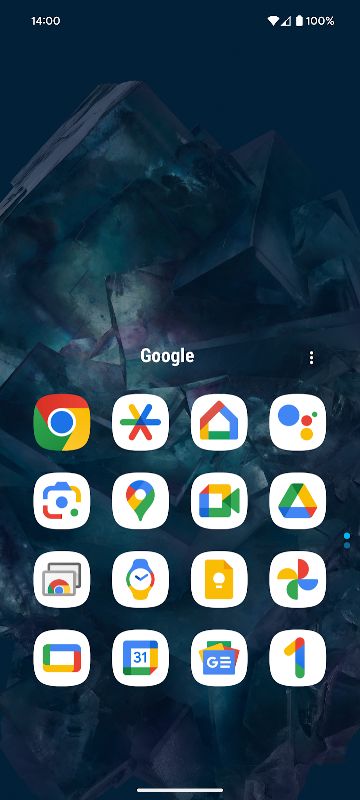
One of the first things you may want to change is the look of your app icons. Nova lets you apply icon packs and choose different icon shapes, helping you give your home screen a more consistent appearance. You can also use Material You colors from your Android system or pick your own colors for a more personal look. Light and dark themes are available too. If you don’t want to switch them manually, you can let Nova follow your system settings or change themes around sunrise and sunset. These small details can make your phone feel different without changing how your apps work.
Set Up Your Home Screen the Way You Like
Nova gives you plenty of control over where things appear on your screen. You can adjust icon sizes, label colors, scrolling direction, and search bar placement, as well as customize your app drawer and folders. One feature I find particularly useful is subgrid positioning. Normally, icons and widgets snap into fixed grid spaces, which can make certain layouts difficult to create. Nova lets you position them between those spaces, giving you more freedom to line everything up the way you want. If you enjoy arranging widgets or building a carefully organized home screen, this makes a noticeable difference.
Search for Apps and Useful Information
When you have lots of apps installed, searching can be quicker than opening the app drawer and scrolling through everything. Nova’s search system helps you find apps and contacts, along with supported content from integrated services. It also offers Micro Results for quick tasks such as calculations, unit conversions, and package tracking. Instead of opening a separate app for every small task, you can access some information directly through search. How much you use this feature will depend on your habits, but it’s a handy addition if you often search from your home screen.
Use Gestures for Everyday Shortcuts
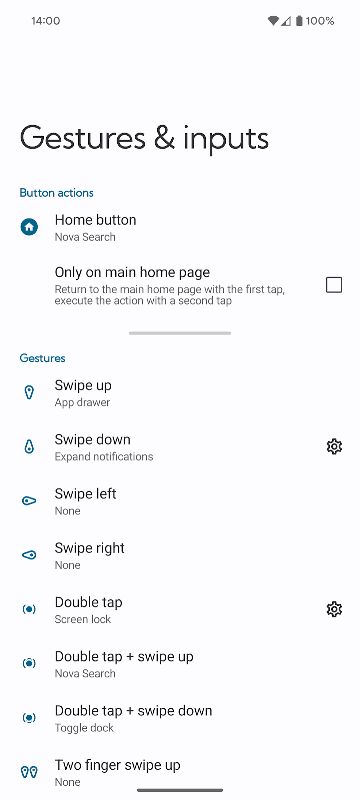
Nova Launcher Prime includes gestures that let you trigger actions with a swipe, pinch, double tap, or other supported movements. You can choose what each gesture does, giving you shortcuts to functions you use regularly. You can also assign swipe actions to app icons. For example, tapping an icon can open the usual app, while swiping on that same icon can perform another action. This is a useful way to add shortcuts without putting more icons on the screen. Once you’ve set up the gestures you need, you can reach certain functions with less tapping.
Keep Your App Drawer Organized
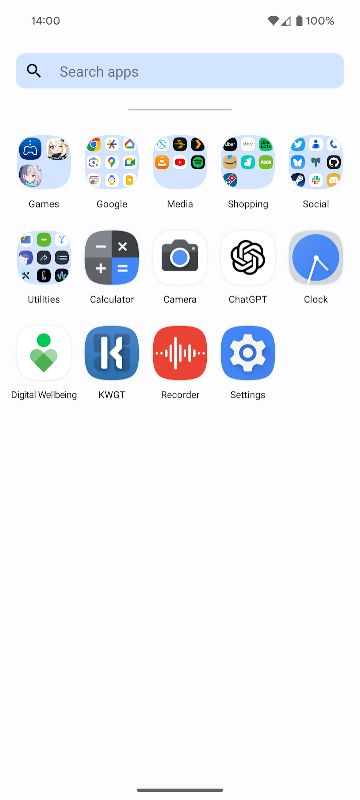
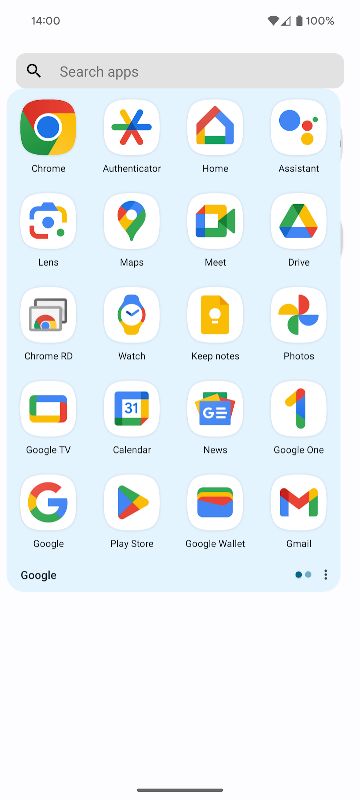
If your app drawer has become a long list of apps, Prime gives you more ways to organize it. You can create custom tabs and folders to group apps together, making it easier to find what you’re looking for. You can also hide apps from the app drawer without uninstalling them. This is useful for apps you rarely open or simply don’t want to see in your main list. Nova also offers extra scrolling effects and notification badges, giving you more options to adjust the launcher to your preferences.
Back Up Your Layout and Restore It Later
Setting up a home screen can take time, especially if you’ve arranged lots of widgets, folders, and icons. Nova’s backup and restore feature lets you save that setup so you can bring it back later. Backups can be stored locally or in the cloud, making it easier to move your layout to another phone. It’s also worth using a backup before trying a completely different design. If you don’t like the new layout, you can restore your previous setup instead of rebuilding everything from scratch.
MOD APK Version of Nova Launcher
The Prime Unlocked version gives you access to the extra features included with Nova Launcher Prime. You can set up custom gestures, assign swipe actions to app icons, create tabs and folders in the app drawer, and hide apps without uninstalling them. Additional scrolling effects and notification badges are also part of the Prime feature set. These tools are especially useful if you like to fine-tune your home screen instead of sticking with the default layout.
MOD Feature
Prime Unlocked
Download Nova Launcher MOD APK for Android
Nova Launcher is a good option if you want your Android home screen to feel more like your own. You can change icons and themes, arrange widgets more precisely, keep your apps organized, and create gestures for actions you use every day. The Prime Unlocked version adds more ways to customize the launcher, including app drawer groups, hidden apps, and custom icon gestures. Download Nova Launcher MOD APK for Android and set up your home screen to suit the way you use your phone.


