
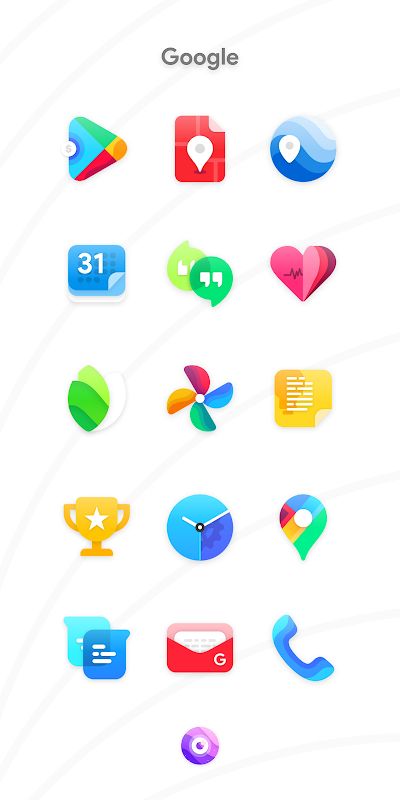
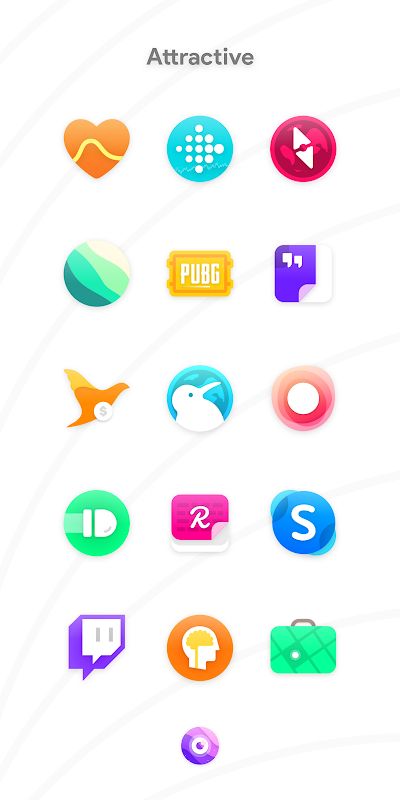
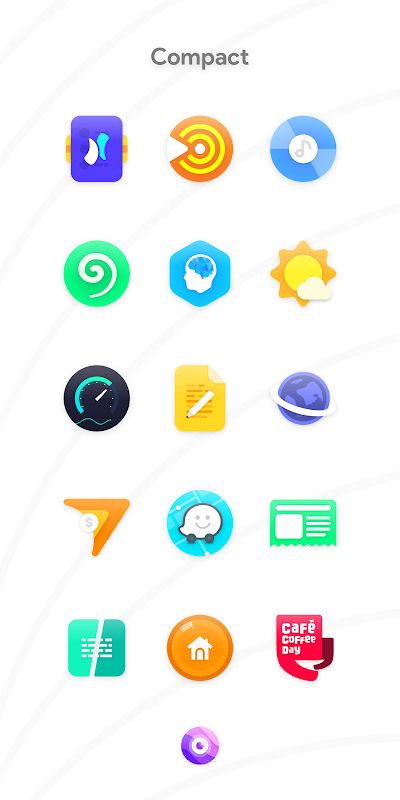
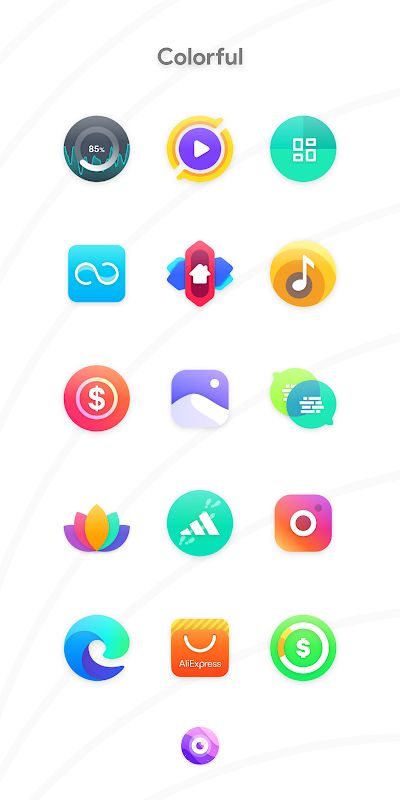
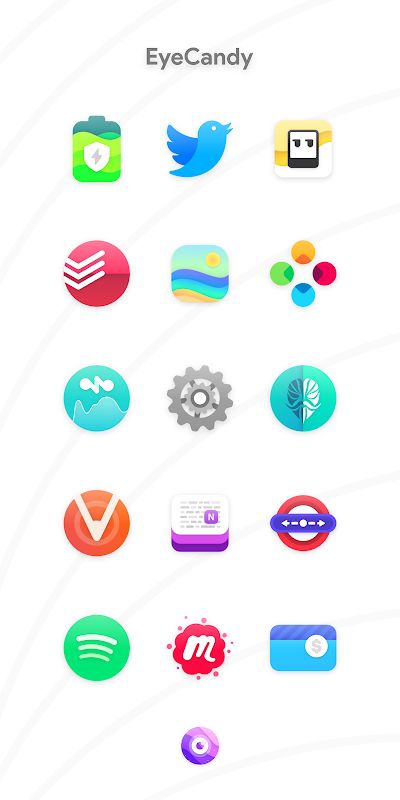
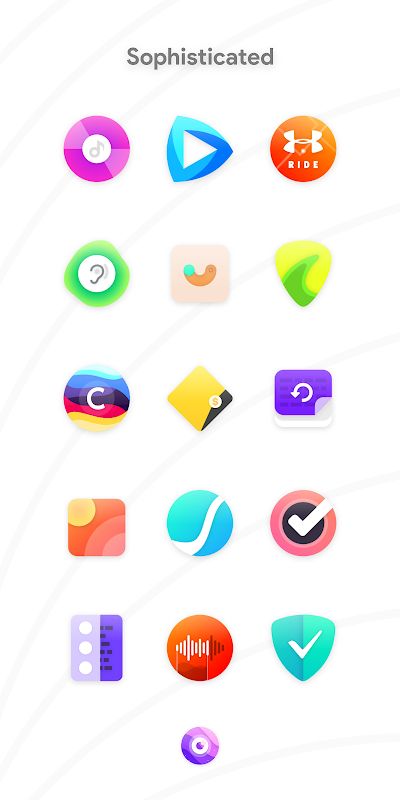
Nebula Icon Pack APK is made for people who like customizing their Android home screen but don’t want the icons to look too complicated. It uses simple designs with a pop of color, giving your phone a fresh look without making everything feel too bright or messy. There are thousands of icons included, along with wallpapers to help you put together a matching setup. If you often change your phone’s appearance, Nebula has quite a lot to explore.
SIMPLE ICONS WITH A TOUCH OF COLOR
Nebula comes with more than 5,460 handcrafted vector icons. The designs are kept simple, but the colors give them enough character to stand out on your home screen. The icons are also made in 192×192 resolution, so you get detailed artwork rather than basic replacements for your apps.
- Handcrafted Icons: There are over 5,460 icons in the collection, covering plenty of apps. Not every app will necessarily be included, but the developer continues adding more icons through updates.
- Colorful Design: Nebula uses a simple style with small touches of color. It works well if you want something more interesting than the default icons but still prefer a clean home screen.
- Weekly Updates: New icons are added regularly, so the collection can grow over time. If you notice an app that is missing its themed icon, you can send a request and let the developer know.
- Icon Requests: Users can request up to 10 icons per week. The developer also asks users to report icons that are already included but are not applying correctly, so those issues can be fixed.
WALLPAPERS AND EASY CUSTOMIZATION
Icons are only part of the experience. Nebula also includes 20 wallpapers, giving you more options for matching your background with the icon colors. Some of these wallpapers were made by designers Rishi Bafna and Saurav Katyar, which is a nice extra for anyone who likes putting together a complete home screen theme.
- 20 Wallpapers: You can choose from the included backgrounds to find a style that suits your icons. Having wallpapers in the same app makes customization a little easier, especially if you don’t already have a background in mind.
- Blueprint Dashboard: Nebula uses the Blueprint dashboard created by Jahir Fiquitiva. It provides an easy way to browse the pack and access its available features.
- Launcher Support: The pack supports many Android launchers, but you need a custom launcher that can apply icon packs. Installing Nebula alone will not automatically change the icons on every device.


