
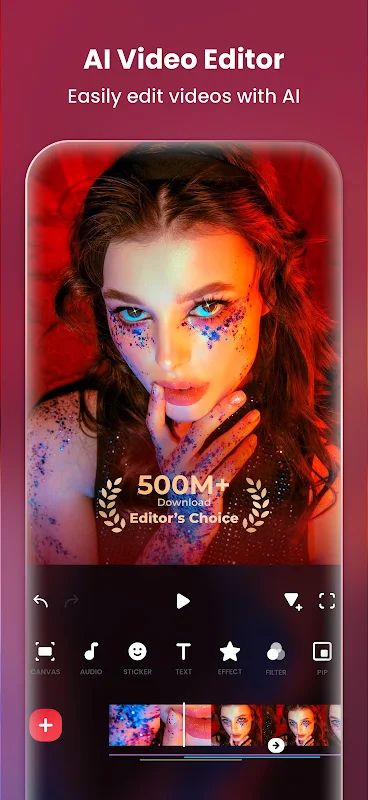
InShot MOD APK is an Android video and photo editor that gives you many tools to create and edit content for social media. You can trim clips, combine videos, add music, insert text and stickers, apply filters, and use transitions to make your videos look more interesting. The app also supports advanced editing tools such as keyframe animation, picture-in-picture, chroma key, and slow motion. If you want to make a vlog, prepare a TikTok video, create a photo slideshow, or put several pictures together in a collage, InShot gives you the tools to do it in one place.
Introduction to InShot
Editing videos on your phone does not have to be complicated. InShot provides a straightforward editing interface where you can add your clips, make changes, and adjust the result to suit your needs. You can use it for simple tasks like cutting unwanted parts from a video, or spend more time adding music, subtitles, stickers, and visual effects. It also works as a photo editor, allowing you to edit selfies, add text and stickers, and create collages. With different aspect ratios for platforms such as Instagram, TikTok, and YouTube, you can prepare your content for the place where you want to share it.
Basic Video Editing Tools
InShot includes the basic tools you need to put a video together. You can trim clips, merge several videos, crop unwanted parts of the screen, and adjust the aspect ratio to fit your preferred format. The speed control lets you slow a clip down to 0.2x or speed it up to 100x, which is useful for creating slow-motion scenes or quick time-lapse-style videos. You can also reverse a clip to play it backward, create photo slideshows, or make stop-motion videos from a series of images. These tools give you plenty of ways to change the look and pace of your video without needing a separate editing app for every task.
Advanced Editing with Keyframes and PIP
If you want more control over your edits, InShot offers several advanced tools to work with. Keyframe animation lets you animate text, stickers, and picture-in-picture layers by setting how they move or change over time. With PIP, you can place another photo or video on top of your main clip, making it easier to create video collages or combine different visual elements in one project. The chroma key tool removes a selected color, which is useful when working with green-screen footage, while the mask tool lets you apply a particular shape to a PIP layer. You can also blend layers using different blend modes and pick colors from the screen for backgrounds or text. These options are helpful when you want to make your videos more than a simple collection of clips.
Add Music, Sound Effects, and Voice-Overs
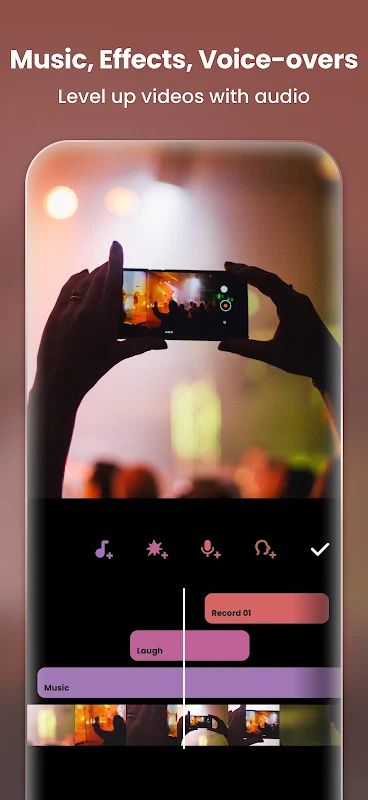
Music and sound can change the feeling of a video, and InShot gives you several ways to work with audio. You can add music from the app’s collection, insert sound effects, adjust the volume, and apply fade-in or fade-out effects. If you want to use audio from an existing video, you can extract it from your clips or recordings. The voice-over tool lets you record your own narration, while voice effects give you another way to change the sound. Whether you are making a vlog, editing a short social media video, or putting together a slideshow, you can adjust the audio to fit the content instead of leaving every clip with its original sound.
Filters, Effects, and Transitions
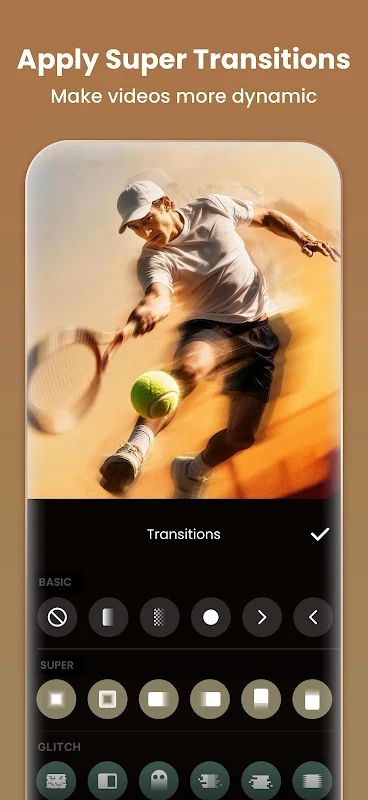
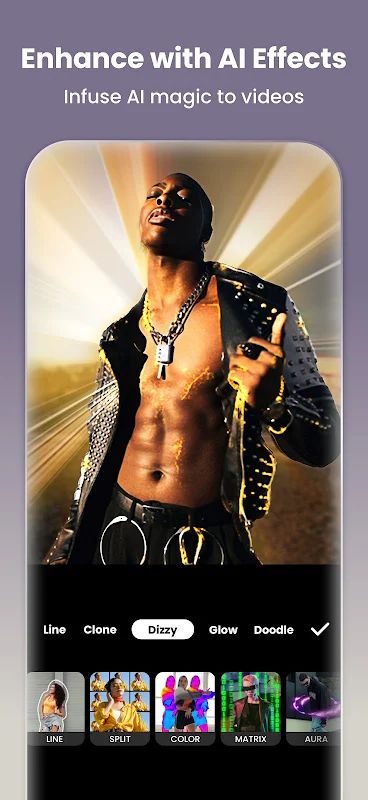
InShot includes filters and effects that help you change the visual style of your videos. You can try effects such as Glitch, Retro, RGB, and stop motion, or adjust brightness, contrast, and saturation to get the look you want. If the available presets do not quite match your idea, you can customize the filter and effect settings. The app also offers more than 60 transitions for connecting clips. Adding a transition between two scenes can make the change feel smoother or give the video a particular style. You can combine these effects with music and speed adjustments to create a result that feels more suited to your content.
Text, Stickers, and Video Backgrounds
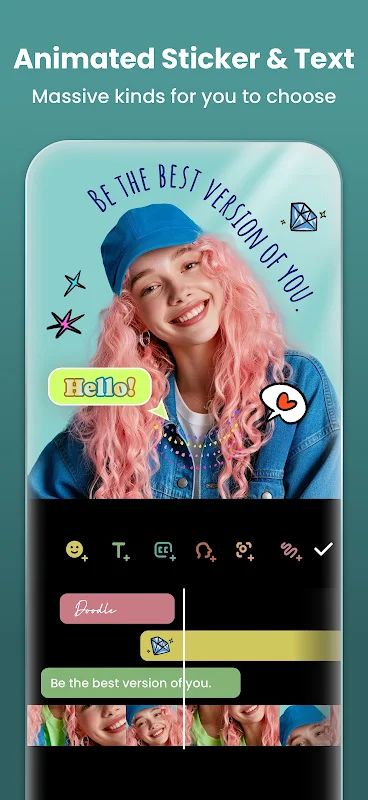
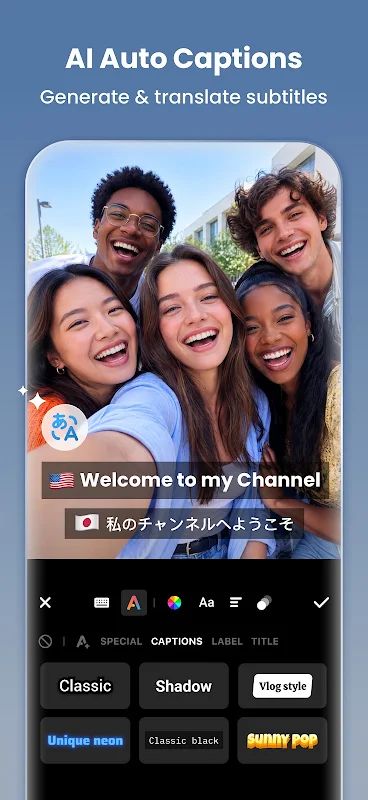
Text and stickers are useful when you want to add context or give a video more personality. InShot lets you add text in different fonts, create subtitles for your vlog, and decorate clips with animated stickers and emoji. You can also animate text and stickers with keyframes, so they do not have to stay in one place throughout the video. If you want to add your own memes or images, you can import them into your project. The canvas tools provide different background patterns, and you can upload your own picture as a background. You can then choose an aspect ratio such as 1:1 for Instagram, 9:16 for TikTok, or 16:9 for YouTube, depending on where you plan to share the finished video.
Photo Editor and Collage Maker
InShot is not limited to video editing. You can use it to edit pictures and selfies, add text or stickers, and create collages from several photos. The app includes different collage layouts, photo ratios, frames, and a large sticker collection with options for memes and other decorations. You can also add a background to a picture or prepare images for social media stories. If you regularly create both videos and photos for your accounts, having these tools in the same app makes it easier to keep your editing work together.
Export Videos in High Quality
When your project is ready, InShot lets you choose the export resolution for the finished video. The app supports 4K export at up to 60 FPS, giving you an option for producing high-resolution videos when your device and project support it. After exporting, you can share your work on platforms such as YouTube, Instagram, TikTok, WhatsApp, and Facebook. You can use the same editing tools for different kinds of content, from everyday clips and photo slideshows to more detailed videos with layered images, transitions, and sound effects.
MOD APK Version of InShot
InShot MOD APK with Pro Unlocked is intended for users who want access to the app’s Pro editing features. You can work with its video and photo editing tools, add effects and transitions, create collages, and prepare content for social media. With the Pro features unlocked, you have more editing options available when working on your videos and pictures.
MOD Feature
Pro Unlocked
Download InShot MOD APK for Android
If you need one app for editing videos, creating photo collages, adding music, and preparing content for social media, InShot offers a wide range of useful tools. You can start with basic edits and then try keyframe animations, PIP layers, chroma key, filters, and transitions as you become more familiar with the app. Download InShot MOD APK for Android and use the Pro Unlocked features to create videos and photos that match your own style.


