


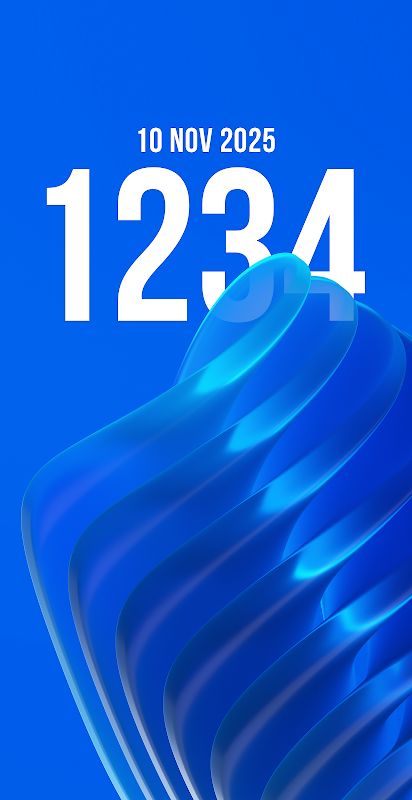
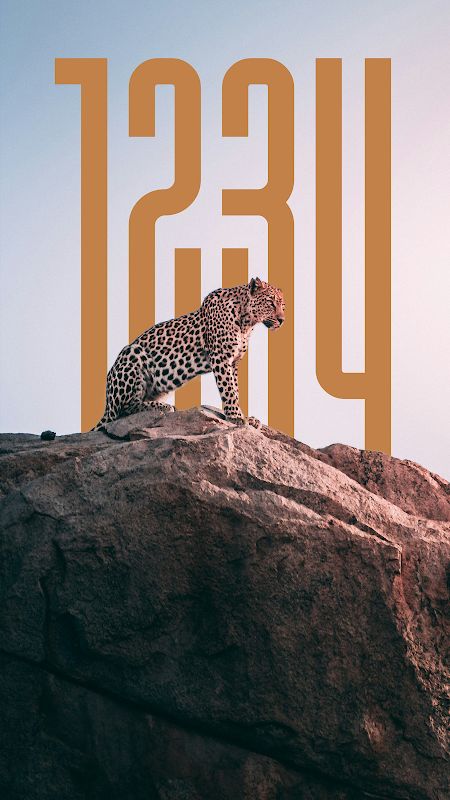
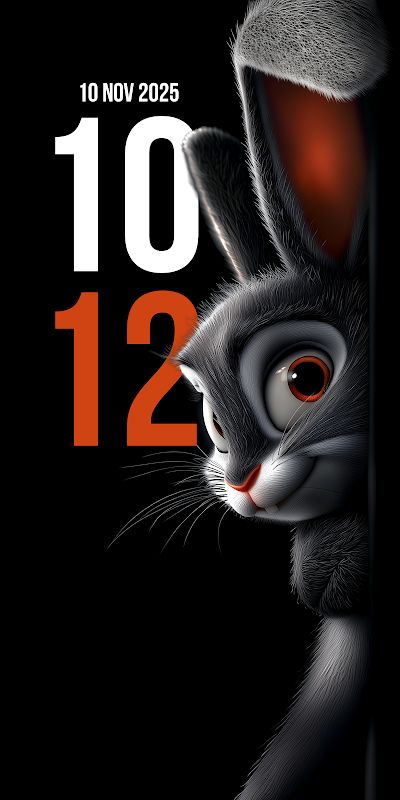

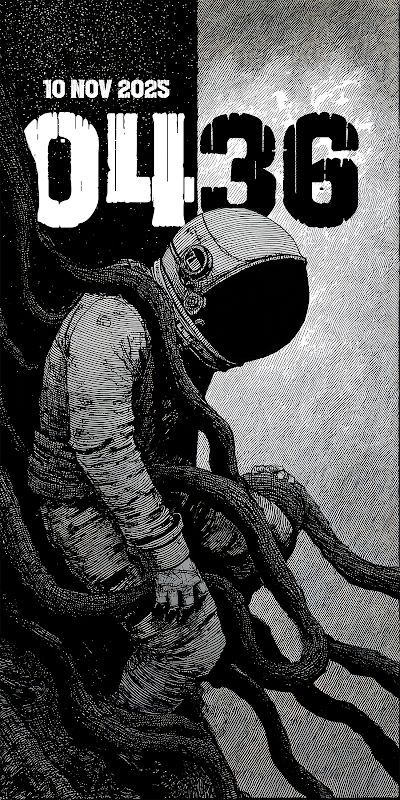
Depth Wallpapers & Live Clock MOD APK is a wallpaper app that gives your phone a different look with 3D effects and a clock built into the design. Instead of setting a normal wallpaper and adding a clock separately, you can have both in one place. The app comes with more than 120 wallpapers, and you can change the clock’s font, color, size, and position to make it fit the background. There are also different categories to explore, and new wallpapers are added regularly, so you have more choices when you want to change your screen.
Introduction to Depth Wallpapers & Live Clock
If you like changing your phone wallpaper but find most designs a bit boring, Depth Wallpapers & Live Clock is worth a look. The app focuses on 3D wallpapers that use layers and details to create a sense of depth, making the background look different from a regular image. What makes it more interesting is the integrated clock and date, which are designed to fit the wallpaper instead of looking like separate elements placed on top. You can browse the collection, choose a design you like, and adjust the clock to suit it. The process is simple, so you do not need to spend much time setting everything up before using your new wallpaper.
A Collection of 3D Wallpapers
Depth Wallpapers & Live Clock offers more than 120 handcrafted wallpapers, giving you plenty of designs to choose from. Each wallpaper has its own look, with 3D effects that make certain parts of the image appear closer while other details seem farther away. You can try different designs until you find one that looks good on your phone, then switch to another whenever you get tired of the current background. The collection is also updated with new wallpapers regularly, which gives you a reason to come back and see what’s been added. If you enjoy keeping your phone looking fresh, having different designs available makes changing your wallpaper much less repetitive.
Customize the Clock and Date
The clock is part of the wallpaper design, but you can still adjust it to match your preferences. The app lets you change its font, color, size, and position, so you are not stuck with one appearance for every background. For example, you can make the clock larger if you want the time to stand out, or use a smaller size when the wallpaper already has plenty of details. Changing the color can also help the clock fit the image better. These options are useful when you find a wallpaper you really like but want to make a few adjustments before using it. You can try different settings until the clock and background look right together.
Browse and Apply Wallpapers Easily
Finding a wallpaper is straightforward because the app organizes its collection into categories. You can look through the available sections instead of scrolling through every design one by one, which is helpful when you are not sure what you want. Once you find a wallpaper you like, you can apply it with one tap. There is no need to edit an image yourself or put a separate clock over the background. Just choose a design, adjust the clock if needed, and set the wallpaper. This simple process makes it easy to try something new whenever you feel like changing the look of your phone.
MOD APK Version of Depth Wallpapers & Live Clock
The MOD APK version may give you access to premium features without following the usual premium access method. This can be useful if you want to explore more of what the app offers while customizing your phone. The exact unlocked features depend on the particular MOD release, so the feature list should match the version available for download.
MOD Feature
Premium Unlocked
Download Depth Wallpapers & Live Clock MOD APK for Android
Want to give your phone a different look? Depth Wallpapers & Live Clock lets you choose from more than 120 3D wallpapers, customize the clock and date, and apply a new design with just one tap. The MOD version may also provide access to premium features, giving you more ways to explore the app. Download Depth Wallpapers & Live Clock MOD APK for Android and find a wallpaper that suits your style.


