
Exo Player MOD APK is an app for watching IPTV channels and playing videos on your Android device. You can add M3U or M3U8 playlists, log in with Xtream Codes, or open video files saved on your phone. It supports many video formats, subtitles, different audio tracks, and even casting to a TV. You can use it for live TV or your own video collection without needing two separate players.
Introduction to Exo Player
Exo Player has several options for watching videos, depending on where your content comes from. If you have an IPTV playlist, you can load it into the app and browse the available channels. If you have movies saved on your phone, you can play those too.
The app works on Android phones, tablets, and Android TV. You can also open online video links, so there are a few different ways to use it. The main thing to remember is that you need to provide your own playlists, links, or video files.
Watch IPTV Channels
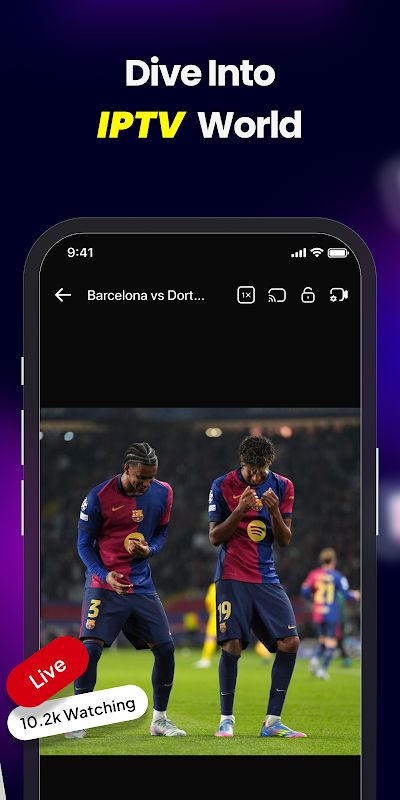
Exo Player supports M3U and M3U8 playlists, as well as the Xtream Codes API. You can enter your playlist or provider details and access the channels available through your IPTV service. If you have more than one playlist, the app lets you manage them in one place.
Finding a channel is easier when you keep your favorites organized. You can make a favorite list instead of going through the full channel list every time. The player is also designed for quick channel switching, which is handy when you want to move between live sports, news, and movies.
Play Videos Saved on Your Phone
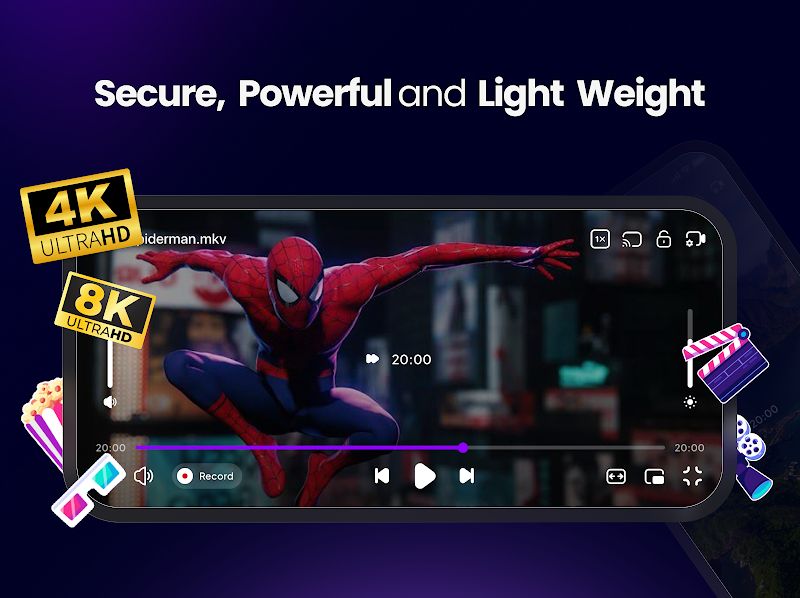
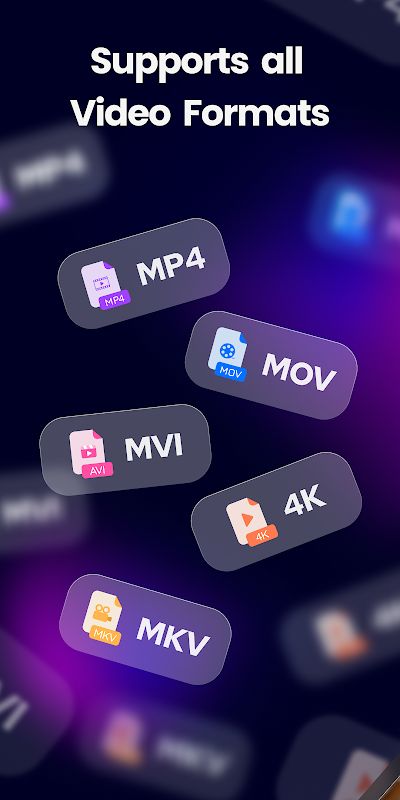
You can use Exo Player to watch downloaded movies and other local videos. It supports formats such as MP4, MKV, AVI, MOV, WMV, FLV, and 3GP, so you do not need to convert every file before opening it.
The app supports HD and 4K playback, with 8K playback available for compatible devices. It also uses hardware-accelerated decoding. How smoothly a video plays still depends on your device and the file, especially if you are watching high-resolution videos.
Subtitles and Playback Controls
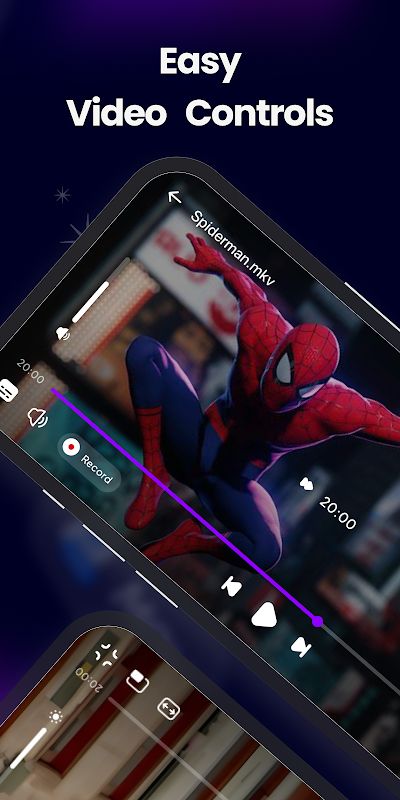
When watching a movie, you may need subtitles or want to change the audio language. Exo Player supports subtitles and multiple audio tracks, allowing you to switch between the available options.
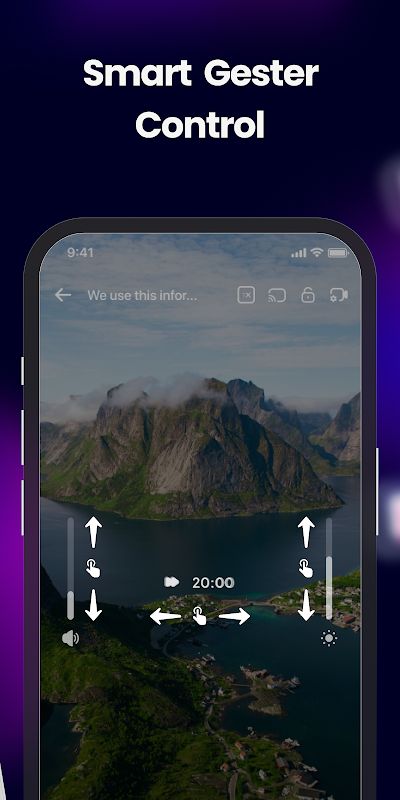
You can also change the playback speed, which is handy when watching a tutorial or a long video. The floating player lets you keep a video in a small window while using other apps. Background playback is available too, so you can continue listening without keeping the video open on the screen.
Stream Online Videos and Cast to TV
Exo Player can open online video links and supports HLS, DASH, RTMP, and HTTP streams. If you already have a compatible stream URL, you can play it directly in the app instead of downloading the video first.
You can also cast supported IPTV streams and local videos to a TV using Chromecast. For videos stored on other devices in your home network, the app supports DLNA and UPnP, including access to compatible NAS servers. These options give you more ways to watch your videos on a bigger screen.
Manage Your Playlists and Media
Exo Player includes tools for managing IPTV playlists and scanning your media library. This helps when you have many channels or video files and want to find the one you need without searching through everything manually.
The app is designed to load playlists quickly and has a fairly straightforward purpose: play your content and give you control over how you watch it. You can use it on your phone when you are out or on a larger screen at home.
MOD APK Version of Exo Player
MOD Features
Premium Unlocked
Download Exo Player MOD APK for Android
Exo Player MOD APK lets you watch IPTV channels, play local videos, and open supported online streams in one app. You can organize your playlists, change subtitles and audio tracks, use the floating player, or cast videos to your TV. Download Exo Player MOD APK for Android and use it to play your IPTV and video files.