

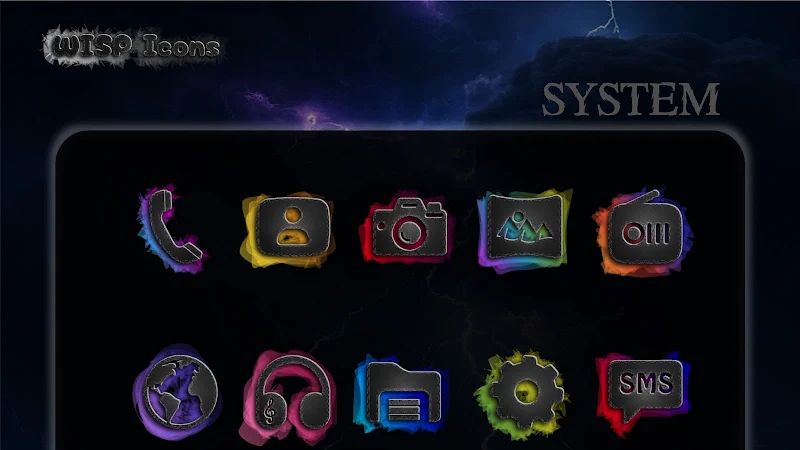
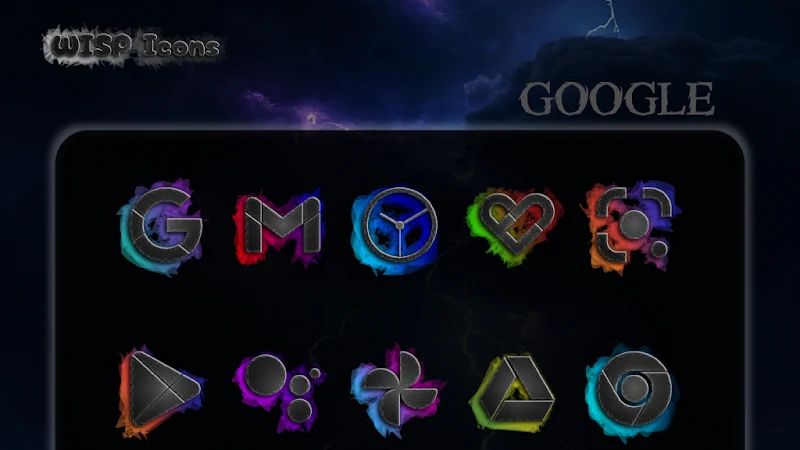
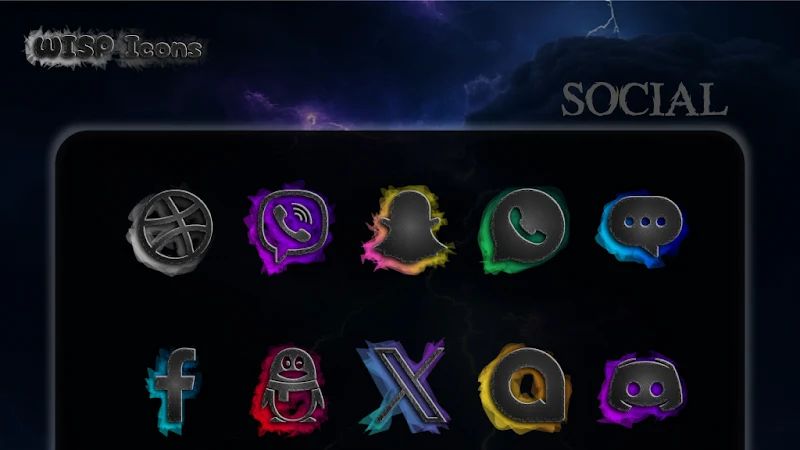
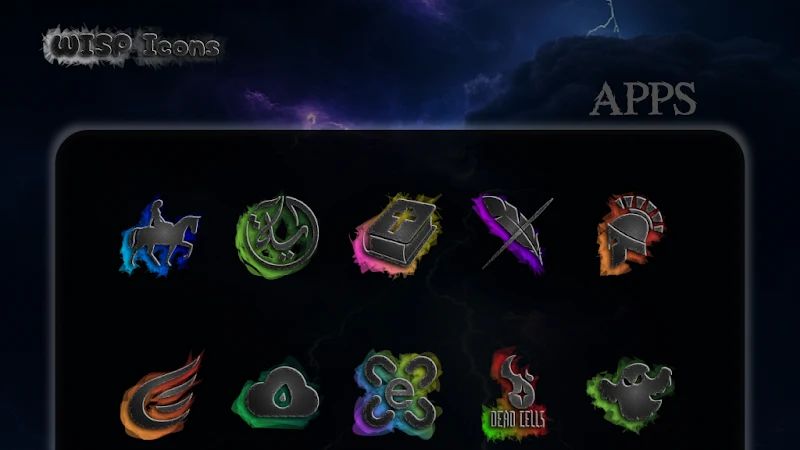
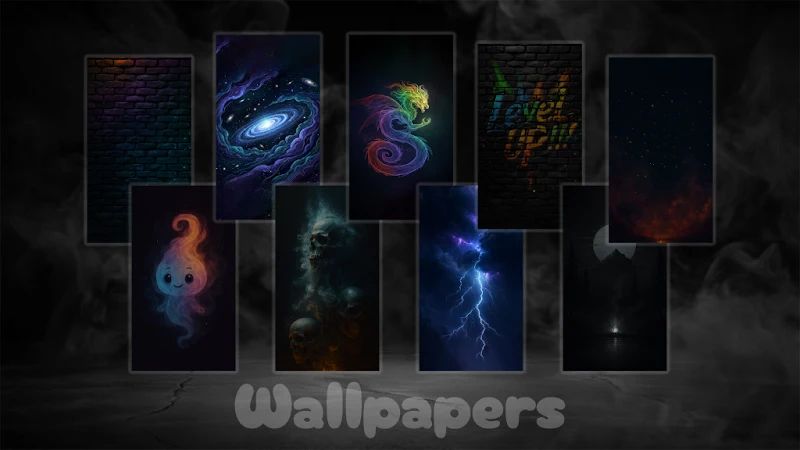
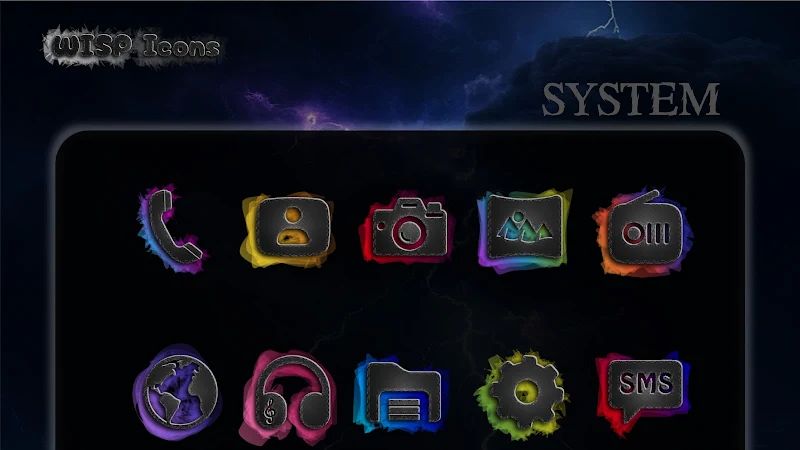
Wisp Dark Icon Pack APK is an Android icon pack with a dark neon style. It includes more than 4,850 custom icons, matching wallpapers, and support for dynamic calendar icons. If you prefer a dark home screen but still want some color, Wisp Dark gives you plenty of icons to work with.
Introduction to Wisp Dark Icon Pack
Wisp Dark changes the appearance of app icons rather than replacing your launcher. The icons use a dark design with bright neon details, giving your home screen a consistent look. You can apply the pack to supported launchers and combine it with a matching wallpaper.
The pack covers a large number of apps, so you have a good chance of finding icons for the applications you use regularly. You can also request missing icons if some of your installed apps are not included.
Browse More Than 4,850 Custom Icons
Wisp Dark comes with over 4,850 custom icons. The collection gives you plenty of options for changing the look of your home screen, from everyday apps to other supported applications. Using icons from the same pack also helps keep the layout consistent instead of mixing several different styles.
Some apps may not have a custom icon yet. In that case, you can submit an icon request and ask for it to be added in a future update.
Give Your Home Screen a Dark Neon Style
The main feature of Wisp Dark is its dark neon appearance. The icons are designed to stand out against darker backgrounds, making them a good fit for users who prefer dark themes. You can apply the pack to your existing home screen without changing the rest of your phone’s interface.
For a more consistent result, use the icons with a dark wallpaper and keep the same visual style across your home screen. You can still arrange your apps as usual, so the main change is how the icons look.
Use Matching Wallpapers
Wisp Dark also includes wallpapers designed to go with its icons. Using one of these backgrounds can help the icons fit together visually, rather than having a wallpaper that clashes with their colors and design.
You can try different backgrounds to see which one works best with your home screen layout. If you already have a wallpaper you like, you can keep using it and apply the icon pack on its own.
Keep Calendar Icons Updated
The pack supports dynamic calendar icons. These icons can change to reflect the current date, so the calendar app does not always look the same. It is a small detail, but it helps the home screen feel more up to date.
Apply Wisp Dark with a Supported Launcher
Wisp Dark needs a compatible launcher to apply its custom icons. Once you have a supported launcher installed, you can select the icon pack through the launcher’s settings and change the appearance of your app icons.
The available application method depends on the launcher you use. If an app icon is missing from the pack, you can also send an icon request for consideration in a future update.
Download Wisp Dark Icon Pack for Android
Wisp Dark Icon Pack is a paid option for Android users who want thousands of dark neon icons and matching wallpapers. It also supports dynamic calendar icons and requests for missing apps. Get Wisp Dark Icon Pack for Android if you want to give your home screen a darker look with bright neon details.


