
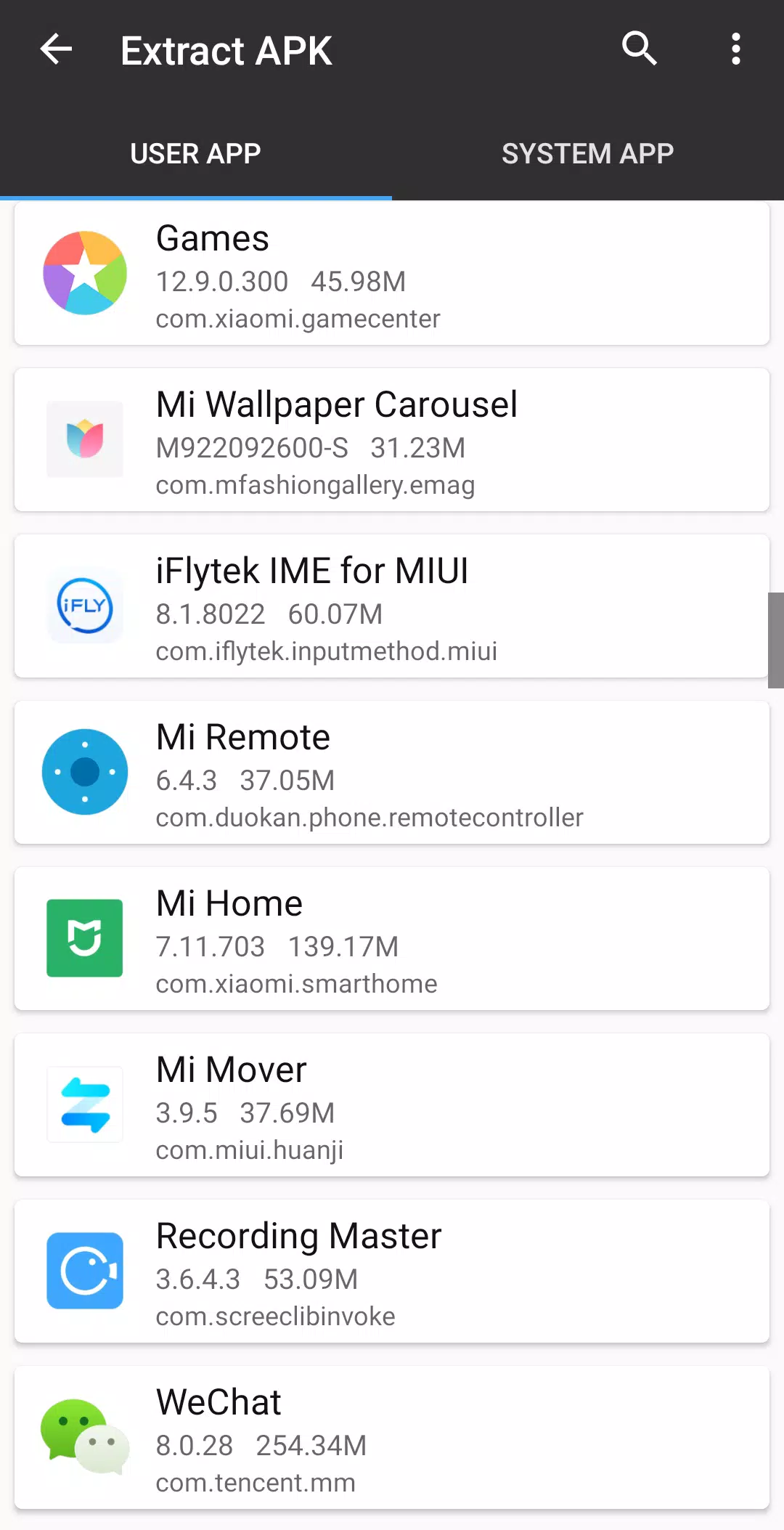
MT Manager MOD APK is a useful tool for anyone who likes exploring Android apps or needs more control over the files on their phone. It can do much more than copy, move, or delete files. You can open ZIP archives, edit text, work with APK files, and even change app resources directly on your device. If you often modify APKs, translate apps, or edit files inside an application, MT Manager brings many of the tools you need into one place, so you don’t have to switch between different apps for every task.
Introduction to MT Manager
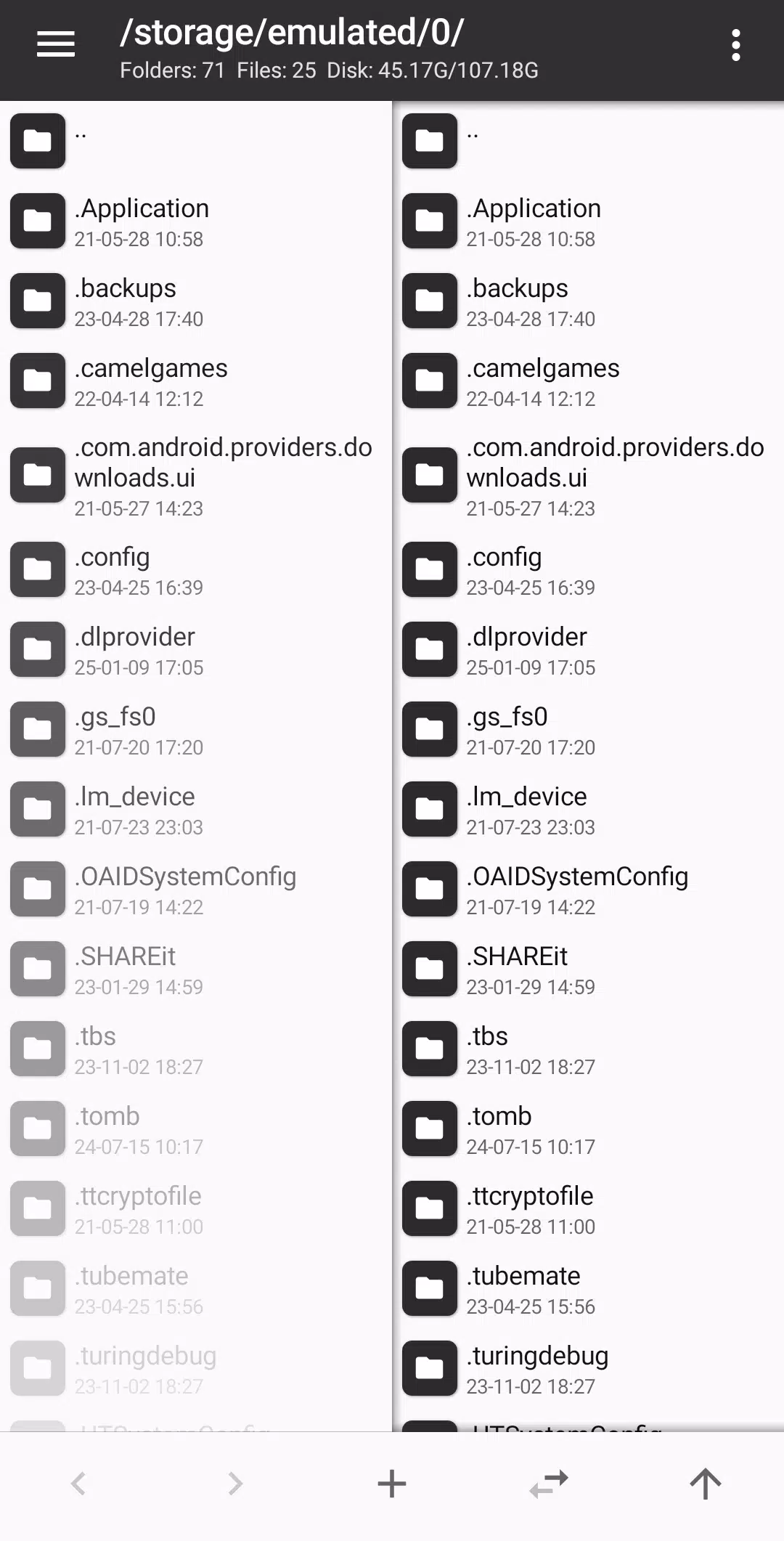
What makes MT Manager different from a regular file manager is the number of things you can do with it. You can browse your folders, open an APK, check its contents, and edit supported files without moving everything to a computer first. The dual-panel interface is also handy when you need to work with files in two different locations, such as copying a file from one folder to another. Some tools are easy to use for everyday file management, while others are more suitable for people who already have experience working with Android apps. Once you get familiar with the interface, you can use MT Manager for quite a lot of different tasks.
Manage Files on Your Phone
MT Manager covers the basic file operations you would expect, including copying, moving, renaming, and deleting files. You can browse your device storage, organize your documents, and find the files you need without much trouble. If your phone has root access, the app can also work with system directories, change file permissions and ownership, and remount supported file systems as read-write. These options are especially useful if you know how Android’s file system works and need to make changes beyond ordinary storage management. For normal use, though, you can simply open your folders and manage your files as needed.
Edit ZIP Files Without Extracting Everything
Working with ZIP archives is another useful part of MT Manager. Instead of extracting an entire archive, changing a file, and compressing everything again, you can open the ZIP and make changes directly. You can add new files, replace existing ones, rename entries, or remove files you no longer need. This comes in handy when you’re working with app resources or only need to update one small part of an archive. It saves a few steps, especially if you have to repeat the same kind of work regularly.
Text Editor and File Viewers
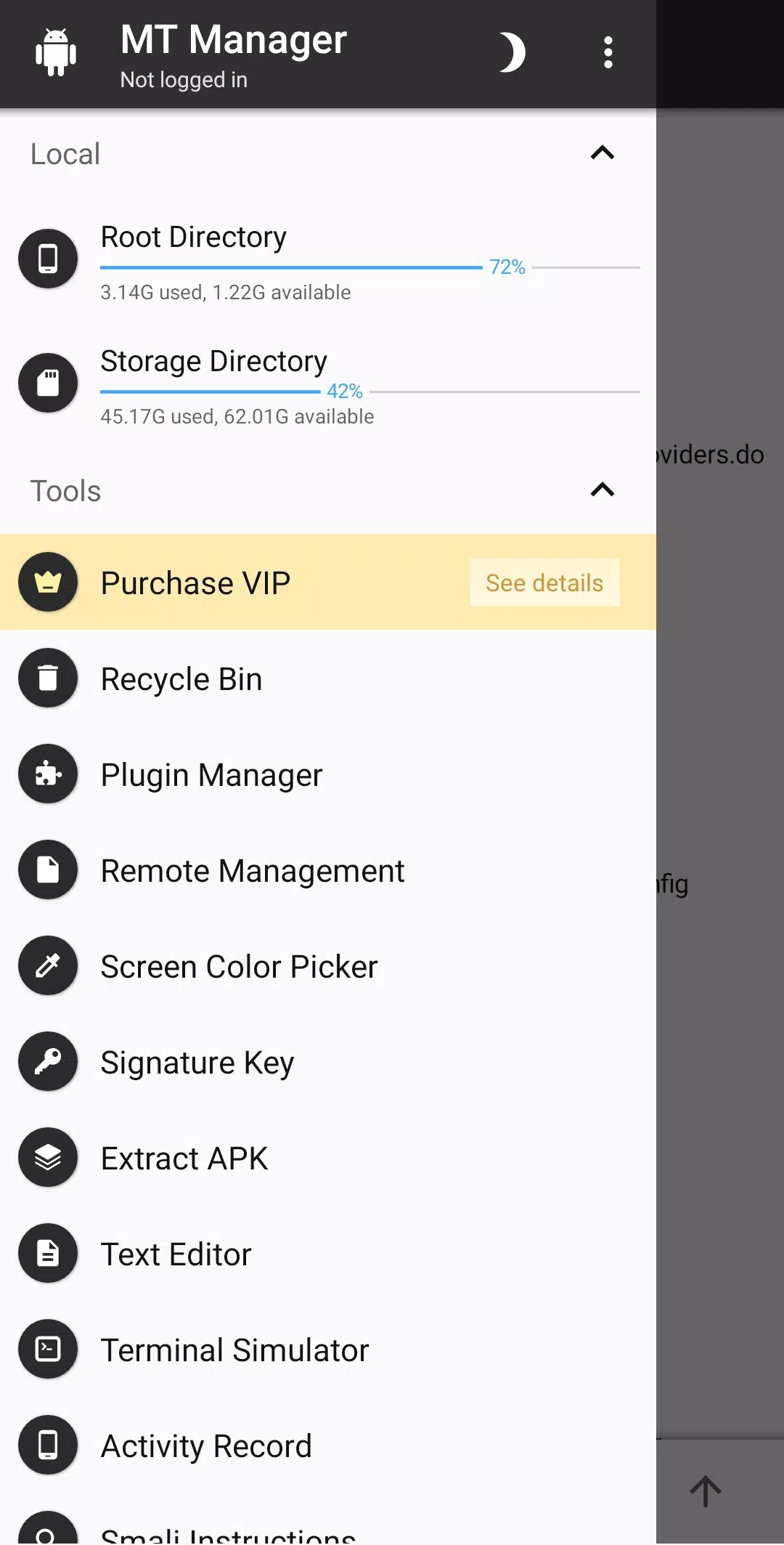
Sometimes you just need to open a text file, check a script, or make a small change without installing another app. MT Manager has a built-in text editor for this kind of work, along with tools for viewing images, music, and fonts. You can check a file’s contents, edit supported text, and preview different resources from the same interface. Bookmarks also help when you often return to the same folders or files. The VIP version adds more tools, including a script executor and FTP connection support, which can be useful if you work with scripts or files stored on another server.
Edit and Modify APK Files
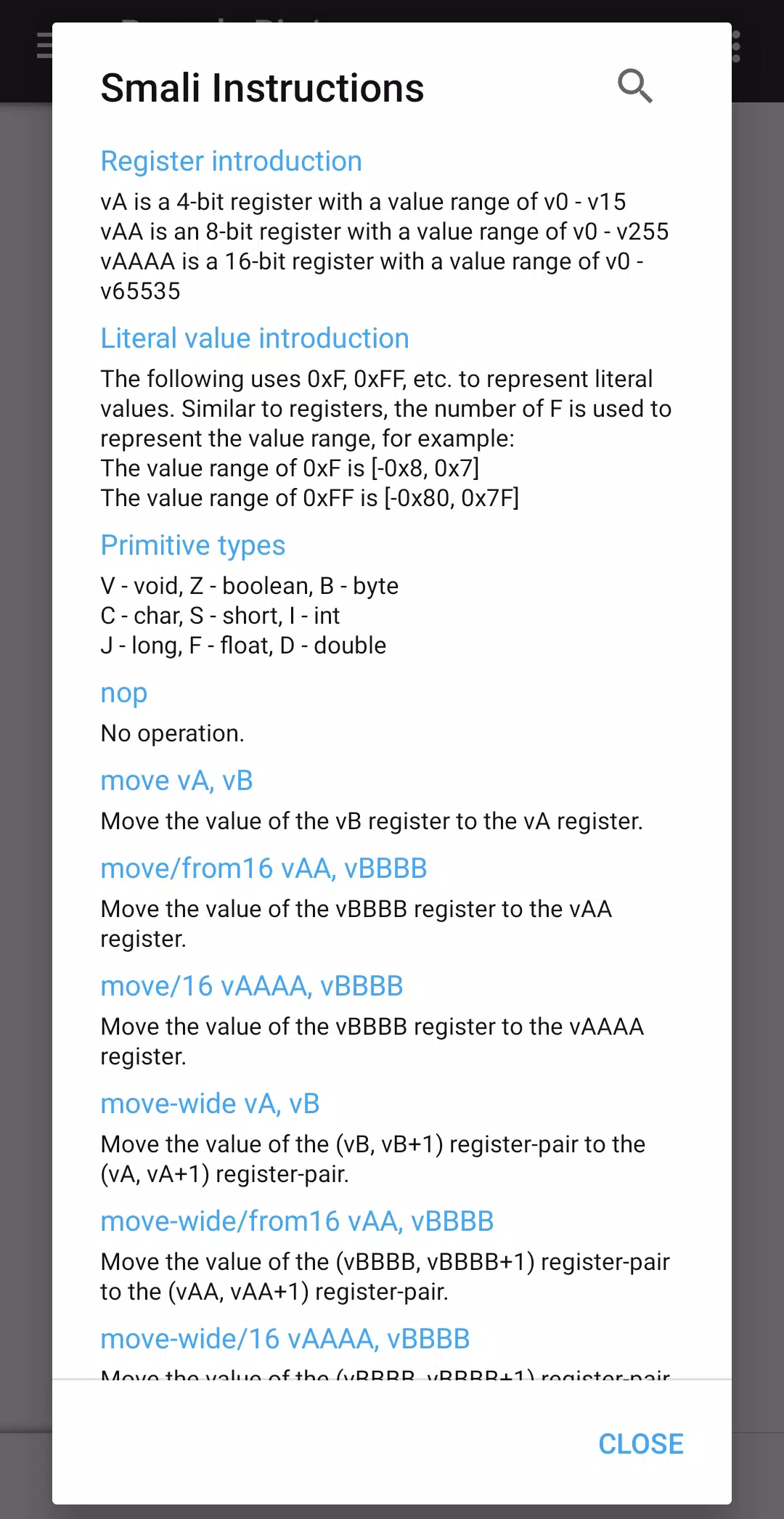
APK editing is one of the main reasons people choose MT Manager. The app lets you work with DEX files, ARSC resources, and XML files inside an APK, giving you a closer look at how an Android application is put together. You can also sign and optimize APK files, clone applications, and translate app resources. Other available tools include options for handling resource obfuscation and removing signature verification. These features are particularly useful for Android developers, app translators, and people who regularly examine or modify APK files. If you’ve ever needed to change a resource or inspect a file inside an APK, having these tools on your phone can make the job more convenient.
MOD APK Version of MT Manager
The VIP Unlocked version gives you access to MT Manager’s VIP features without needing to purchase the VIP package separately. Along with its file management and APK editing tools, you can use additional utilities such as the text editor, image viewer, music player, script executor, and FTP connection. This is useful if you rely on MT Manager for more than occasional file operations and want its extra tools available while working with Android files and applications.
MOD Feature
VIP Unlocked
Download MT Manager MOD APK for Android
If you regularly work with Android files or like to explore how apps are built, MT Manager is worth having on your phone. You can manage files, make changes to ZIP archives, edit text, and work with APK resources without needing a separate tool for every task. The VIP Unlocked version also gives you access to additional utilities for more flexible file management and editing. Download MT Manager MOD APK for Android and try out the tools you need for your own projects.


