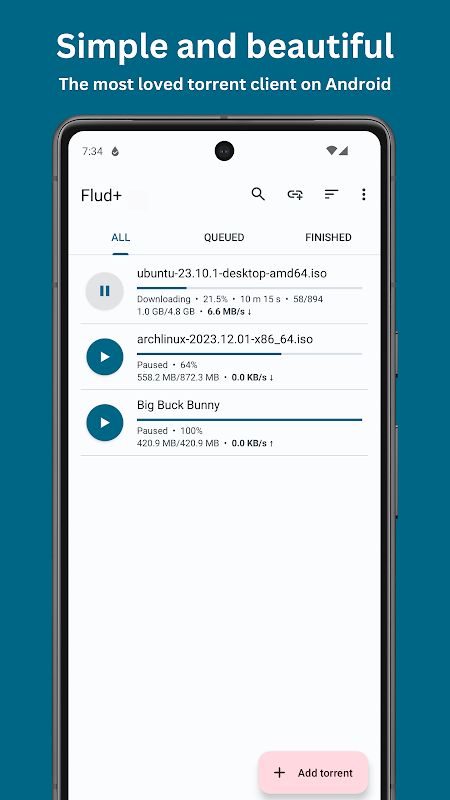
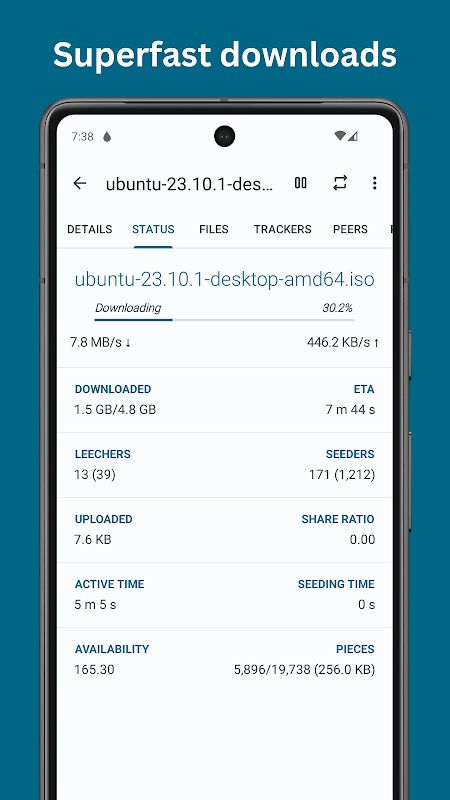
Flud+ is a simple BitTorrent client for Android that lets you download and share files directly from your phone or tablet. The application provides the main tools you need for managing torrents, including magnet links, RSS feeds, file selection, download priorities, sequential downloading, and support for large torrents. Flud+ is the paid version of Flud and comes without advertisements, while also adding extra theming options such as Material You and a black theme.
Introduction to Flud+
Flud+ focuses on making BitTorrent downloads easier to manage on Android. You can open a torrent or magnet link, choose the files you actually want, and download them directly to your device without needing a computer.
One of the main highlights is the amount of control you have over individual torrent downloads. You can select which files should be downloaded and set different priorities for files and folders. This is useful when a torrent contains many files but you only need a few of them.
The application also supports torrents with a large number of files and very large individual files. However, the app notes that FAT32-formatted SD cards have a 4GB file size limitation, so storage format can still affect what you are able to download.
Download Torrents With More Control
Flud+ supports both traditional torrent files and magnet links. When you find a magnet link in your browser, the application can recognize it directly, making it easier to start a download without manually saving a torrent file first.
Sequential downloading is another useful feature. Instead of downloading pieces in a completely random order, the app can download files more sequentially, which can be convenient when you want to start using the content before the entire torrent has finished.
You can also move files while they are still downloading and choose to download only over WiFi. This gives you more control over storage and mobile data usage, especially when handling large files.
In general, the more files a torrent contains, the more useful these controls become. You can decide what to download, set priorities, and manage the download according to your own needs.
RSS Feeds and Automatic Downloads
Flud+ also supports RSS feeds with automatic downloading. This allows the application to monitor supported feeds and start downloading new torrent content automatically when it becomes available.
This can be useful when you regularly follow the same type of torrent content. Instead of checking for new releases manually every time, the RSS system can handle the monitoring for you.
The app also supports a range of BitTorrent technologies, including DHT, UPnP, NAT-PMP, µTP, and PeX. These protocols help the client discover peers and communicate with other parts of the BitTorrent network during downloads.
Encryption, Proxy, and Network Options
Flud+ provides several network-related features for users who want more control over their torrent connections. Encryption support is available, while IP filtering can be used to manage which addresses should be blocked.
Proxy support is also provided for trackers and peers. This gives you another way to configure how torrent traffic connects to different parts of the network.
The application does not impose speed limits on uploads or downloads, so the actual transfer speed can depend on factors such as your network connection, available peers, and the torrent itself.
The more active the torrent swarm is, the more important the connection between peers becomes. Flud+ gives you several settings to manage these connections while keeping the main interface relatively simple.
Simple Interface and Extra Themes
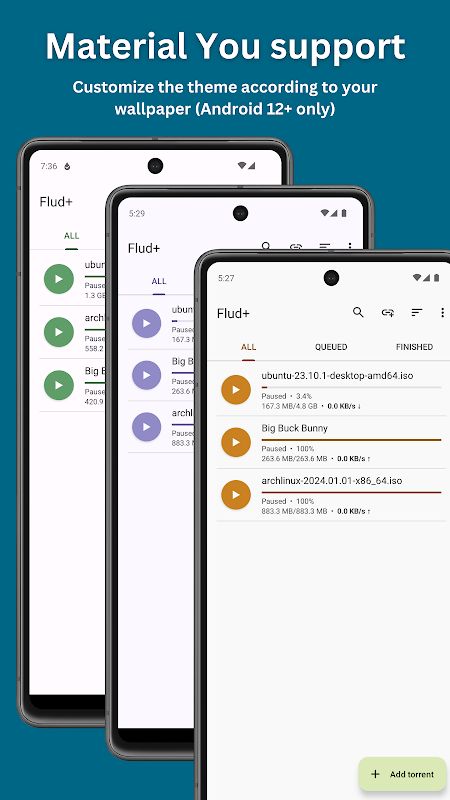
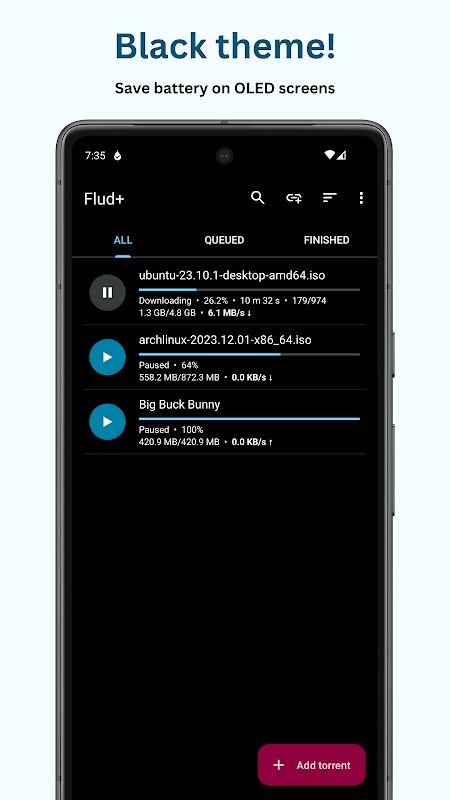
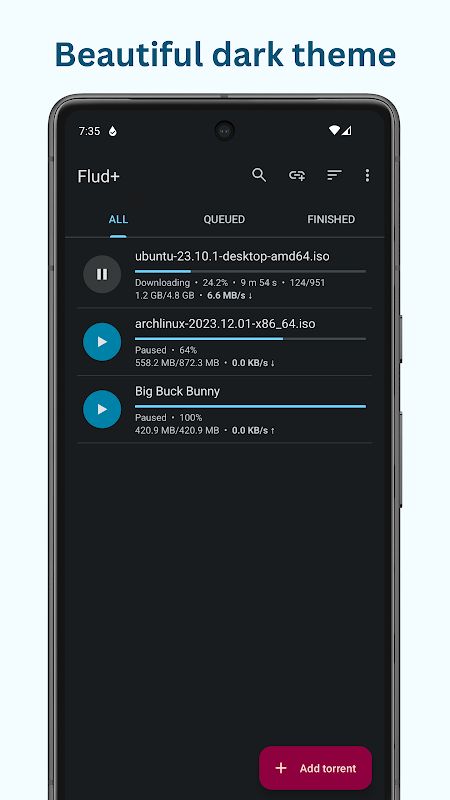
Flud+ uses a Material Design interface and provides separate layouts optimized for tablets. You can switch between Light and Dark themes, while the Plus version also includes Material You and a dedicated black theme.
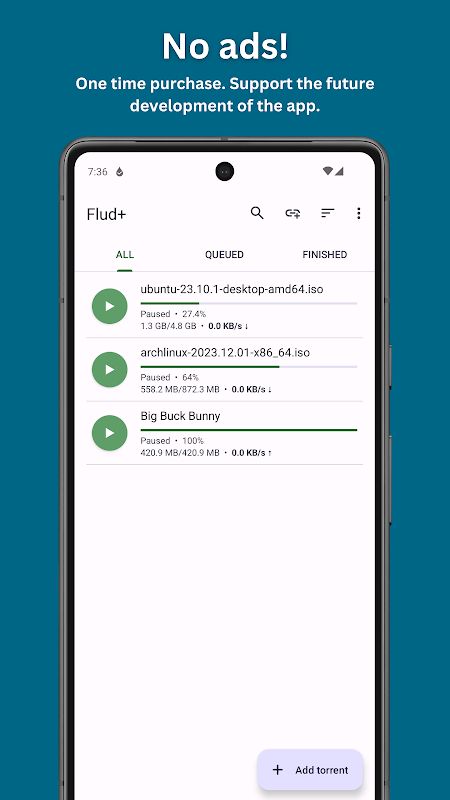
Another difference is that Flud+ contains no advertisements. This gives you a cleaner interface while managing torrents and removes the distractions that can appear in the free version.
The application is designed to work on both phones and tablets, so you can manage the same type of torrent tasks regardless of the screen size. The combination of simple controls and detailed torrent options makes it suitable for both basic and more advanced users.
MOD APK Version of Flud+
MOD Feature
No Ads
Download Flud+ MOD APK for Android
Flud+ is a capable BitTorrent client for Android that gives you detailed control over torrent downloads while keeping the interface simple. You can download files through torrent and magnet links, select individual files, set priorities, use RSS feeds with automatic downloads, download sequentially, move files during downloading, and work with torrents containing many or very large files. The app also supports DHT, UPnP, NAT-PMP, µTP, PeX, encryption, IP filtering, proxy settings, and WiFi-only downloads. Flud+ adds Material You, a black theme, and an ad-free experience on top of the standard Flud features. Download Flud+ MOD APK for Android and manage your torrent downloads directly from your phone or tablet.