

DWG FastView MOD APK is a mobile CAD app that lets you view, edit, create, and share technical drawings directly from your phone or tablet. It supports DWG and DXF files, along with many other formats for viewing 3D models. You can measure objects, edit drawing elements, manage layers, and convert CAD files into formats such as PDF and JPG. The app also supports offline work, so you can open and save drawings locally without needing an internet connection. With the Premium Unlocked version, you can access advanced editing tools for working on your CAD projects.
Introduction to DWG FastView
DWG FastView is designed for people who need to work with CAD drawings while away from a computer. You can open DWG and DXF files from your device and use familiar tools to view dimensions, find text, measure objects, or make changes to a drawing. It supports different DWG and DXF versions, and the app description states that there is no file-size limit.
You do not need to register an account before using the app. Once you have downloaded it, you can start opening drawings and working in the local workspace. If your files are stored online, you can also access drawings through supported cloud services and network storage when you have an internet connection.
View and Edit CAD Drawings
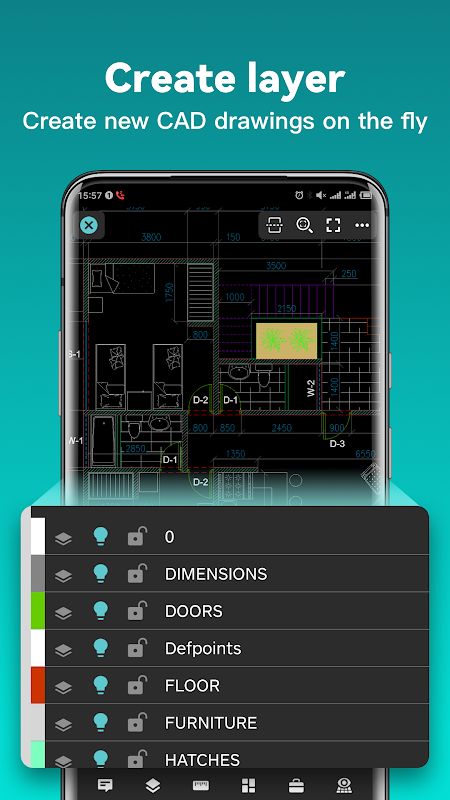
DWG FastView includes tools for both viewing and editing 2D drawings. You can move, copy, rotate, and scale objects, change their colors, measure dimensions, and manage drawing layers. Tools such as Trim, Offset, and Dimension are also available when you need to make more specific changes.
The app lets you zoom in and out by moving two fingers on the screen, which makes it easier to inspect small details on a phone. You can also search for text within a drawing and adjust the precision and display format of coordinates, distances, and angles. If you work with drawings that use uncommon fonts or symbols, you can import the required files into the font folder so the content displays more accurately.
Work with 3D Models
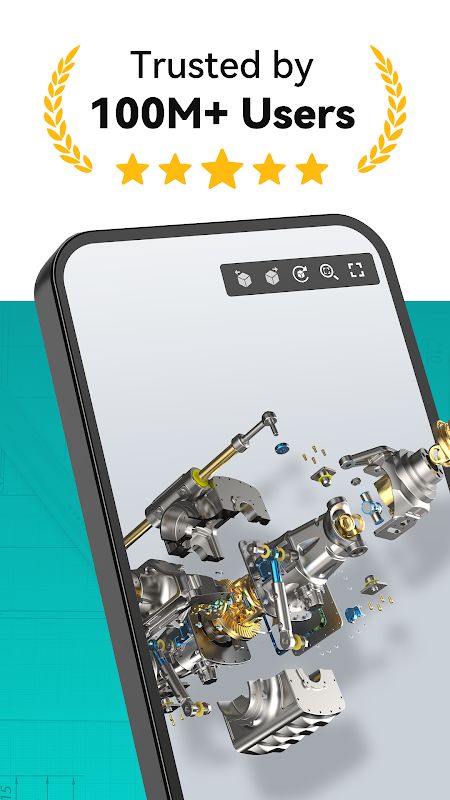
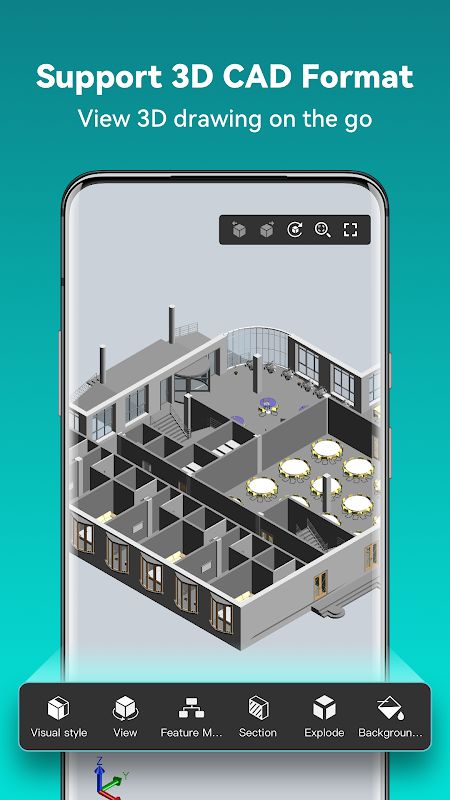
Besides 2D drawings, DWG FastView supports viewing 3D models from various CAD and design programs, including Revit, Solidworks, CATIA, NX, Inventor, and other mainstream software. It supports more than 30 3D file formats, allowing you to open different models without relying on your desktop CAD software for every viewing task.
You can rotate a model by dragging across the drawing area and inspect it from different angles. The app also supports scaling, sectioning, exploded views, and multiple viewing perspectives. You can switch between visual modes such as 3D Wireframe, Realistic, and 3D Hidden to see different aspects of a model.
For more detailed inspection, the app provides 3D measurement tools for checking distances between points, lines, and surfaces, as well as arc lengths. You can also add annotations, adjust colors, and show or hide PMI information when supported by the model. These tools are useful when you need to examine a design or check specific parts of an assembly on the go.
Create Drawings with Precise Tools
DWG FastView also lets you create 2D drawings directly on your mobile device. You can draw lines, polylines, circles, arcs, rectangles, and text, as well as create sketches and revision clouds. Coordinate options include absolute, relative, and polar coordinates for 2D work, along with spherical and cylindrical coordinates for 3D tasks.
When you need to position points accurately, you can adjust coordinate values instead of relying only on touch input. This is particularly useful for technical drawings where measurements and placement matter. The app also supports layouts and layer management, helping you organize drawing elements while working on more detailed projects.
Convert, Export, and Share Files
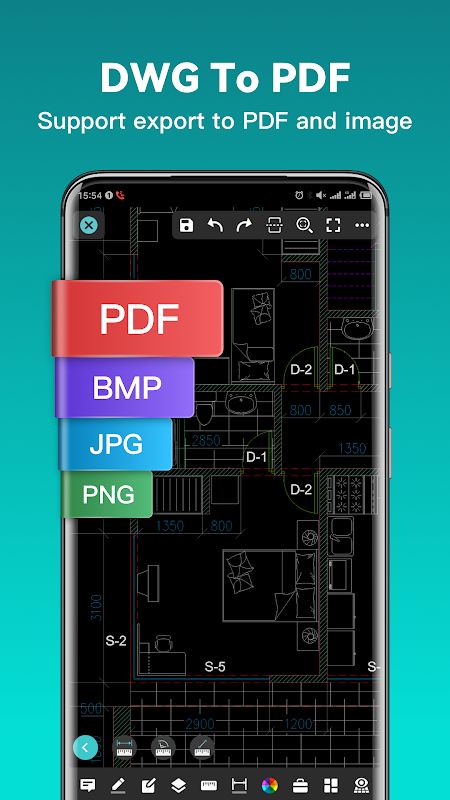
DWG FastView allows you to export CAD drawings to PDF, BMP, JPG, and PNG. When exporting to PDF, you can adjust settings such as paper size, orientation, and color to suit your needs. This makes it easier to send a drawing to someone who does not use CAD software or prepare a file for viewing and printing.
The app also supports converting between different CAD file versions and converting PDF files to DWG. Once your file is ready, you can share it with other people or save it for use in another workflow. These options make DWG FastView useful when you need to exchange drawings across devices or with people using different tools.
Access Drawings Online or Offline
You can save drawings to your device and continue working without an internet connection. This is useful when you are on a construction site, travelling, or working somewhere with limited network access. Your locally saved files remain available in the app’s workspace, so you can open them whenever you need to check a measurement or review a design.
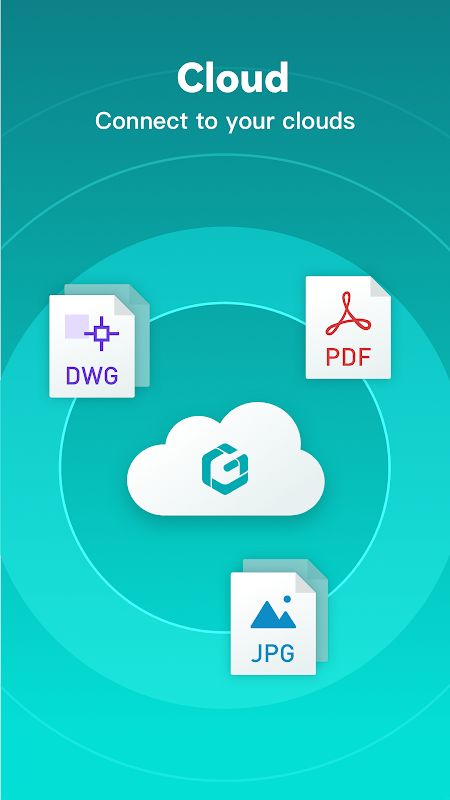
When you are connected to the internet, you can also open drawings from email attachments, Dropbox, OneDrive, Google Drive, Box, WebDAV, and other supported network locations. Cloud synchronization lets you access drawings across multiple devices, making it easier to continue working when you switch between your phone, tablet, and computer.
MOD APK Version of DWG FastView
MOD Feature
Premium Unlocked
Premium Unlocked is intended to make advanced editing tools available without following the usual subscription process. You can use DWG FastView to view drawings, make edits, measure objects, and work with supported CAD files on your mobile device. Check the specific version’s included features, as modified APKs may not unlock every premium function.
Download DWG FastView MOD APK for Android
If you need to view or edit CAD drawings away from your computer, DWG FastView provides tools for working with 2D files and 3D models, measuring objects, creating drawings, and converting files into formats such as PDF and JPG. Its offline workspace is also useful when you need to access local drawings without an internet connection. The Premium Unlocked MOD APK is intended for users who want access to advanced editing features. Before installing a modified APK, download it from a source you trust and remember that unofficial versions may carry security risks or may not work as expected.

