

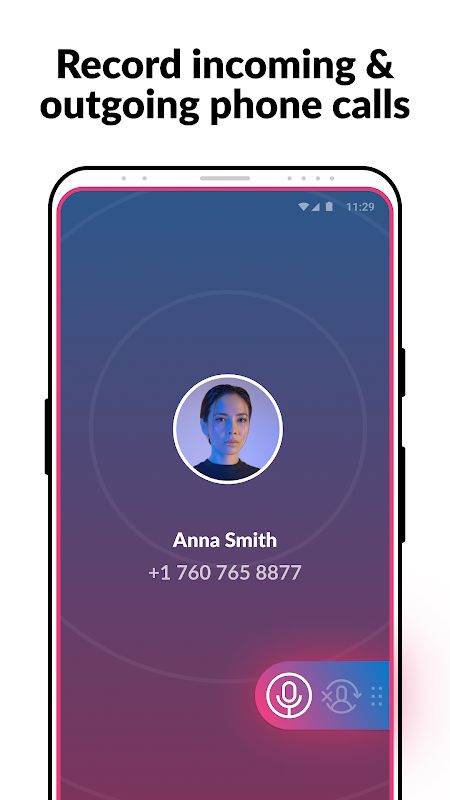

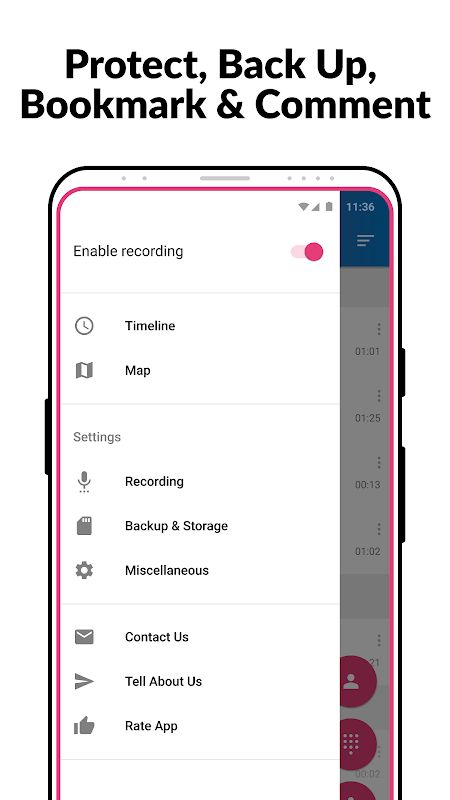
Call Recorder – Cube ACR MOD APK helps you record phone calls on your Android device and listen to them again whenever you need. It can record incoming and outgoing calls automatically, and it also supports calls made through apps such as WhatsApp, Google Meet, LINE, Viber, and Facebook. You can keep recordings of important conversations, save voice memos, and mark your favorite files so they are easier to find later.
Introduction to Call Recorder – Cube ACR
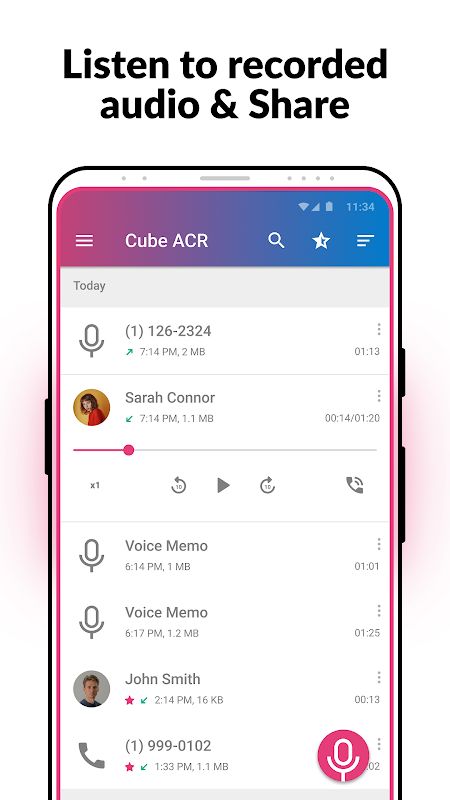
Sometimes you need to listen to a phone conversation again, especially when it contains information you do not want to forget. Cube ACR gives you a way to save those calls instead of relying on your memory. After recording, you can play the audio directly in the app without opening another player.
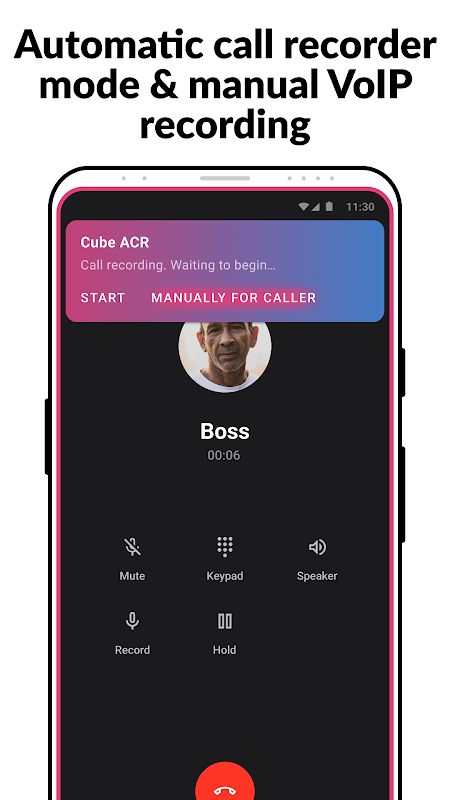
The app also lets you choose how you want to record calls. Regular phone calls can be recorded automatically, while VoIP calls can use manual recording. This is useful because calls do not always come from the same app, and you may want different settings for different situations.
Automatically Record Phone Calls
Cube ACR can record incoming and outgoing phone calls automatically. Once the recording feature is set up, you do not have to remember to start it every time you make or receive a call. The app is designed to capture calls in high quality, although the actual result can depend on your phone and its settings.
This can be useful when a call includes an address, an appointment time, or other details you may need later. You can open Cube ACR after the call and listen to the saved recording again.
Record Calls from VoIP Apps
Cube ACR also supports conversations from several communication apps, including WhatsApp, Google Meet, LINE, IMO, Viber, and Facebook. This gives you another option when you make calls over the internet instead of using your phone’s regular calling function.
The app provides automatic recording for phone calls and a manual mode for VoIP recording. Support can vary between devices and apps, so the available recording options may not be the same on every phone.
Choose Your Recording Method
Not every user wants calls to be recorded in the same way. Cube ACR lets you switch between automatic phone call recording and manual VoIP recording, depending on what you need. You can adjust the settings rather than using one method for every conversation.
The app uses Accessibility services for some of its functions. If a recording does not work as expected, the app description suggests changing the recording source in Settings or trying auto-on speaker mode. The result depends on device compatibility and the recording setup.
Play and Organize Audio Files
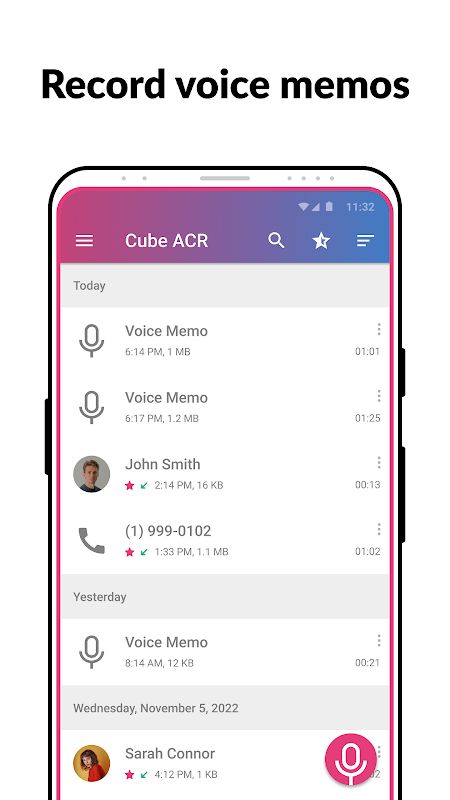
You can listen to recorded calls directly in Cube ACR. There is no need to search through your phone’s folders every time you want to replay a conversation. The app also lets you mark important recordings with a star, making them easier to find when you have saved many files.
Cube ACR can record voice memos as well. This gives you a place to keep short audio notes alongside your call recordings, which can be handy when you want to save information by speaking instead of typing.
Save Recordings to the Cloud
Cube ACR supports cloud storage for audio recordings. This gives you another way to keep your saved files instead of relying only on the copies stored on your device. It can be useful if you want your recordings organized in one place or need to manage the space used by audio files on your phone.
MOD APK Version of Call Recorder – Cube ACR
The MOD version lists Premium Unlocked, giving users access to the premium features included in the modified release.
MOD Features
Premium Unlocked
Download Call Recorder – Cube ACR MOD APK for Android
Call Recorder – Cube ACR lets you record phone calls, capture supported VoIP conversations, save voice memos, and play recordings inside the app. You can also star important files and save audio to the cloud. Download Call Recorder MOD APK for Android if you need a place to keep and replay your call recordings.
